




Multiple Project Status Report PowerPoint & Google Slides Templates
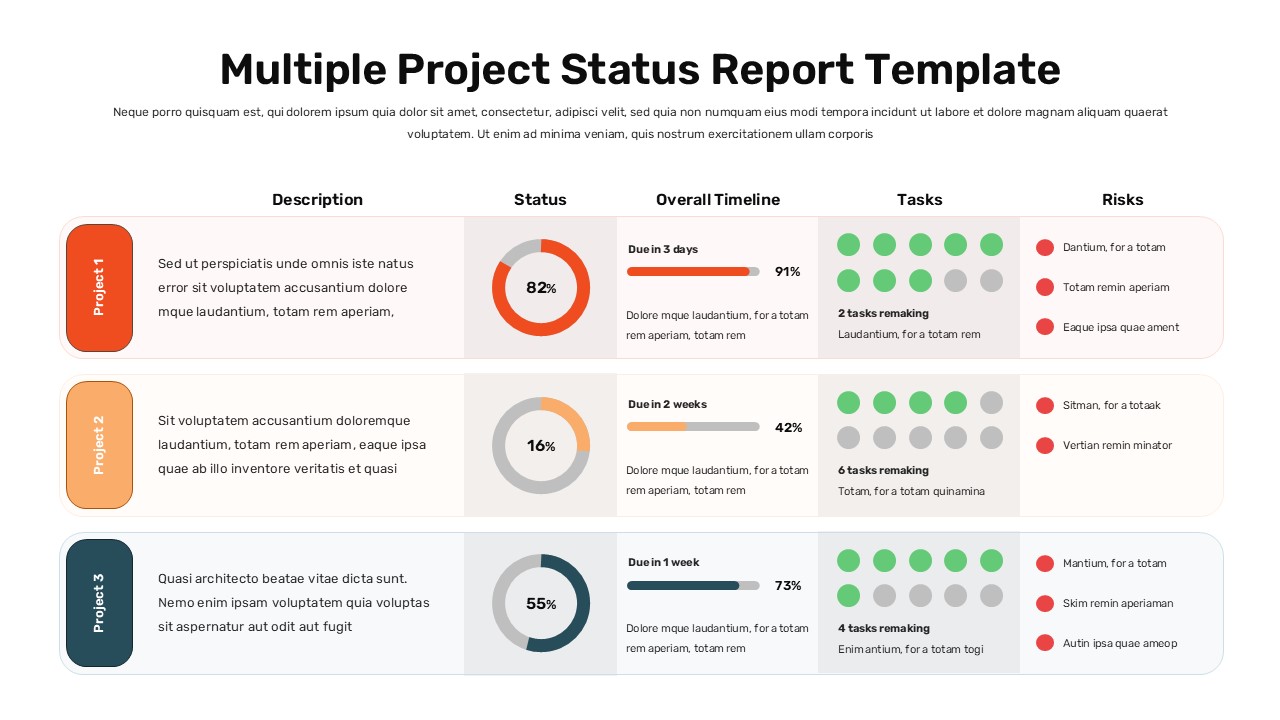
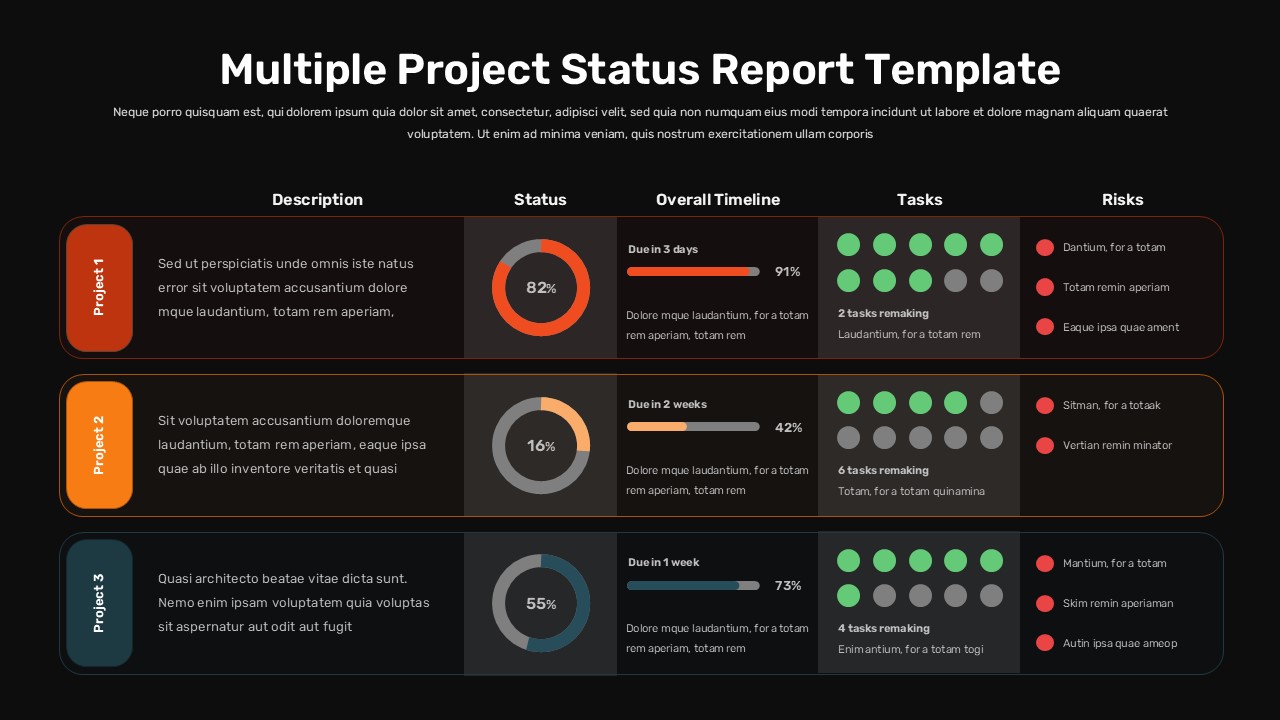
A Multiple Project Status Report Presentation Template
This Multiple Project Status Report PowerPoint template gives project managers and team leads a single, structured slide that communicates everything a stakeholder needs to know about three concurrent projects in one view. No separate documents, no tab switching, no context-setting before the meeting can begin.
The layout organizes each project into its own row across five clearly labeled columns covering description, completion status, timeline progress, task tracking, and risk indicators. A donut chart displays the overall percentage complete for each project at a glance. A horizontal progress bar paired with a due-date label shows where each workstream sits against its deadline. A dot-grid task tracker uses filled green circles for completed work and gray for pending, with a remaining task count displayed directly below. The final column lists risk items as short, scannable entries that flag exposure without requiring a separate risk register.
Coral, orange, and teal color-coded project badges differentiate each row instantly, making the slide readable from across a conference room without needing to follow labels. Two theme variants are included. The light version suits client-facing updates, formal portfolio reviews, and printed reports. The dark version fits executive briefings, agency presentations, and brand-aligned environments where a premium finish matters. Both carry identical structure with no reformatting required when switching.
Everything is editable in PowerPoint and Google Slides. Drop in your project names, update the percentage values, rewrite the risk entries, adjust the due-date labels, and the slide is ready to present.
Template Highlights
- Five-column table tracking description, status, timeline, tasks, and risks per project
- Donut charts, progress bars, dot-grid task trackers, and risk columns per row
- Color-coded project badges in coral, orange, and teal
- Light and dark theme variants included
- Fully editable in PowerPoint and Google Slides
Login to download this file


