




Strategy Progress Report Dashboard Template for PowerPoint & Google Slides
Strategic Progress Tracking Dashboard Presentation Template
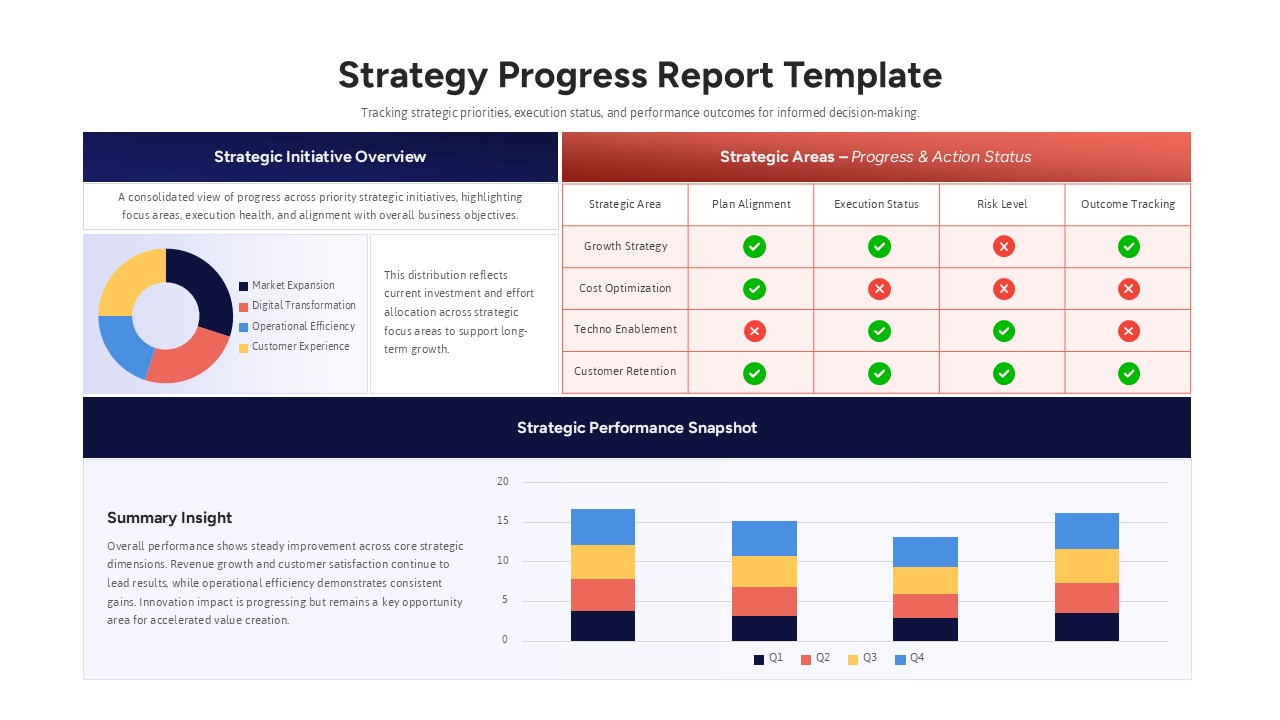
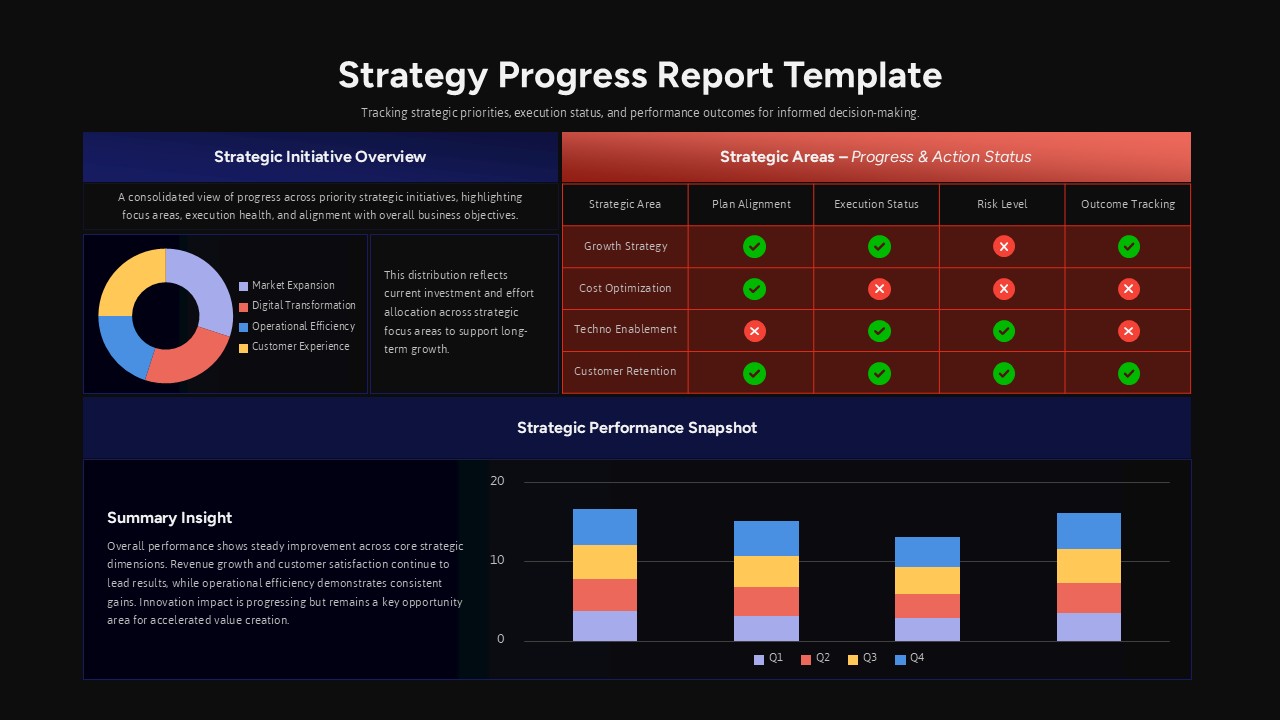
The Strategy Progress Report Dashboard Template for PowerPoint & Google Slides is designed to help organizations track strategic priorities, execution status, and measurable outcomes in a single, cohesive view. This strategy progress report dashboard combines visual summaries with actionable status indicators, allowing stakeholders to quickly assess plan alignment, execution health, risk levels, and performance results. With clearly segmented sections for initiative overviews, strategic area tracking, and performance snapshots, the layout ensures information flows logically from high-level insights to detailed metrics.
At the top, a donut chart visualizes investment distribution across key initiatives such as market expansion, digital transformation, operational efficiency, and customer experience. Adjacent explanatory text reinforces context, making the strategy progress report dashboard suitable for executive briefings and board reviews. The status matrix uses intuitive check and cross icons to highlight alignment, execution progress, risk exposure, and outcome tracking for each strategic area.
The bottom performance snapshot features a stacked column chart with quarterly data, enabling teams to compare results over time and identify trends. This strategy progress report dashboard presentation template is fully editable, allowing you to customize colors, labels, and metrics to reflect your business objectives while maintaining a professional and structured appearance across PowerPoint and Google Slides.
Features of this Strategy Progress Report Dashboard template
• Strategic initiative overview with donut chart and descriptive text panel.
• Status matrix with visual check and cross indicators for rapid assessment.
• Quarterly stacked bar chart for performance comparison.
• Clear section headers for initiative, action status, and performance snapshot.
• Fully editable charts, icons, and text placeholders.
Why use this template
• Present complex strategy updates in a concise, executive-ready format.
• Highlight risks and execution gaps with instantly recognizable visual cues.
• Align teams around measurable goals and quarterly performance results.
• Save time preparing board-level or leadership progress reviews.
Who is it for
Business leaders, strategy managers, operations teams, and consultants preparing quarterly or annual progress reviews. It is also ideal for executives presenting strategic performance snapshots, PMOs tracking initiative execution, and department heads reporting on alignment, risk, and outcome metrics in structured management meetings.
Login to download this file


