




User Experience Basics PowerPoint & Google Slides Templates
User Experience Basics Wheel Diagram Presentation Template
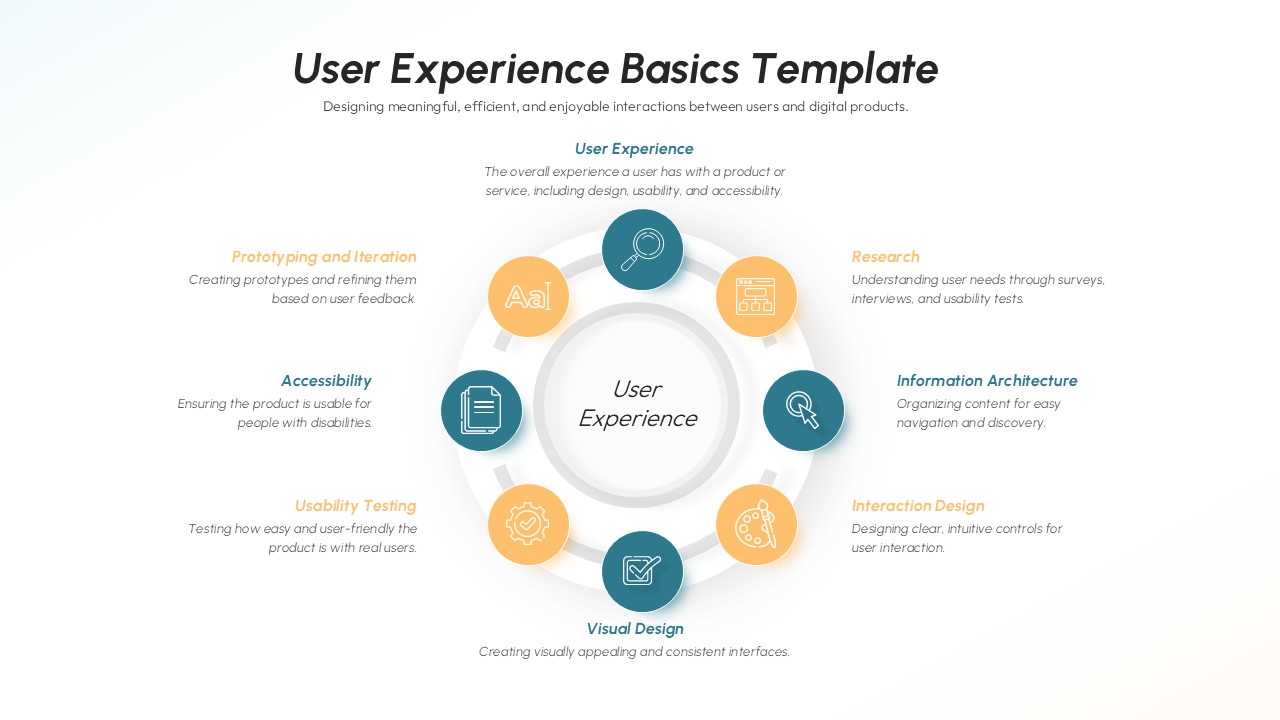
This User Experience Basics Template for PowerPoint & Google Slides gives a full circular hub-and-spoke diagram that shows the seven main areas of UX. Features a clean, professional design with a central “User Experience” focal point surrounded by symmetrically arranged components including Research, Information Architecture, Interaction Design, Visual Design, Usability Testing, Accessibility, and Prototyping. The template uses a sophisticated two-tone color palette of teal and warm orange with modern circular icons and subtle shadow effects.
This User Experience Basics Template is great for UX professionals who are training others, teachers who are teaching the basics of design, project managers who are explaining UX methodology to stakeholders, and consultants who are giving clients a full picture of UX approaches. Great for workshops, corporate training programs, academic courses, and client presentations where you need to explain how user experience design is a whole and how different UX fields are connected.
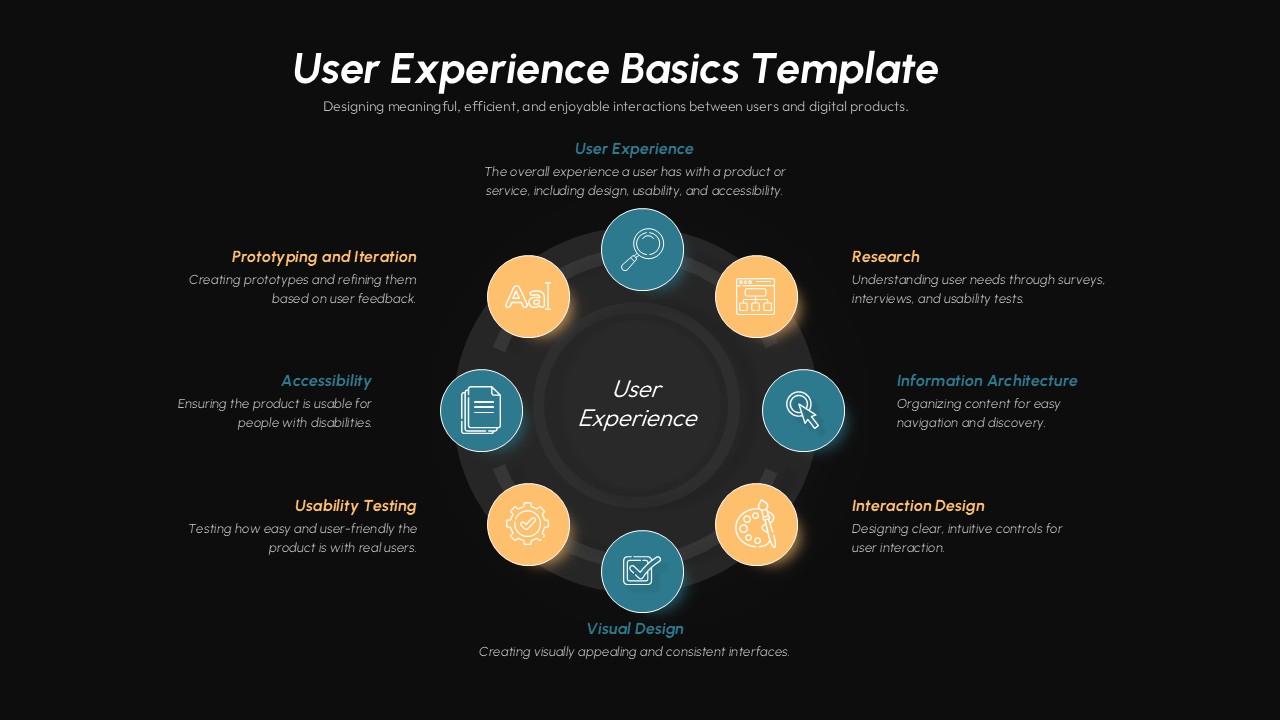
The template offers both light and dark background versions for versatile presentation environments. All text elements, colors, and icons are fully customizable to match your brand guidelines or specific content needs. This flexible design helps create engaging, educational presentations that effectively communicate complex UX concepts to diverse audiences.
Features of this template
• Circular hub-and-spoke diagram with seven key UX components
• Light and dark background versions for different presentation settings
• Professional two-tone color scheme with teal and orange accents
• Fully editable text placeholders and customizable design elements
• Modern circular icons with consistent styling and shadow effects
Why use this template
• Provides comprehensive overview of essential UX disciplines in one visual
• Creates engaging educational content for training and workshop materials
• Saves time with pre-designed professional layout and color coordination
• Enhances understanding through clear visual hierarchy and organization
Who is it for
This template is perfect for UX designers, design educators, product managers, training specialists, consultants, design team leads, and anyone responsible for teaching or presenting user experience fundamentals to teams, clients, students, or stakeholders in corporate, academic, or consulting environments.
Login to download this file


Related Templates

Affiliate Marketing Diagram Templates
Marketing
Iterative Process Templates
Process


