




6-Step Cycle Process Diagram Template for PowerPoint & Google Slides
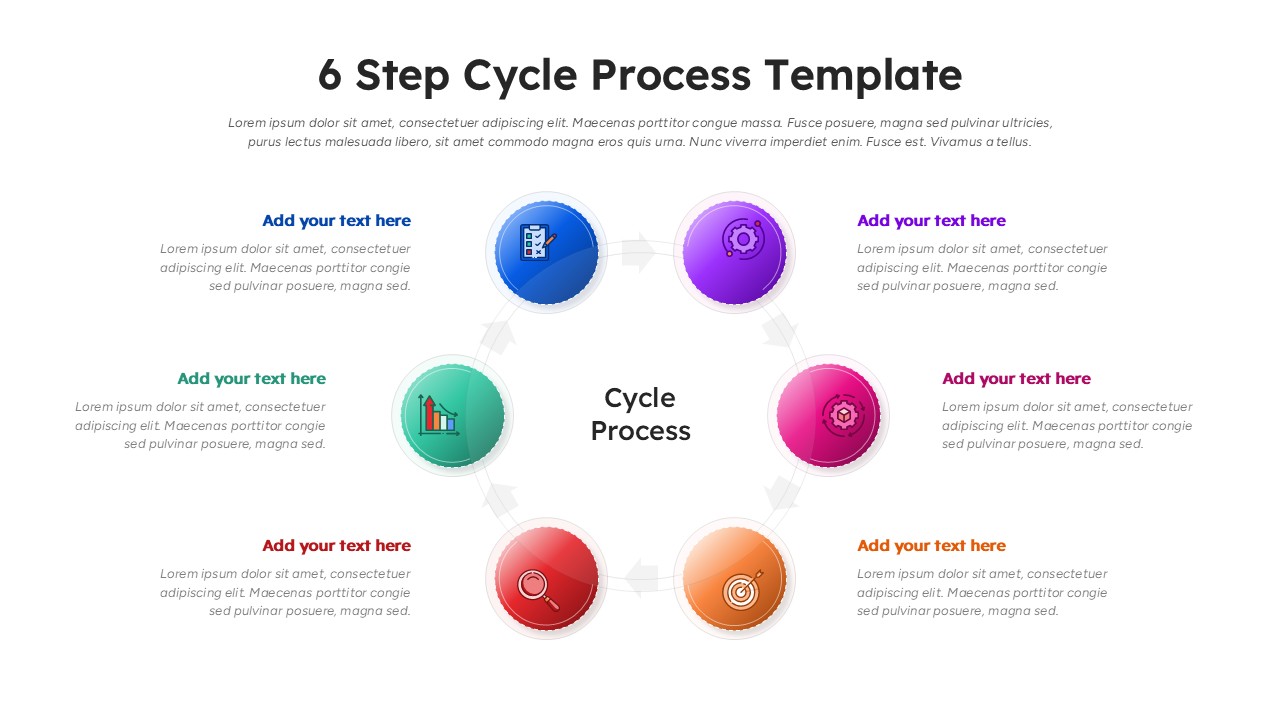
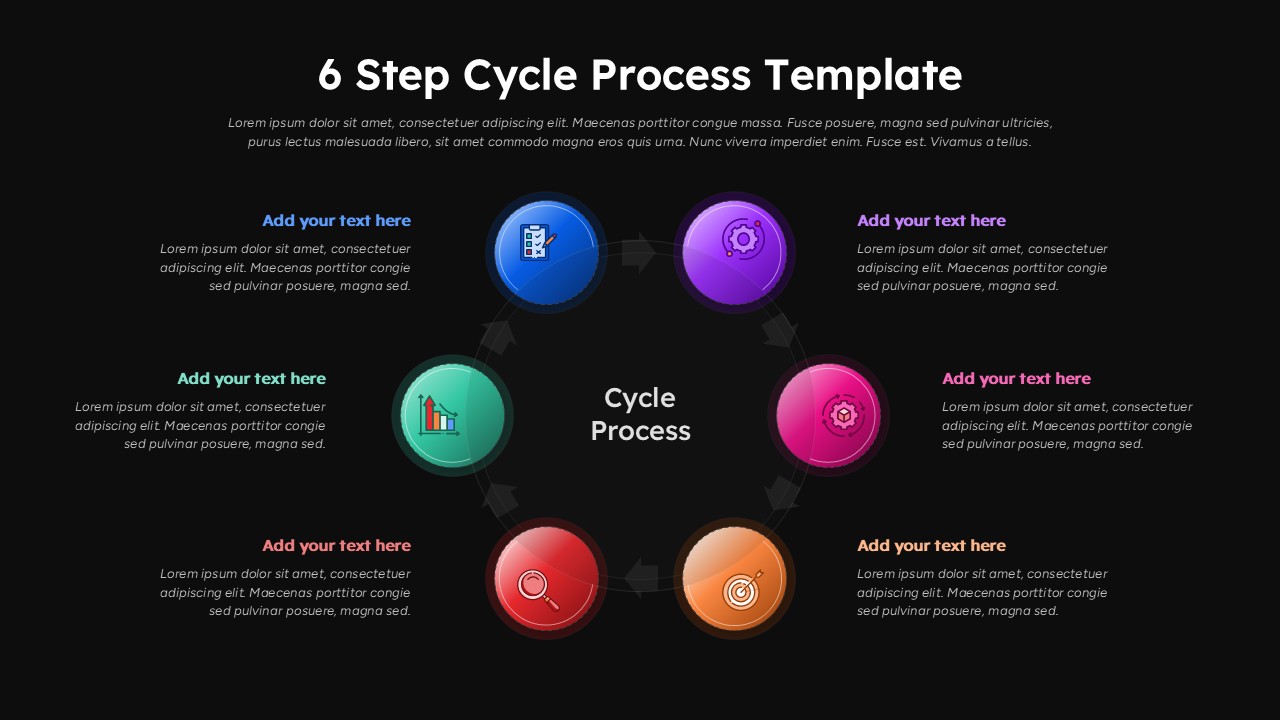
6-Stage Circular Workflow Process Presentation Template
This 6 Step Cycle Process was made because explaining a six-step repeating process in a slide deck is genuinely annoying if you’re starting from scratch. You either end up with a lopsided circle you built yourself in PowerPoint at 11pm, or a wall of bullet points that nobody follows. This template skips that.
The layout is circular – six steps, evenly spaced, each with its own gradient icon marker and a text block next to it for actual explanation. The colors are distinct enough that you can tell step three from step four at a glance: blue, purple, pink, red, orange, green. There are translucent directional arrows running behind the icons to reinforce the “this loops back around” idea, which matters if you’re presenting something like a PDCA cycle, a product iteration loop, or a customer journey that doesn’t have a clean end state.
The whole thing is editable – colors, icons, labels, text fields. If your brand uses teal and gray, you can make it work. It’ll take maybe 10–15 minutes to swap things out, not an hour.
The 6 Step Cycle Process works in PowerPoint and Google Slides. Both. No reformatting required when you switch.
An honest caveat: the circular layout gives you roughly the same amount of space per step. If one of your six steps needs three times as much explanation as the others, this layout won’t hide that imbalance – you’ll need to handle it in the speaker notes or a follow-up slide.
Who uses this 6 Step Cycle Process?
It’s useful for project managers, consultants, product teams, educators – really anyone who needs to show a process that cycles rather than terminates. Strategy reviews, workshops, operational briefings, training decks. It covers a lot of ground without trying too hard.
If your content is solid, this just gets it on the slide cleanly.
Features of this 6 Step Cycle Process template
• Six-step circular layout with gradient icon markers for clear visual segmentation.
• Translucent directional arrows reinforcing the cyclical nature of the process.
• Editable text fields, colors, icons, and shapes for easy customization.
• Balanced, modern layout suitable for detailed or high-level process explanations.
• Compatible with both PowerPoint and Google Slides.
Login to download this file
Template Variations


Related Templates

Affiliate Marketing Diagram Templates
Marketing


