




Closing Checklist Comparison Table Template for PowerPoint & Google Slides
Closing Checklist Comparison Presentation Template
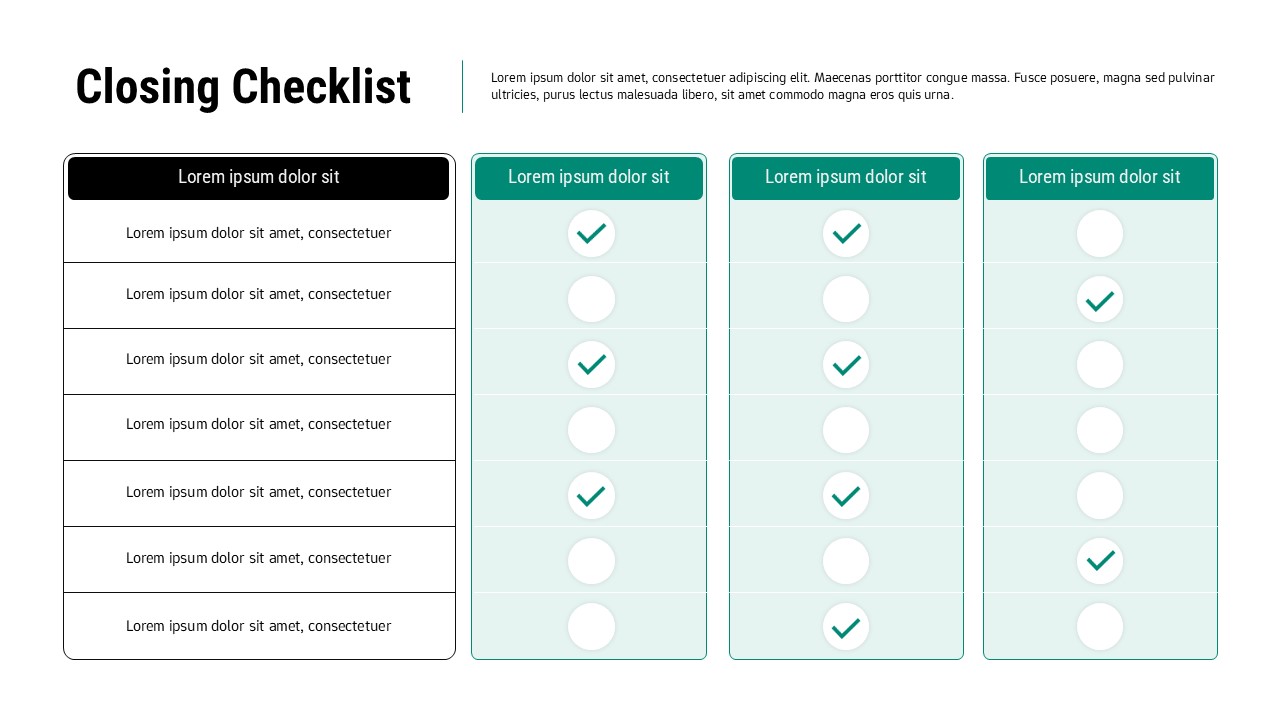
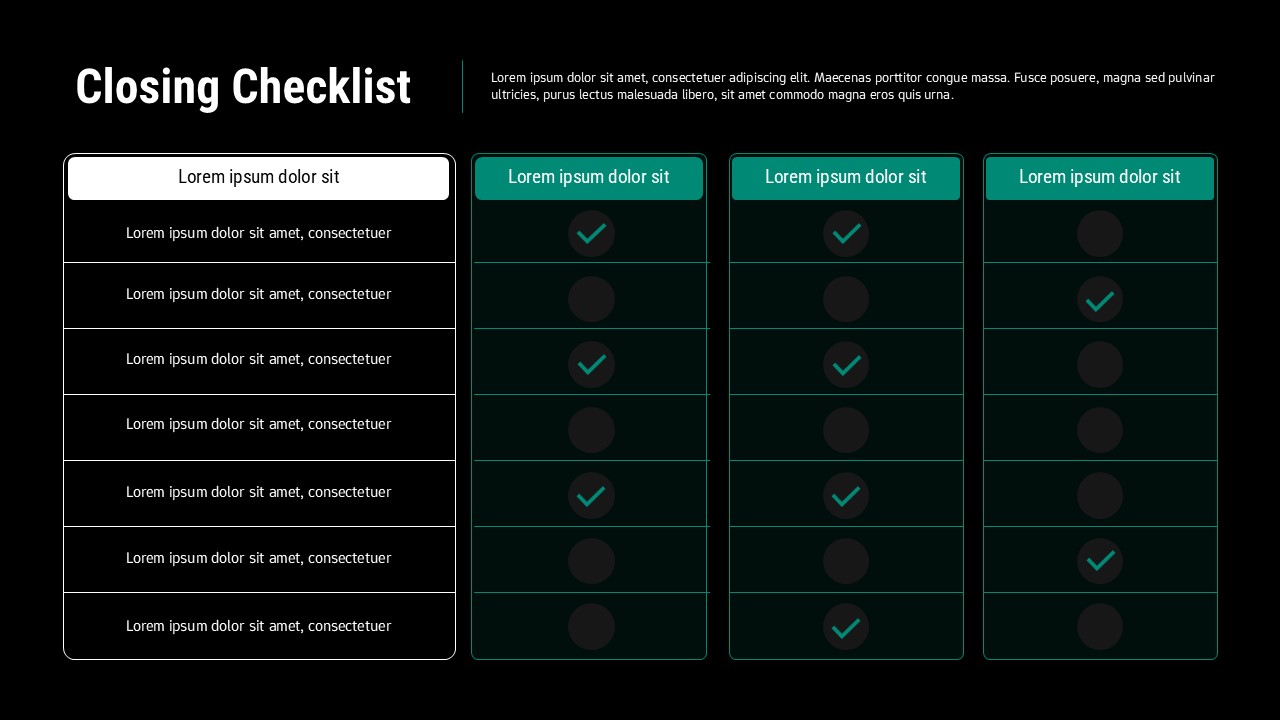
This Closing Checklist slide is designed to help teams track task completion, approvals, and deliverables with clarity and visual structure. The layout combines a left-aligned checklist column with multiple comparison columns on the right, each featuring clear checkmark indicators. This structured table format allows presenters to quickly show which items are completed, pending, or not applicable across different stages, teams, or scenarios. Clean borders, rounded containers, and subtle color fills ensure the information remains easy to scan and professional in appearance.
The Closing Checklist design is especially effective for final reviews, audits, handovers, and sign-off meetings. Each row represents a task or requirement, while each column can be labeled to reflect departments, phases, clients, or evaluation criteria. The visual checkmark system minimizes text dependency and enables audiences to grasp status updates at a glance. This makes the slide ideal for executive summaries where clarity and speed of understanding are critical.
Fully editable in PowerPoint and Google Slides, this Closing Checklist template allows users to customize text, column headers, colors, and check icons without disrupting alignment. Whether used for project closures, compliance checks, quality assurance, or operational reviews, this slide transforms complex verification processes into a clean, organized visual that supports confident decision-making and professional reporting.
Features of this Closing Checklist template
• Structured checklist table with task rows and comparison columns.
• Clear checkmark indicators for completion status.
• Editable headers for teams, stages, or categories.
• Clean, minimal layout optimized for presentations.
Why use this Closing Checklist template
• Simplifies final reviews and sign-off processes.
• Improves visibility of completed and pending tasks.
• Reduces explanation time with visual status indicators.
• Suitable for both internal and client-facing presentations.
Who is it for
Project managers, operations teams, auditors, consultants, and business leaders managing closures, evaluations, or approval processes. Also useful for quality control, compliance reviews, and internal reporting.
Login to download this file


Related Templates

List Infographic Templates
Checklist
Cute To Do List PowerPoint Templates
Checklist


