




Tree Map Diagram Visualization Template for PowerPoint & Google Slides
Tree Map Diagram Visualization Presentation Template
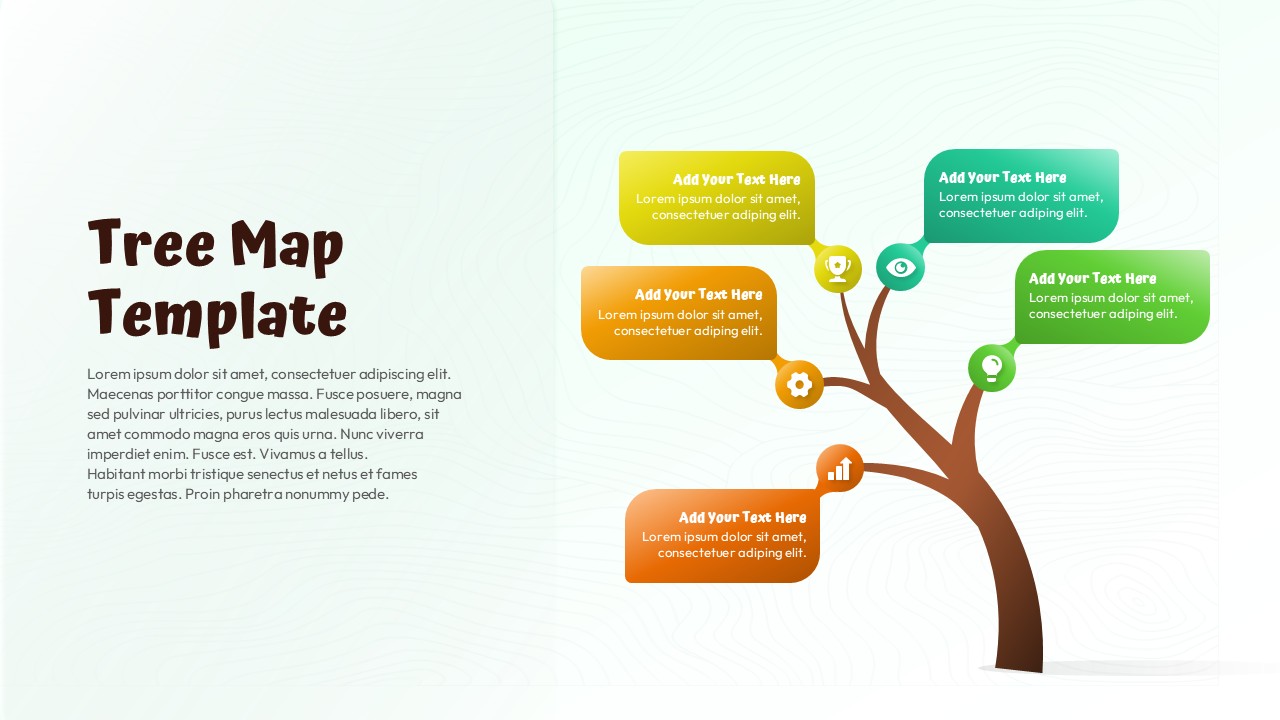
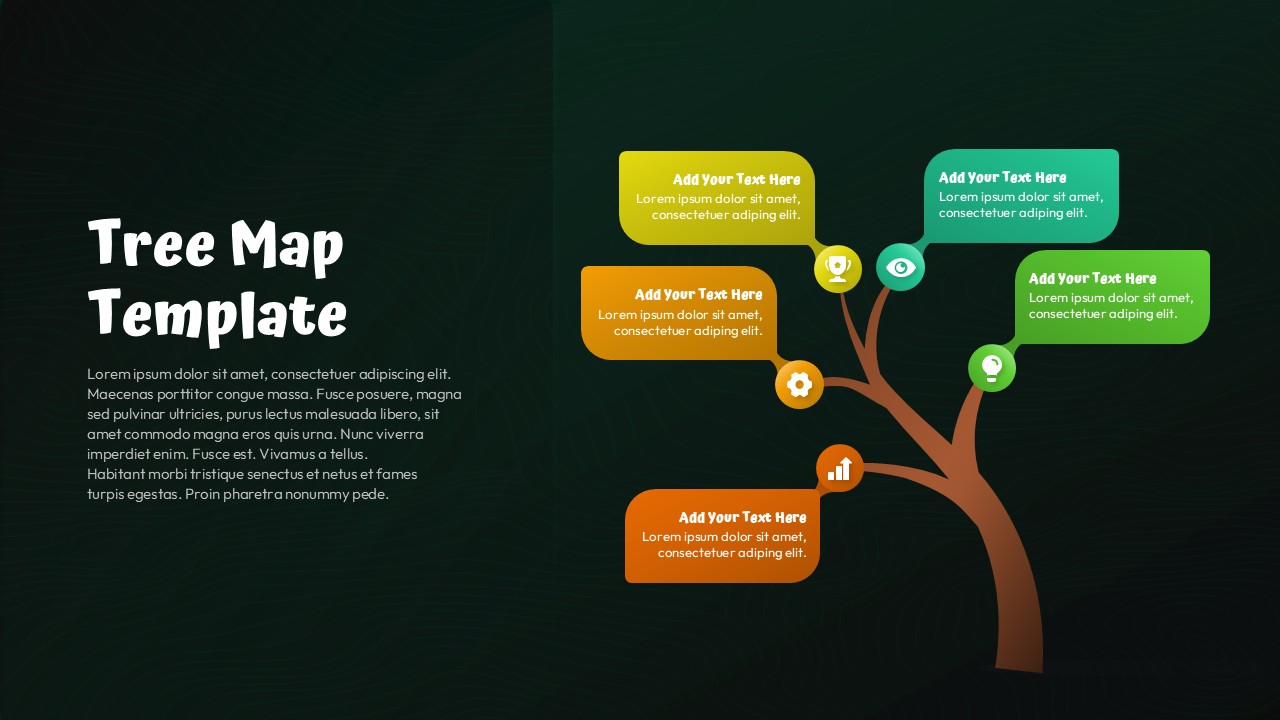
This Tree Map diagram visualization template is designed to present hierarchical information, structured ideas, or category-based data in a clear and visually engaging format. The slide features a stylized tree graphic with multiple branches, each extending into rounded rectangular content boxes. These boxes act as placeholders for key points, making it easy to explain relationships, priorities, or grouped concepts at a glance. The organic tree layout naturally guides the viewer’s eye from the main trunk to individual branches, reinforcing logical flow and clarity.
The Tree Map diagram visualization template uses distinct color blocks for each node, helping audiences differentiate sections without overwhelming the slide. Icons embedded near each branch enhance comprehension and add visual cues for themes such as growth, performance, planning, or insights. With ample white space and balanced composition, this diagram visualization template ensures your message remains readable and professional across screens.
Fully editable in PowerPoint and Google Slides, this slide supports quick customization of text, colors, and icons. Whether used as a standalone infographic or part of a larger deck, it adapts seamlessly to business, education, or strategy-focused presentations while maintaining a polished, modern appearance.
Features of this Tree Map Diagram template
• Tree-inspired diagram layout illustrating hierarchical or categorized information clearly.
• Multiple editable content boxes connected through branches for logical storytelling.
• Integrated icon placeholders to reinforce key ideas visually.
• Clean background with subtle texture to maintain focus on content.
Why use this Tree Map Diagram template
• Helps audiences quickly understand complex structures or grouped concepts.
• Adds visual interest compared to traditional bullet-point slides.
• Saves time with a ready-made, easy-to-edit diagram layout.
• Works seamlessly across PowerPoint and Google Slides platforms.
Who is it for
This template is ideal for business professionals, educators, consultants, and students who need to explain structures, processes, or categorized data. It works well for strategy sessions, project overviews, concept mapping, learning modules, and high-level summaries where visual hierarchy matters.
Login to download this file


