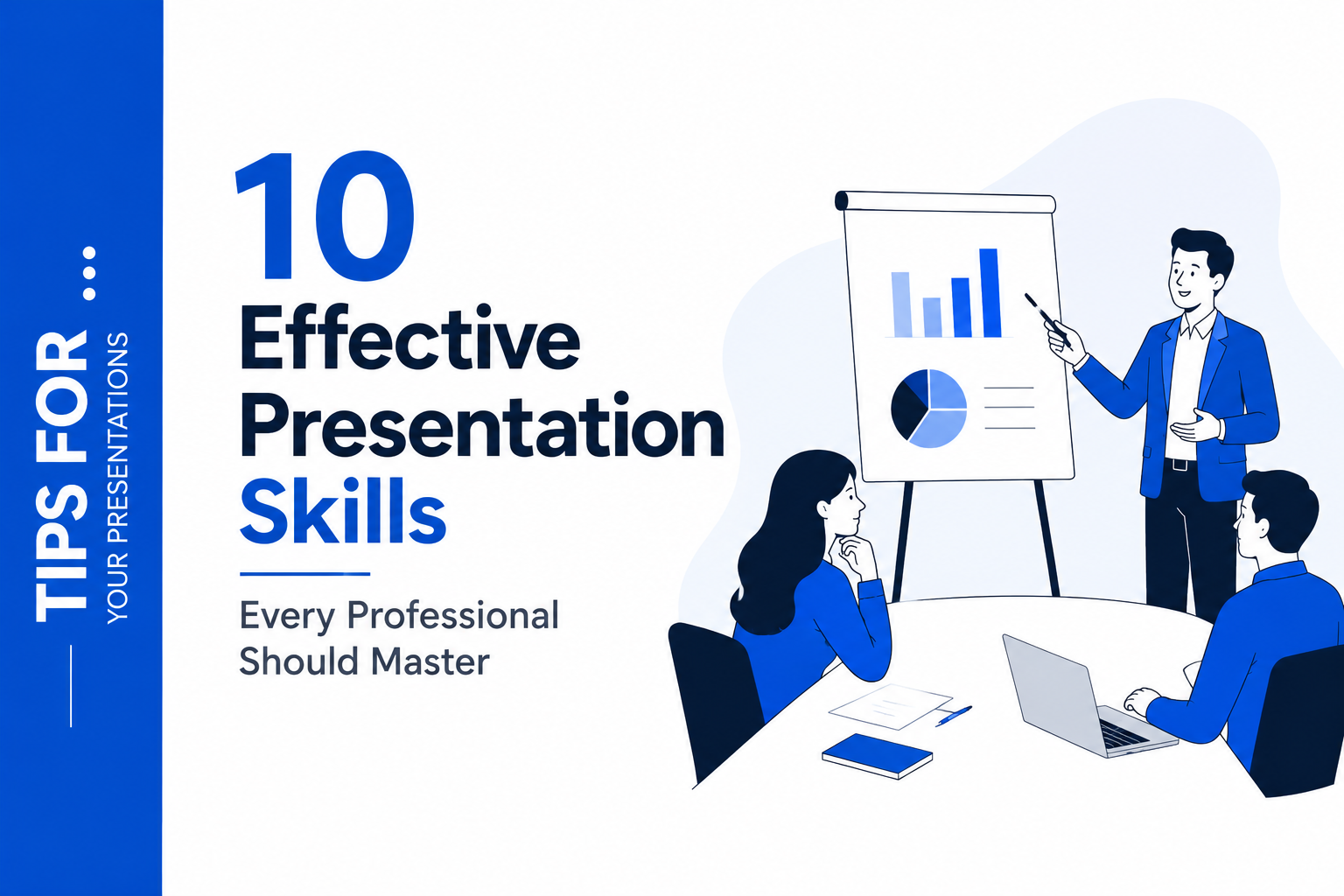
10 Effective Presentation Skills Every Professional Should Master


In today’s competitive professional landscape, knowing how to give a good presentation is no longer optional. Whether you are pitching to investors, leading a team meeting, or delivering a conference talk, your ability to communicate with clarity and confidence can define how others perceive your expertise and credibility.
The good news is that effective presentation skills are not an innate talent. They are a craft built through deliberate practice and the right habits. This guide outlines 10 essential presentation skills every professional should master, with practical advice you can apply immediately.
Why Presentation Skills Matter for Professionals
Strong communication and presentation skills sit at the heart of almost every professional milestone. Promotions, partnerships, funding rounds, and team buy-in often hinge not just on what you know, but on how effectively you can share it.
Research consistently shows that audiences form impressions within the first 30 seconds of a presentation. That first impression is shaped by your posture, your opening line, your eye contact, and the quality of the slides behind you. Every element sends a signal about how seriously you take the moment.
Building these skills also has a compounding effect. The more you practise structured communication, the more confidently you carry ideas into every meeting, email, and conversation, not just formal presentations. Understanding the importance of presentation skills is the first step toward making them a genuine professional asset.
1. Know Your Audience Before You Build a Single Slide
Among all presentation skills examples, this one is the most overlooked: preparation. Specifically, understanding who is in the room before you design anything.
Ask yourself: What does this audience already know? What do they care about? What decision, feeling, or action do you want them to walk away with? The answers to these questions should shape every slide, every word, and every visual choice you make.
A pitch deck for investors looks nothing like a training deck for new employees, even if both cover the same product. Audience awareness is what separates a memorable presentation from one that feels generic.
2. Structure Your Content Around One Central Idea
Knowing how to structure a presentation is one of the most high-impact skills a professional can develop. Even a 30-slide deck should orbit a single clear message. If you cannot summarise your presentation in one sentence, neither can your audience.
A reliable framework that works in almost any professional context: set the context, present the problem or opportunity, offer your solution or insight, and close with a clear call to action. This arc gives your audience a mental map to follow, so they spend their energy understanding your message rather than trying to figure out where you are going.
Strong structure also makes your slides easier to design. When you know the job of each section, you know exactly what each slide needs to do, and what it does not.
3. Design Slides That Support You, Not Replace You
One of the most practical PowerPoint presentation tips for professionals is this: your slides are a visual aid, not a script. One of the most common mistakes presenters make is treating each slide like a document, packing in bullets, paragraphs, and data until there is no breathing room left.
Effective slides do the opposite. They reinforce your spoken words with a single strong visual, a clean chart, or a concise headline. They give the audience something to anchor to while you carry the explanation.
This is where having the right starting point makes a real difference. Professionally designed free presentation templates remove the guesswork from layout and visual hierarchy, so you can focus on what you are saying rather than how things are arranged on screen. SlidesDepot’s library, updated weekly with hand-crafted slides, is built around this principle: design that gets out of your way and lets your content lead.
4. Open With Something That Earns Attention
Professionals often wonder how to start a presentation in a way that commands the room. The answer lies in your first 60 seconds. A weak opening, typically a self-introduction that nobody asked for, signals to the audience that they can safely tune out.
Strong professional openers include a surprising statistic relevant to your industry, a brief story that connects directly to your topic, a question that makes the audience think, or a bold statement that challenges a common assumption. The goal is to make the audience lean in rather than lean back.
Whatever you choose, practise it until it feels natural. An opener that sounds rehearsed is far better than one that sounds like you are figuring it out in real time.
5. Manage Your Body Language Deliberately
Non-verbal communication accounts for a significant portion of how your message is received, and this is particularly true in professional settings where credibility is everything. Crossed arms, a hunched posture, or constant movement can undermine even the most well-prepared content.
The basics of confident body language are straightforward: stand with your feet roughly shoulder-width apart, keep your shoulders relaxed, and make intentional eye contact with different parts of the room. Avoid gripping the podium or fidgeting with a pen, as these habits signal anxiety even when you feel composed.
Treat your body as part of the message. When your physicality matches the confidence of your words, the audience reads the two signals as one coherent whole.
6. Vary Your Voice to Hold Attention
A flat, monotone delivery is one of the fastest ways to lose a professional audience, not because the content is weak, but because the brain switches off when the audio input never changes.
Pace, volume, and pause are your most powerful vocal tools. Slowing down on a key point gives it weight. Pausing before a reveal builds anticipation. Dropping your volume slightly can draw the audience in rather than pushing them away. These are signals that help your audience know what to pay attention to.
Record yourself once. Most professionals are surprised by how little they actually vary their voice compared to how varied they think they sound. This single habit can unlock a significant improvement in how to make a presentation engaging.
7. Handle Questions with Confidence and Honesty
How you handle questions says as much about your expertise as the presentation itself. Audiences notice whether you deflect, over-explain, or genuinely engage with what is being asked.
A few habits that help every professional: listen to the full question before you respond, repeat or paraphrase it so the whole room hears it, and answer concisely before adding context. If you do not know something, say so directly and offer to follow up. Attempting to bluff an expert audience is a fast way to lose credibility you spent the whole presentation building.
Preparing for likely questions in advance is not cheating. It is part of how to prepare for a presentation properly. Think about the three hardest questions someone could ask and sketch out how you would answer them.
8. Use Data Visually, not as a Data Dump
Numbers and statistics can be compelling professional evidence. They can also be the quickest way to lose an audience if presented as a wall of figures on a single slide.
The skill is translating data into insight. Instead of showing a table with twelve rows and eight columns, show the one number that matters most, presented large, prominent, and clearly labelled. Instead of listing percentages, use a simple chart that makes the trend visible at a glance.
Business presentation templates designed specifically for professional contexts give you a ready-made visual language that makes complex information feel clear and credible. Slides built around clean charts, comparison layouts, and progress indicators do the translation for you.
9. Practise Out Loud, Not Just in Your Head
Reading through your slides in your head feels like preparation. It is not. The gap between what you think you will say and what actually comes out when you are standing in front of colleagues or clients is almost always larger than expected.
Practising out loud, ideally in the actual room or at least standing up, builds the muscle memory you need to deliver smoothly under pressure. It also surfaces problems you would never catch on paper: a transition that does not land, a section that runs too long, a word you always stumble over.
Time yourself. Know which sections are too dense. Build in the pauses you actually want to use. The professionals who look effortlessly natural are almost always the ones who have practised the most. Presentation tips for students and seasoned executives alike converge on this single truth.
10. Close in a Way That Makes the Next Step Obvious
A presentation without a clear close is a missed professional opportunity. Ending with “that’s all I have” or trailing off into questions leaves the audience without direction.
A strong professional close does three things: it briefly restates the central message, it reminds the audience why it matters to them specifically, and it gives them a clear next step, whether that is a decision to make, an action to take, or a question to sit with.
Your final slide matters too. A closing slide cluttered with bullet points or a generic “Thank You” graphic undercuts the impact of everything that came before it. A clean, purposeful final slide with your key takeaway or call to action front and centre leaves the audience with exactly the right last impression.
Putting It All Together
Mastering presentation skills does not happen overnight. They develop through preparation, honest self-reflection, and repeated practice. The ten skills above are not a checklist to tick off once. They are professional habits that compound over time into a genuinely persuasive communication style.
One thing that accelerates the process considerably is removing the friction from your slide design. When your visual materials are already structured, professionally laid out, and easy to customise, you free up your mental energy for what actually matters: your content, your delivery, and your audience.
SlidesDepot was built around exactly that idea. Every template in the library, from single infographic slides to full decks, is hand-crafted by designers with clarity and professional communication in mind. They work on both PowerPoint and Google Slides with no format conversion needed, so wherever you present, your slides are ready.
What are the most important presentation skills for professionals?
The most impactful presentation skills examples include knowing your audience, structuring your content clearly, managing your delivery through voice and body language, handling questions with confidence, and closing with a clear call to action. Slide design plays a supporting role, and visually clear slides help your message land in professional contexts.
How can professionals improve their presentation skills quickly?
The fastest improvements come from practising out loud, recording yourself to spot unconscious habits, and getting feedback from a trusted observer. Using well-designed templates also removes visual clutter that can distract from your message. These are the core answers to how to prepare for a presentation at a professional level.
Do presentation templates really help professionals?
Yes, especially for professionals who need to produce polished slides quickly. A professionally crafted template gives you a visual structure that already works, so you can focus on content and delivery rather than layout decisions. This is one of the most underrated PowerPoint presentation tips available.
What makes a presentation engaging in a professional setting?
Knowing how to make a presentation engaging comes down to a combination of a strong opening, a clear story arc, varied vocal delivery, relevant visuals, and genuine interaction with the audience. No single element carries it alone. It is the combination that keeps professionals listening and acting on what they hear.


SlidesCarnival vs SlidesMania: A Complete Guide to Choosing the Best Google Slides Templates for Your Needs
When searching for high-quality Google Slides templates, two platforms consistently stand out: SlidesCarnival and SlidesMania. Both offer free, well-designed presentation themes. Both are widely used. But they serve different audiences and presentation goals. Instead of asking which platform is better, This guide will help you understand their strengths, differences, and ideal use cases so you can confidently choose the option…

What are Speaker Notes? How to Add Notes to PowerPoint Like a Pro
Most people treat speaker notes as an afterthought. They finish building their slides, type a few lines into the notes panel, and never think about them again. That approach misses the point entirely. Speaker notes, when written and used well, are what separate a presenter who reads from their slides from one who commands the…
Google Slides vs PowerPoint Templates: Which Platform Is Right for You in 2026?
Picking the right presentation platform is one of those decisions that shapes how you work every single day. Google Slides and PowerPoint have both evolved significantly, and in 2026 they sit closer to each other in capability than ever before. Yet they still serve different workflows, different team structures, and different priorities. This guide covers…