SlidesDepot vs Slidesgo: Which Template Library Fits Your Next Presentation?
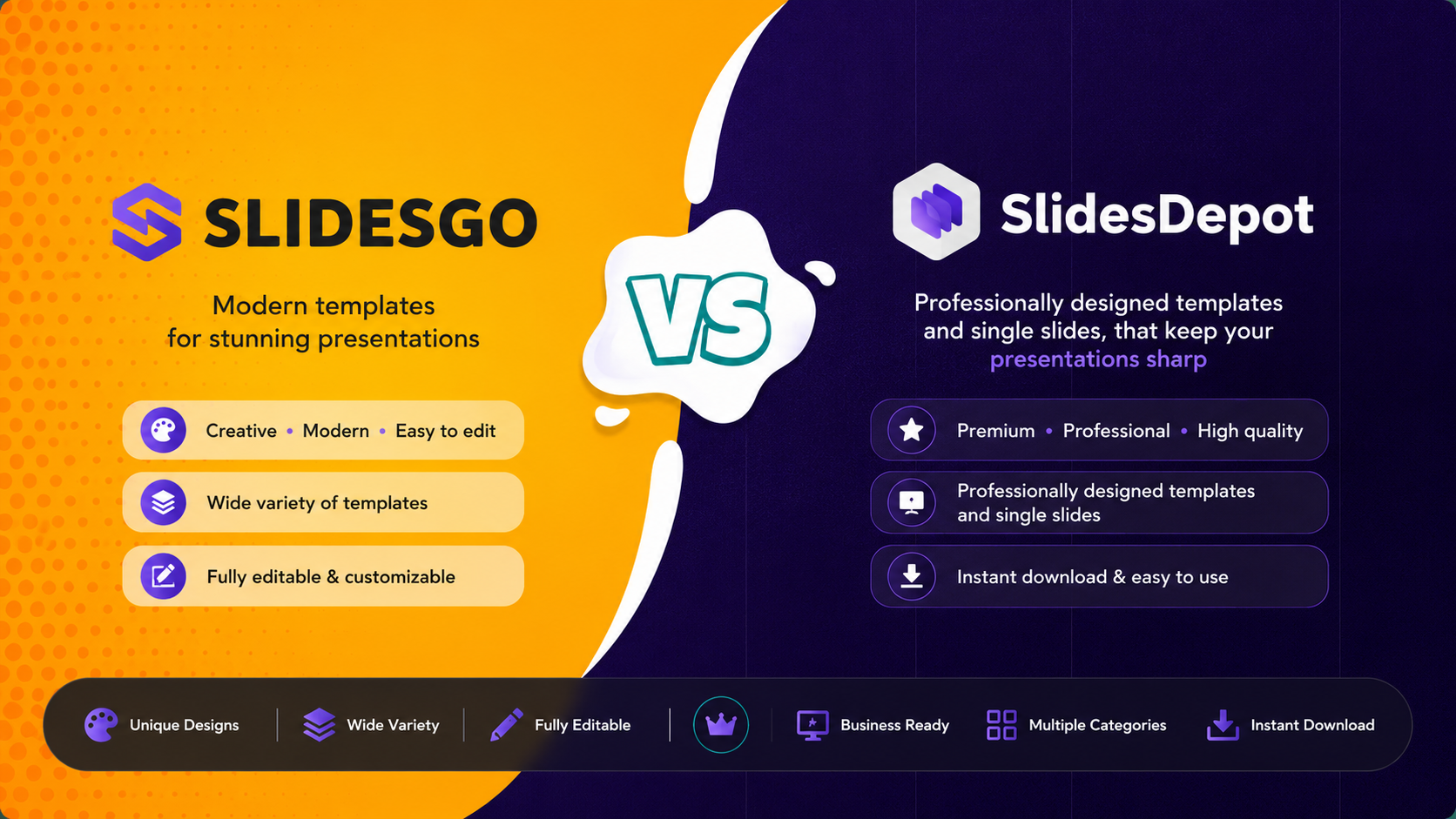


If you’ve ever searched “free PowerPoint templates,” you know the real challenge isn’t finding a template. It is finding the right one without wasting time. Slidesgo and SlidesDepot both show up often in those searches, and both offer solid, editable templates for PowerPoint and Google Slides. They just approach templates in different ways.
Slidesgo is known for a large library of full, themed decks and AI-assisted tools, especially for education. SlidesDepot is known for single, high-impact slides plus full decks, all ready for PowerPoint and Google Slides.
If your main goal is to drop polished slides into existing decks without extra steps, SlidesDepot is designed exactly for that, while Slidesgo remains a strong option for full themed decks.
Why Professionals Choose SlidesDepot
SlidesDepot is a template library organized around what a slide actually does. Instead of only browsing full themed decks, you can search for:
- Roadmaps, timelines, and process flows
- SWOT analyses, funnels, and dashboards
- Org charts, comparison slides, and pitch deck covers
- Business infographics like Venn diagrams, icebergs, and pyramids
Every SlidesDepot template is built for both PowerPoint and Google Slides from the start, so you don’t need a separate conversion step. You can grab a single slide or a full deck, depending on what your presentation needs.
Key strengths of SlidesDepot:
- Single slides + full decks: Download exactly what you need instead of adapting an entire theme. This is ideal if you only need one slide, not a full deck like on Slidesgo.
- Dual-format by default: Every template comes in PowerPoint and Google Slides versions, reducing formatting surprises.
- Business-focused infographics: Strong coverage of the exact slide types people search for mid-project, such as roadmaps, comparisons, and funnels.
- Regular updates: New templates are added on a regular basis. The site notes weekly additions, which keeps designs current.
- Free and premium options: Selected free templates are available, with paid plans (Basic, Standard, Pro) for more downloads and premium content.
If you frequently work in both PowerPoint and Google Slides and often need just one strong slide, SlidesDepot is a very efficient fit.
What Is Slidesgo? (And When It Still Makes Sense)
Slidesgo is a large template library with thousands of designer-made presentation themes for PowerPoint and Google Slides, available in free and premium tiers. You browse by subject, industry, or style, pick a full themed deck, and then edit the slides with your own content.
Education is a particular strength on Slidesgo. You will find lesson plans, thesis defense templates, back-to-school decks, and other academic themes alongside business, marketing, and creative categories. Slidesgo has also added AI tools, including an AI presentation generator and a PDF-to-PPT converter.
Key points about Slidesgo:
- Over 15,000 templates across many subjects and styles
- Free plan with limited monthly downloads and a small attribution slide. Paid plans remove limits and attribution and add premium templates and Slidesclass lessons
- AI tools including an AI Presentation Maker that drafts slides from a topic, a PDF-to-PPT converter, and education-focused AI helpers
- Strong focus on education and broad subject coverage
- Slidesgo’s AI is template-driven and best used as a starting point. You still edit the deck in PowerPoint or Google Slides
Slidesgo is a good option if you are starting a full deck from scratch, especially for classroom or academic presentations. For professionals who mainly need individual slides, SlidesDepot is often the more targeted choice.
SlidesDepot vs Slidesgo: Feature Comparison
| Capability | SlidesDepot | Slidesgo |
| Library structure | Single slides and full decks, searchable separately | Full, themed multi-slide decks |
| Format handling | Every template provided in both PowerPoint and Google Slides versions | Separate PowerPoint and Google Slides downloads per template |
| Strongest category | Business infographics (Venn diagrams, icebergs, pyramids, comparisons, timelines, roadmaps) | Education (lesson plans, thesis decks, back-to-school) plus broad business and creative themes |
| AI tools | Designer-made templates. No AI deck generator as of 2026 | AI Presentation Maker (template-driven), PDF-to-PPT converter, and education-focused AI helpers. Best as a starting point for further editing |
| Free plan | Selected free templates available. Premium templates and bundles require a paid plan (Basic, Standard, Pro) with higher download limits and access to premium content | Free tier with limited monthly downloads and a small attribution slide. Paid plans for unlimited downloads, no ads, and no attribution (plus Slidesclass and premium templates) |
| Update cadence | New templates added regularly (site states weekly additions) | Large existing catalog, expanded periodically with new themes and AI features |
| Best for | Dropping one polished slide (or a small set) into an existing deck, especially for business visuals | Building a full themed deck from a blank page, especially for education or AI-assisted drafts |
Pricing and plan details can change, so it is always worth checking each site’s current pricing page before deciding.
When SlidesDepot Is the Right Choice
SlidesDepot shines in situations like:
- You are mid-deck and need one great slide. You already have a deck and just need a clean roadmap, funnel, or comparison slide that matches your existing design. SlidesDepot lets you grab that single slide without downloading and adapting an entire theme.
- You work in both PowerPoint and Google Slides. Because every template is provided in both formats, you avoid most conversion-related headaches. You still may need small adjustments for fonts or spacing, but you don’t have to convert files yourself.
- You need business infographics, not just cover pages. Venn diagrams, icebergs, pyramids, and comparison layouts sit alongside standard business categories, covering the kind of slide people search for mid-project rather than only cover pages.
- You want fresh, trend-aware designs. The library is refreshed regularly. The site notes weekly additions, so it keeps pace with current design trends instead of sitting static between updates.
If your day-to-day work involves client decks, internal strategy updates, or product and marketing presentations, SlidesDepot is built around those exact needs.
When Slidesgo Makes Sense
Slidesgo is a strong option when:
- You are starting a full deck from scratch and want a consistent theme across all slides
- You are a teacher, student, or creating education-focused presentations
- You like using AI to generate draft decks or convert PDFs to PPT as a starting point
- You want a very large, diverse template catalog across many subjects
In other words, Slidesgo is great for full-deck inspiration and education scenarios. SlidesDepot is great for precise, high-quality slides in professional workflows. Many users end up using both, depending on the project.
Looking for a Slidesgo Alternative for Single Slides? Try SlidesDepot
If you often find yourself needing one strong slide, such as a roadmap, comparison chart, or process diagram, instead of an entire themed pack, SlidesDepot is worth a look. You can browse free templates, explore single-slide options, and see how quickly you can drop a polished slide into your existing deck.
Many users who start on Slidesgo for full decks add SlidesDepot to their workflow for the specific slides they need most. For professional, single-slide templates that work in both PowerPoint and Google Slides, SlidesDepot is a focused alternative to Slidesgo’s full-deck model.
Explore the current SlidesDepot library at slidesdepot.com.
Frequently Asked Questions: SlidesDepot vs Slidesgo
What is the main difference between SlidesDepot and Slidesgo? SlidesDepot is organized around individual slide types as well as full decks, so you can download exactly the piece you need. Slidesgo is organized around complete, themed decks, with AI tools and a strong education focus.
Are SlidesDepot templates available in both PowerPoint and Google Slides? Yes. Every SlidesDepot template is provided in both PowerPoint and Google Slides versions from the start, so there is no separate conversion step.
Is Slidesgo good for classroom presentations? Yes. Slidesgo’s education-focused categories, including lesson plans and thesis defense decks, make it a strong option for teachers and students.
Can I download just one slide instead of a full deck on SlidesDepot? Yes. SlidesDepot’s library is searchable by individual slide type, so you can grab a single infographic or diagram slide without downloading an entire theme.
Does SlidesDepot add new templates regularly? Yes. New templates are added to the SlidesDepot library on a regular basis, with the site stating that fresh templates are added weekly.
What are the free vs paid options on each platform? SlidesDepot offers selected free templates, with premium templates and bundles requiring a paid plan (Basic, Standard, Pro) for higher download limits and premium content. Slidesgo offers a free tier with limited monthly downloads and a small attribution slide, while premium removes limits and attribution and adds premium templates and Slidesclass lessons.


How to Duplicate a PowerPoint File on Windows and Mac
How to Duplicate a PowerPoint File on Windows and Mac Anyone who works with slide decks eventually needs a backup copy, a second version for a client, or a fresh file to edit without touching the original. If you have been searching for how to make a copy of a PowerPoint file, the good news…
Build a PowerPoint Bubble Chart in Minutes
A bubble chart in PowerPoint is one of the most effective ways to show three variables in a single visual without cluttering your slide. At SlidesDepot, we build a lot of data driven templates, and bubble charts consistently come up as a request from users who need to compare performance, market position, or scale across…
What Is a Master Slide in PowerPoint? How to Edit It
If you have ever opened a PowerPoint file and wondered why every slide shares the same fonts, colors, and logo placement, the answer is the master slide. At SlidesDepot, we get asked about this feature almost every week, because it is one of the most misunderstood tools in PowerPoint, yet one of the most powerful….