




Free Concept Map Presentation Template for PowerPoint & Google Slides
Free Concept Map Diagram & Idea Mapping Presentation Template
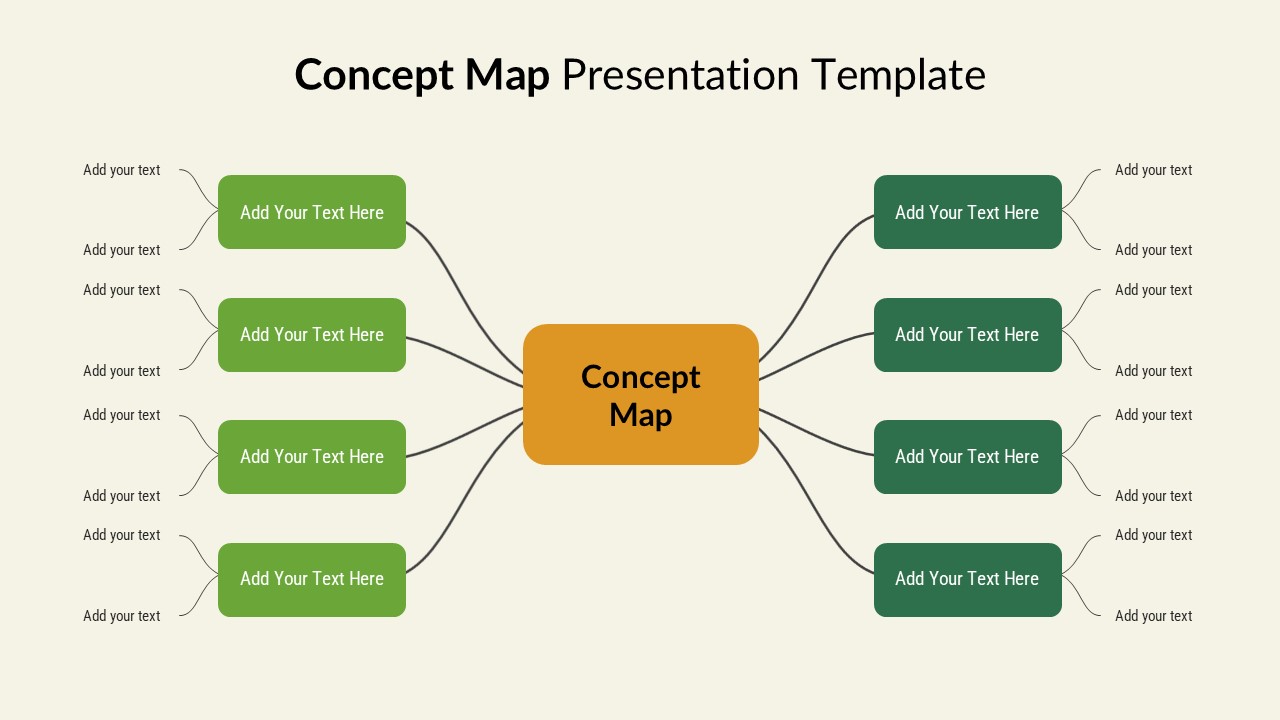
Most presentation templates try to do too much. This free concept map diagram doesn’t. A central hub, symmetrical branches, rounded nodes on either side, the structure is almost boring in how logical it is, and that’s exactly the point.
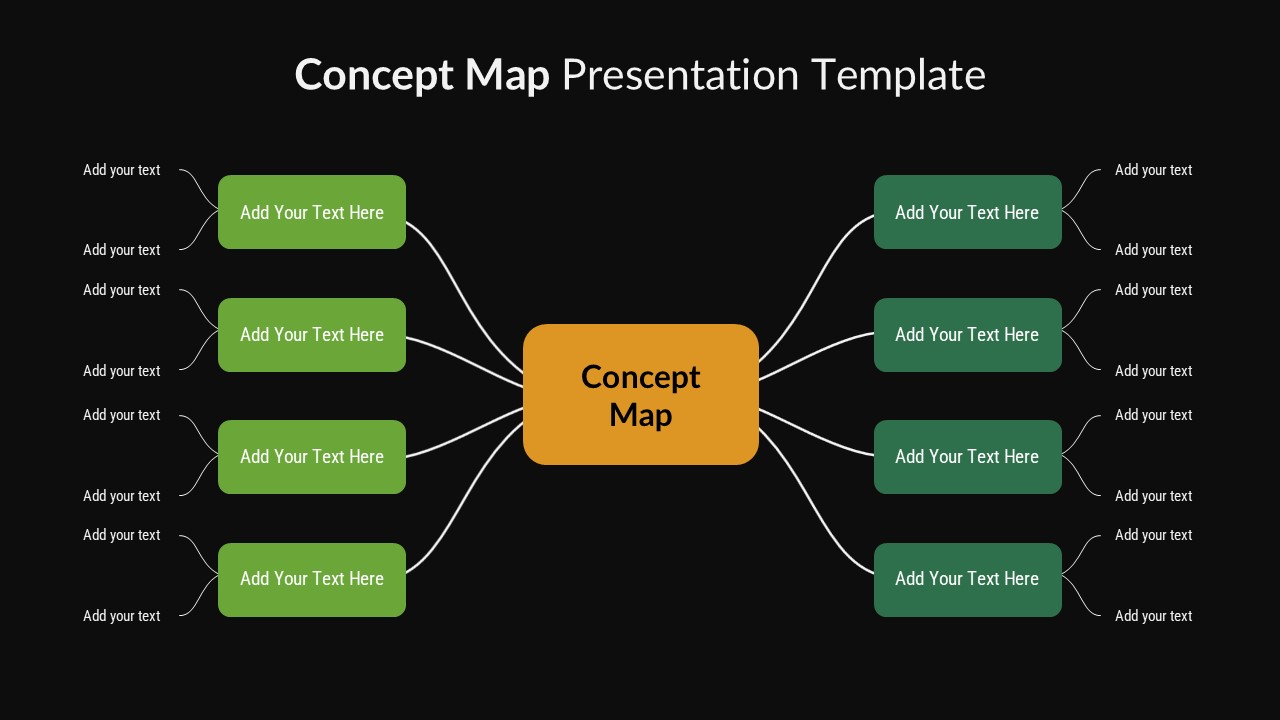
The diagram puts a bold “Concept Map” block at the center; everything else radiates outward from it. Each branch connects to an editable node where you drop in a theme, a subtopic, a supporting detail, whatever the content demands. The layout doesn’t make decisions for you – it just stops you from dumping everything into a wall of text and calling it a presentation.
Here is the catch: most people underestimate how much a fixed structure actually helps. When the visual scaffolding is already symmetrical and balanced, you spend less time fussing over arrangement and more time thinking about what actually belongs in each node. This free concept map diagram does the spatial thinking; you do the conceptual thinking.
The color palette is green nodes, dark-green accents, and an orange center block against a light background. Not flashy, not sterile. It reads cleanly in a classroom, a boardroom, a workshop – anywhere you need people looking at ideas rather than squinting at contrast ratios. But visual clarity is the secondary benefit. The real value is relational. A concept map forces you to make connections visible. You can’t just list six topics and call it organized; you have to show how they relate to the center, and implicitly, to each other. That discipline alone changes how people process the information you’re presenting.
Who actually uses this? Teachers mapping a curriculum unit; strategists laying out a planning framework; consultants walking a client through a system they’ve never seen before; project teams trying to scope something that keeps sprawling. The template is neutral enough to fit all of those – it doesn’t look like it was made for a third-grade classroom or a Fortune 500 deck, which is rarer than it sounds.
Still, it’s worth being clear about what this is: a starting point, not a finished product. You’ll move branches, resize nodes, swap colors, add a layer of depth if the subject needs it. The structure is fully editable because no two concept maps should look identical. The template earns its keep by getting you past the blank slide; the rest is on you.
Login to download this file


