




Elegant Four-Step Linear Process Diagram Template for PowerPoint & Google Slides
Four-Stage Process Flow Diagram Presentation Template
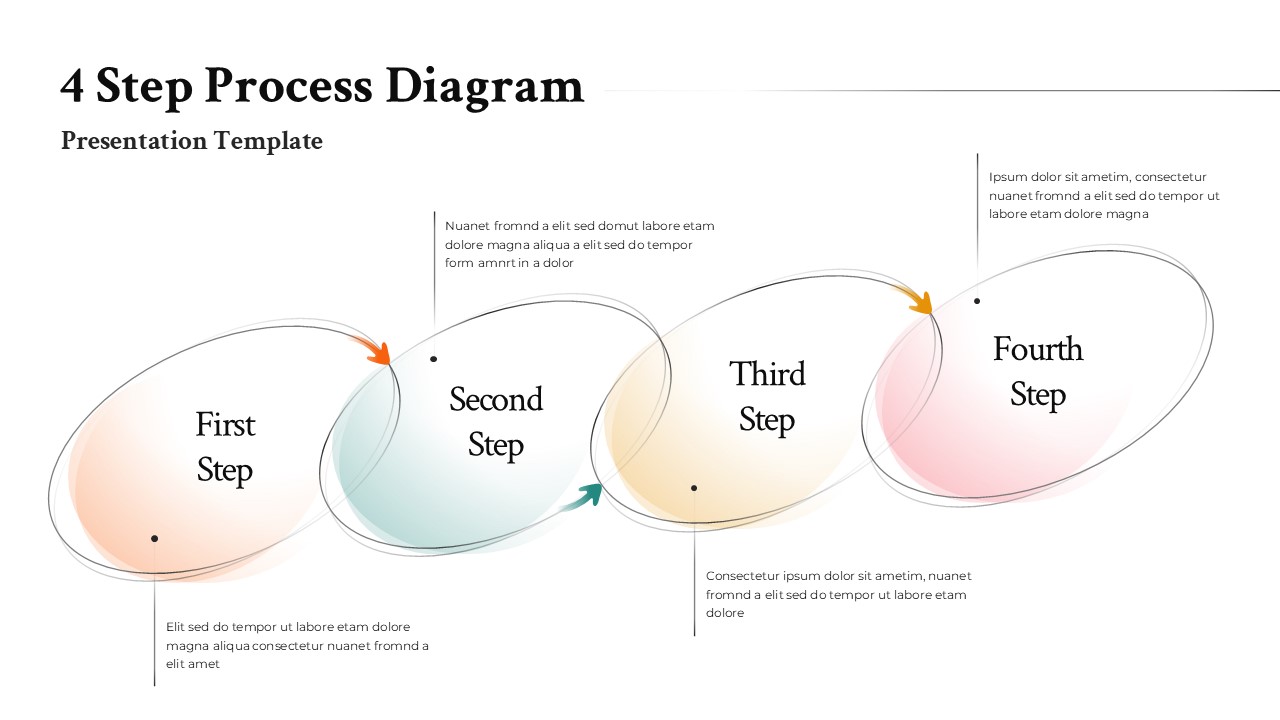
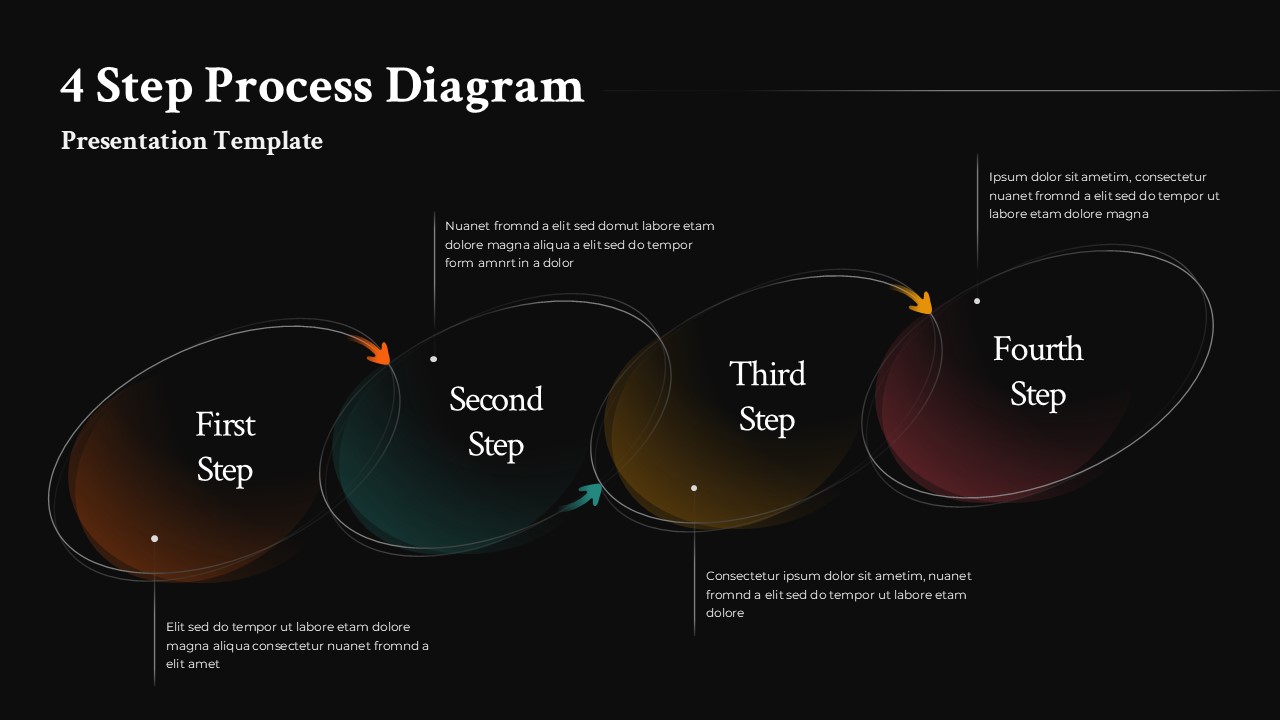
Most workflow slides are cluttered or vague – too many boxes, too little logic. This 4 step process diagram template for PowerPoint and Google Slides is neither. It uses overlapping organic shapes with soft gradient fills to move the eye naturally from one stage to the next; the layout does the storytelling before a single word is read.
The color palette contains peach, teal, yellow and pink, which is understated enough for a boardroom and distinct enough that each step reads as its own unit. Here’s the catch: most templates with this much visual structure sacrifice editability. Not this one. Every shape, label, color, and text block is fully editable, so adapting it to a brand or scaling it for more detailed content takes minutes, not a redesign.
Does the text placement actually work? Yes, and that’s rarer than it should be. Each step has a dedicated description area positioned above or below the shape, keeping explanations readable without breaking the visual flow. Directional arrows reinforce the sequence for anyone who needs the extra nudge. The layout of the 4 step process diagram is spacious without feeling empty.
It’s built for sequential logic – phased strategies, training modules, operational workflows, project pathways, transformation processes. Anything where the audience needs to follow a progression without getting lost. Still, it’s not locked into any single use case; consultants, educators, project managers, and trainers have all used this structure for different ends.
Who actually needs this 4 step process diagram?
Anyone who regularly explains multi-stage processes to an audience that did not build those processes. The template saves the time that would otherwise go into getting shapes to align, gradients to match, and text boxes to behave.
Login to download this file
Template Variations


