




Step By Step 6-Stage Process Flow Template for PowerPoint & Google Slides
6-Stage Modern Process Flow Presentation Template
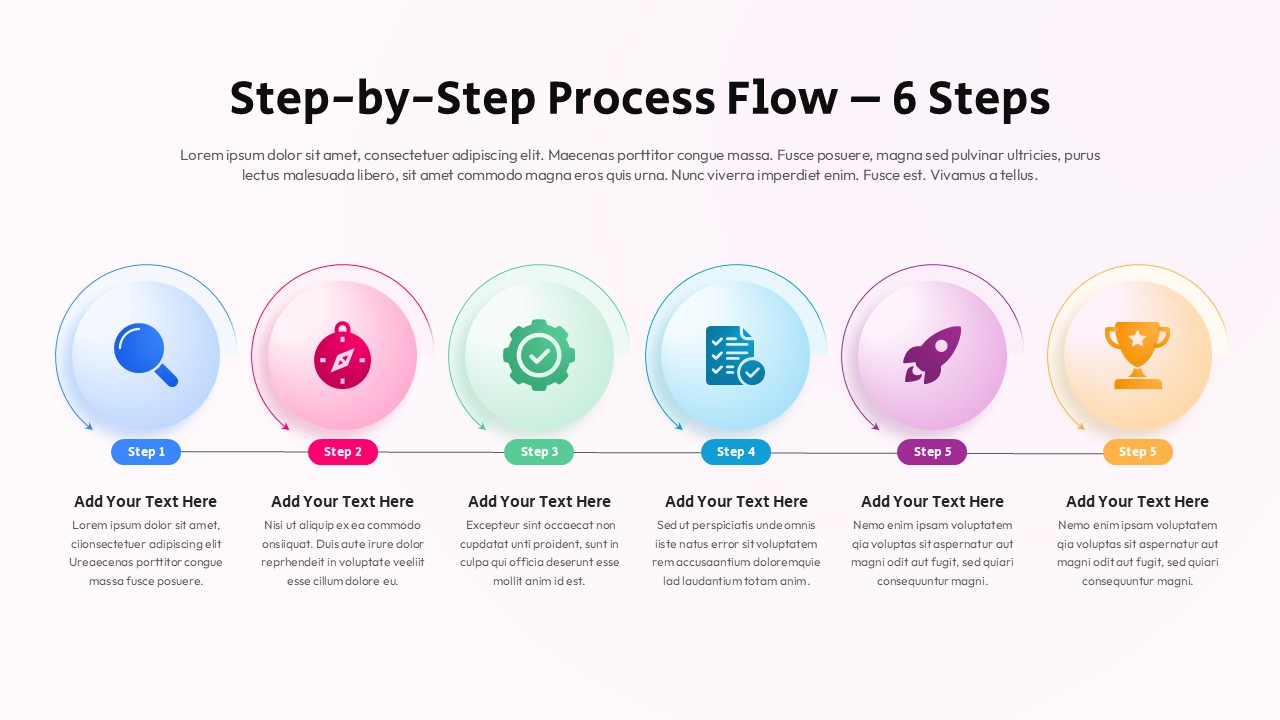
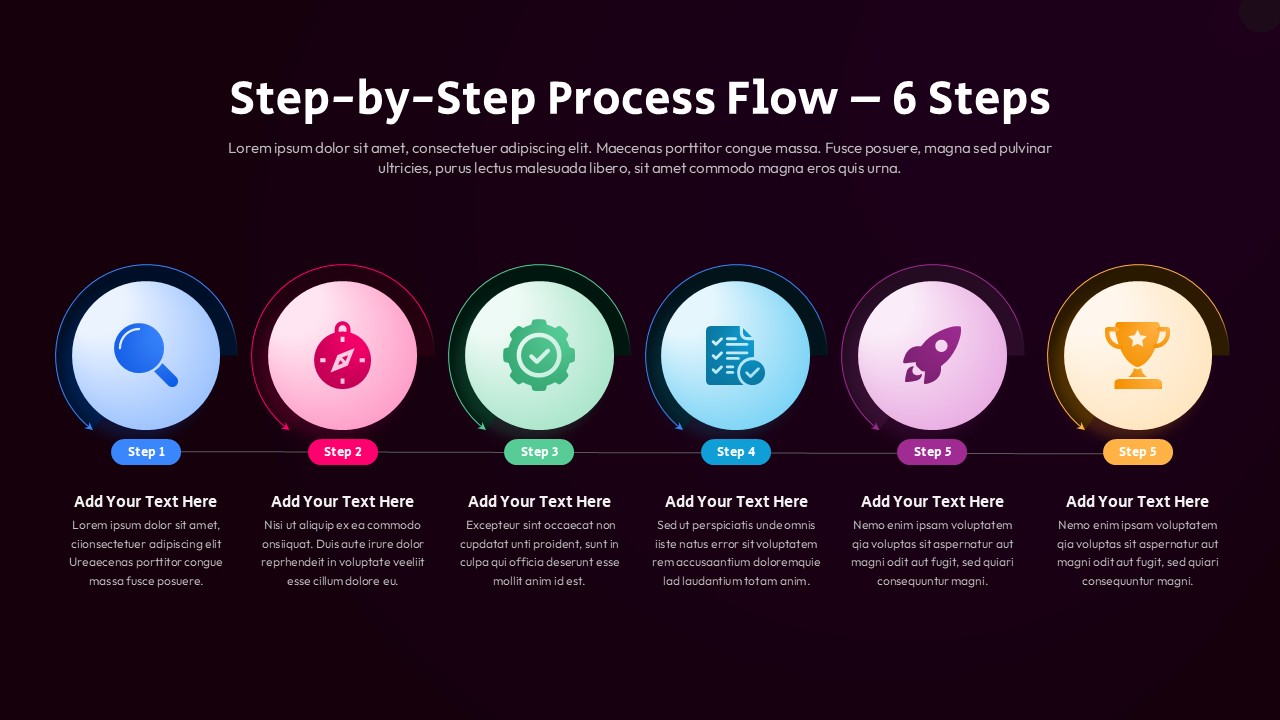
When you need to walk a room through a complex process without losing anyone along the way, this six-step process flow template does the heavy lifting for you. It lays out your workflow in a clean horizontal sequence – six vibrant, gradient-filled circular icons moving left to right, each one carrying its own visual weight. A magnifying glass for discovery, a compass for direction, a gear for execution, a checklist for validation, a rocket for launch, and a trophy for the win. Your audience follows the story before you even say a word.
The dark background is doing more than looking sharp – it pulls every gradient forward, making each stage pop with the kind of contrast that reads clearly on a projector, a laptop screen, or a printed handout. Color-coded labels keep each step distinct, and the text areas beneath each icon give you room to add the details that matter: tasks, KPIs, responsibilities, action items.
Here is what makes this six-step process flow work so well:
• Six gradient circular icons that represent each stage of your workflow with instant visual clarity
• Color-coded step labels that guide your audience through the sequence without any hand-holding
• A horizontal layout built for linear, left-to-right processes that feel natural to follow
• Fully editable shapes, icons, colors, and text in both PowerPoint and Google Slides
• High-contrast design that holds up beautifully on every screen size and lighting condition
This six-step process flow fits wherever a clear process needs a strong visual home inducing but not limited to strategic planning sessions, product development reviews, training workshops, business reporting, or operations walkthroughs. Managers, consultants, educators, analysts, team leads – anyone presenting a multi-stage process gets a structure that keeps the audience focused and the narrative moving.
Login to download this file
Template Variations


