




Free Pros and Cons Comparison Template
Free Pros and Cons Evaluation Presentation Template
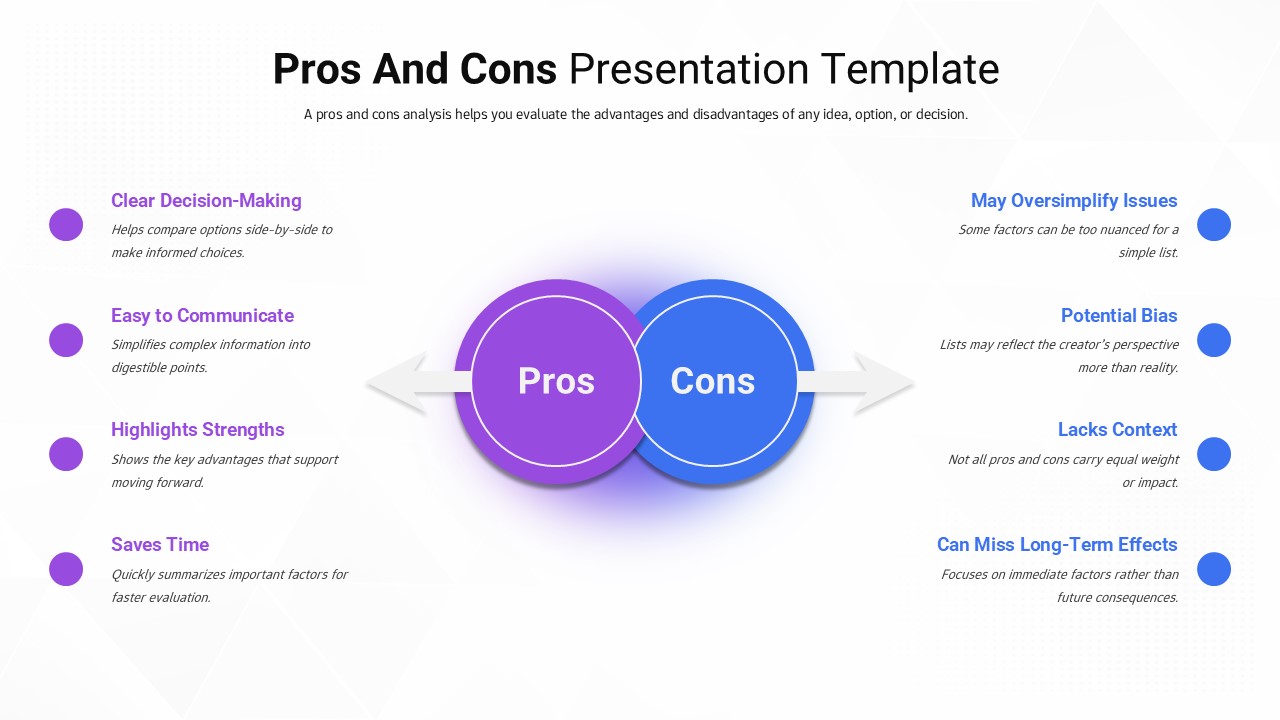
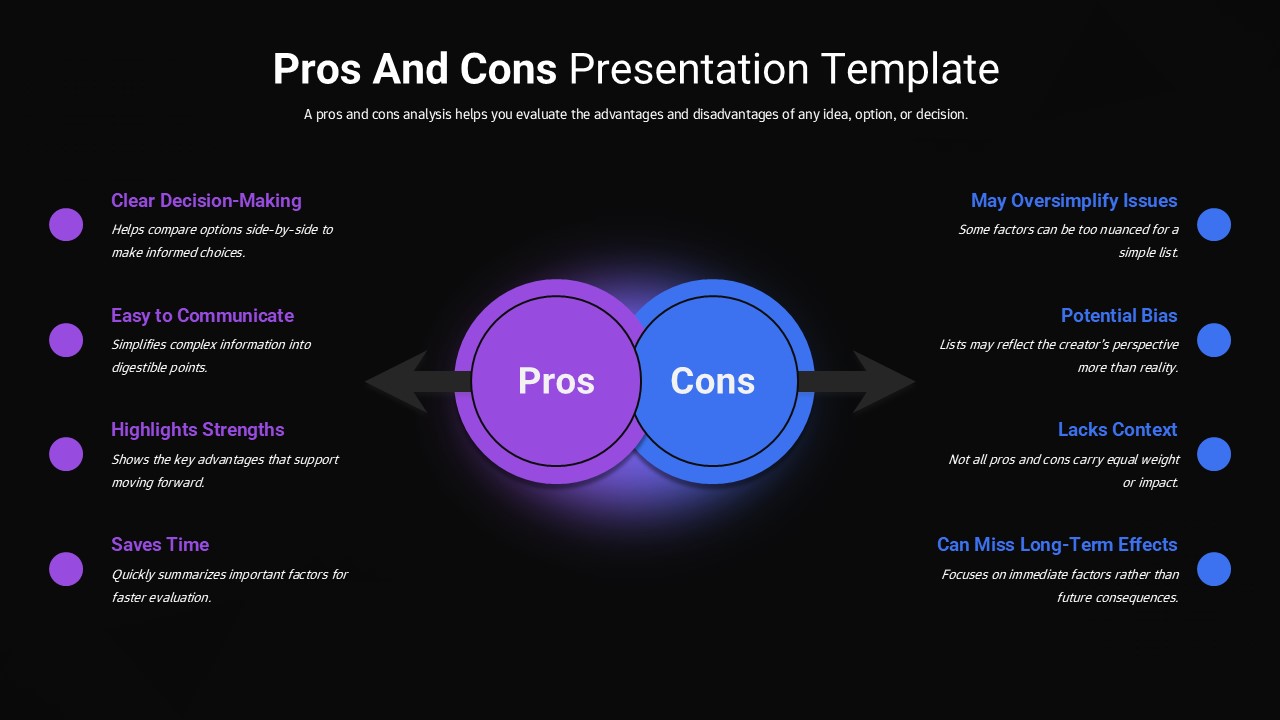
This Pros and Cons Comparison Diagram Template gives you a clean, visually balanced way to weigh the advantages and disadvantages of any idea, plan, or decision. At the center of the slide, two overlapping circles, one in purple for pros and one in blue for cons, create a strong visual anchor that immediately highlights the contrast between benefits and drawbacks. On either side, neatly aligned bullet points lay out key pros and cons with short supporting text, while color-coded markers help your audience quickly tell the positive points from the negative ones at a glance.
Built with a modern, minimal aesthetic, this pros and cons template works well for decision-making presentations, strategy discussions, risk evaluations, and educational content. The structured layout makes it easy to communicate complex considerations without overwhelming your audience, so viewers can follow the logic behind a recommendation rather than just the conclusion. It’s fully editable in both PowerPoint and Google Slides, letting you customize colors, text, and icons to match your topic or brand in just a few clicks.
Whether you’re comparing vendor options, evaluating a new strategy, or presenting a balanced case for a business decision, this pros and cons template helps you organize strengths and weaknesses side by side so your audience can reach a clear, informed conclusion. Download the Free Pros and Cons Evaluation Presentation Template from SlidesDepot and turn your next decision into a visual story that’s easy for any audience to follow.
Login to download this file


