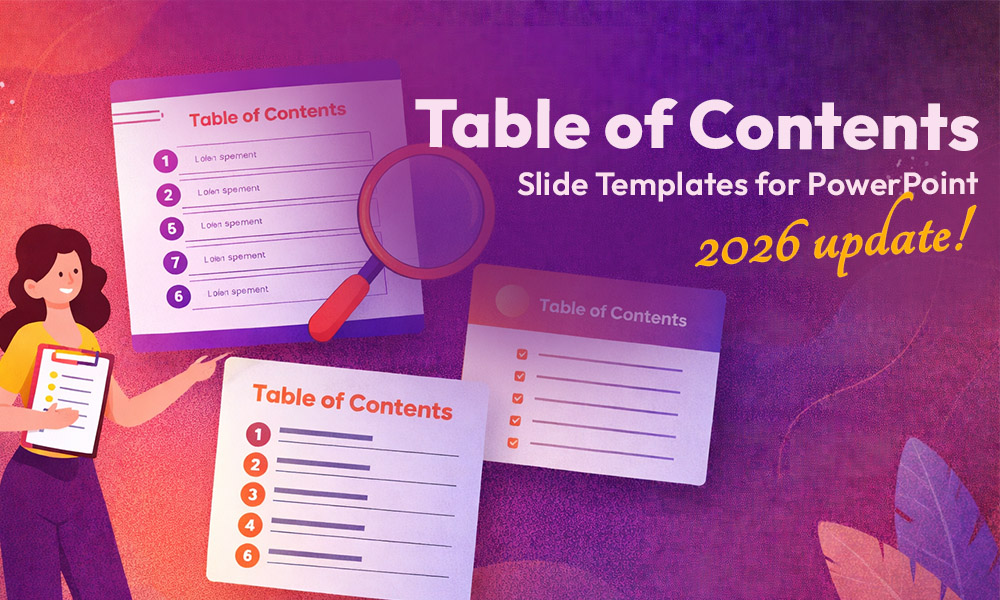
10 Best Table of Contents Slide Templates for PowerPoint in 2026


A strong table of contents slide does more than list your sections, it signals to your audience that your presentation is organised, intentional, and worth their attention. It sets the pace, reduces confusion, and gives every viewer a mental map before the first content slide even appears.
Whether you are building an investor pitch deck, a quarterly business review, a product roadmap, a webinar, or a training module, the right agenda slide makes a measurable difference in how your content lands. It is often the slide your audience studies longest before the session begins.
Below are 10 of the best table of contents slide templates available in 2026. We lead with top picks from SlidesDepot, SlideBazaar and SlideKit, so you can compare styles and find the right fit for your next presentation.
Why Your Table of Contents Slide Matters More Than You Think
Most presenters treat the agenda slide as an afterthought. It performs several critical functions:
- It builds trust immediately. A polished, clearly structured TOC slide tells your audience you have thought through the flow of your content. It projects competence before you say a word.
- It reduces cognitive load. When people know where they are headed, they can focus on absorbing information rather than wondering what comes next.
- It gives you a navigation tool. In longer presentations, returning to your table of contents between sections helps reset attention and signal transitions.
- It anchors your brand. A TOC slide that matches your brand colours, typography, and visual language reinforces professionalism throughout the deck.
- Given all of this, choosing the right template is worth the extra five minutes of thought.
The 10 Best Table of Contents Slide Templates in 2026
1.Structured Table of Contents Layout — SlidesDepot
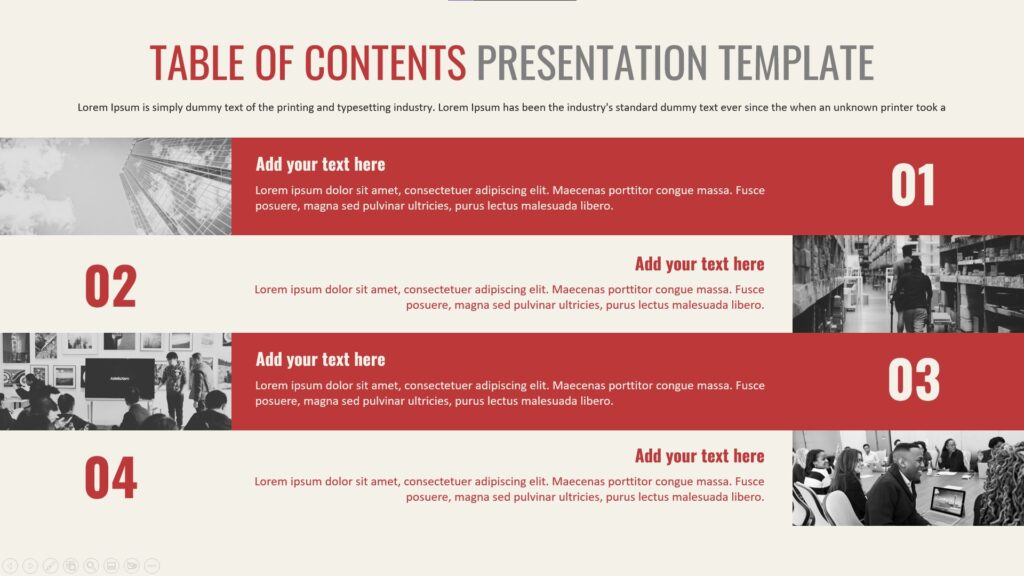
A clean, grid-based design with numbered panels and neutral tones. Perfect for corporate reports and boardroom presentations where clarity and authority matter equally. You can explore the structured table of contents layout on SlidesDepot and customise it to match your brand in minutes.
2. Modern Table of Contents Layout — SlidesDepot
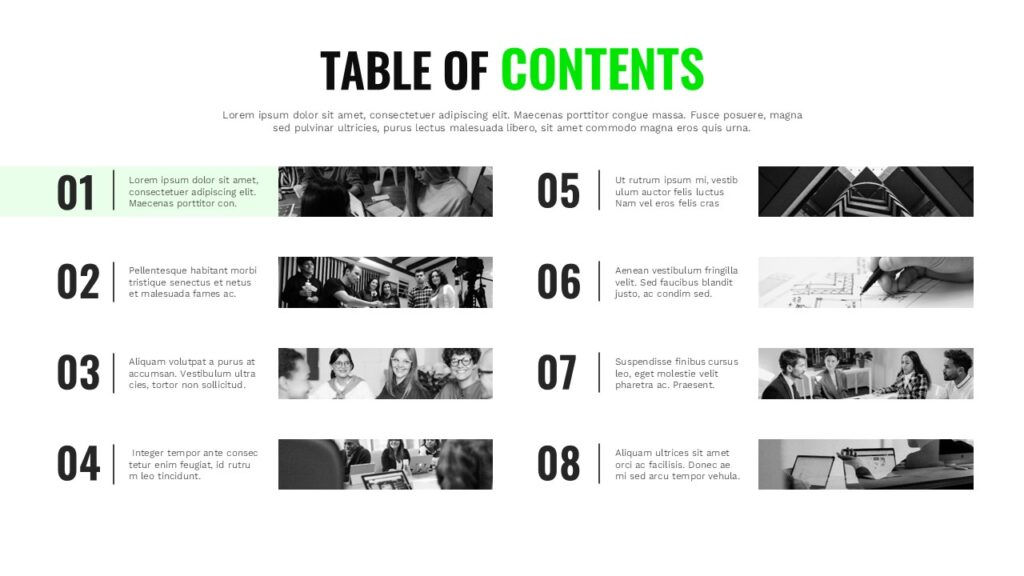
Bold typography, generous white space, and a contemporary asymmetric column arrangement make this one ideal for tech startups and SaaS pitch decks. The modern table of contents layout is one of SlidesDepot’s most popular designs for good reason it feels distinctly 2026.
3.Vintage Book Contents — SlidesDepot
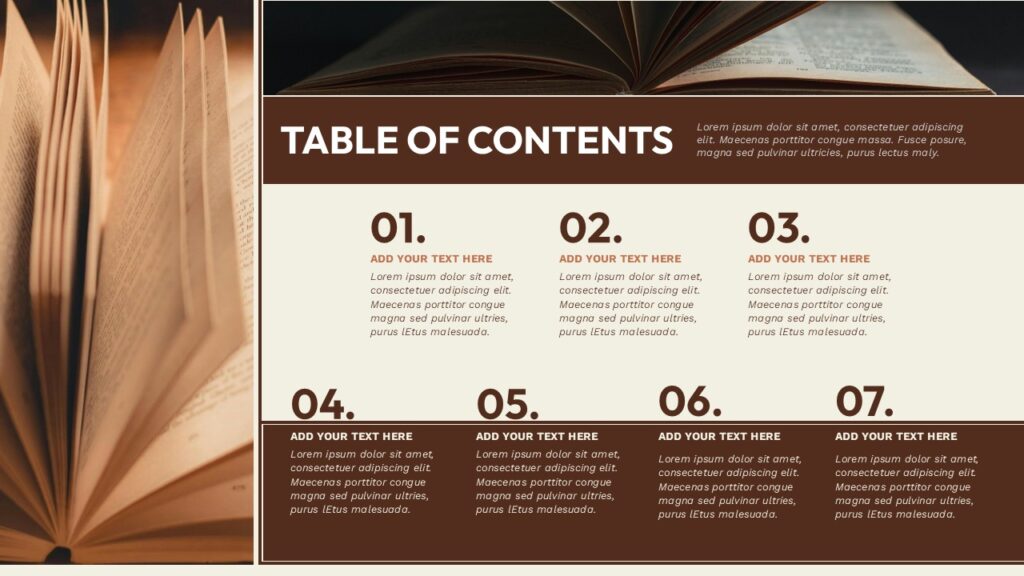
When your content calls for warmth and depth rather than sleek minimalism, this template delivers. Serif fonts, dot-leader lines, and subtle textures give it the feel of a well-crafted printed book. Browse the vintage book contents template for educational content, literary presentations, or heritage brand decks.
4.Architecture Portfolio Table of Contents — SlidesDepot
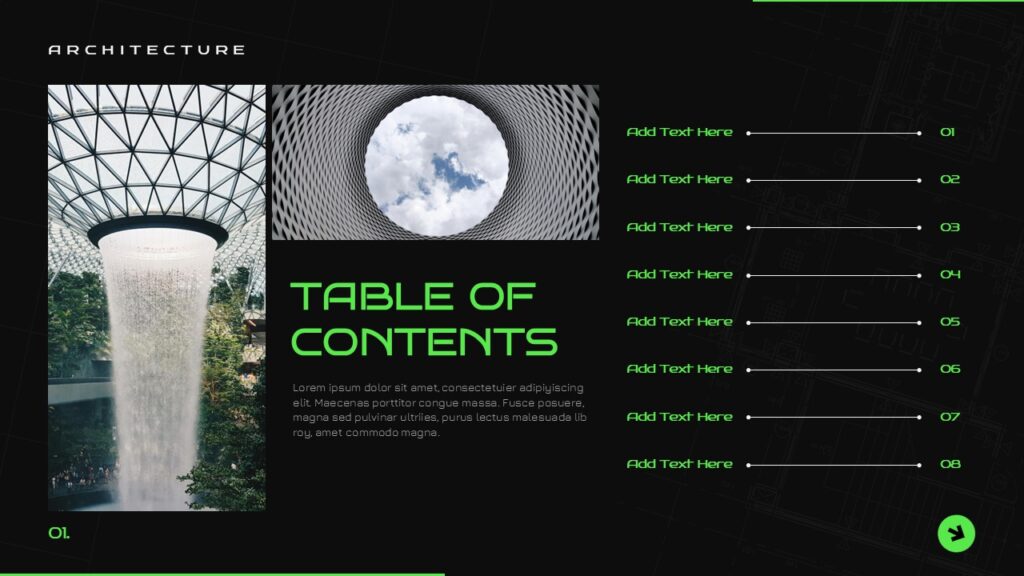
This image-forward layout sits within SlidesDepot’s Modern Architecture Portfolio Showcase pack and doubles as a visual teaser for your project sections. Monochrome architectural lines lend it precision and authority. See the architecture portfolio table of contents slide for design studios, engineering firms, and creative showcases.
5.Numbered Contents Layout — SlideBazaar
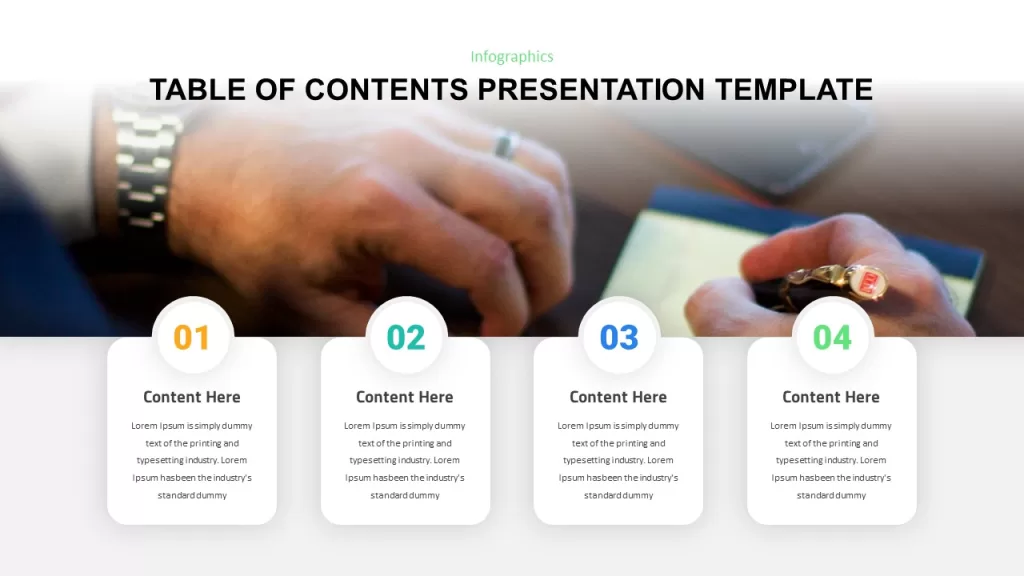
Large numeral callouts beside each section title create a clear sequential agenda, making this a reliable choice for webinars and training sessions. Check out the numbered contents PowerPoint template on SlideBazaar if simplicity is your priority.
6.Eight-Step Table of Contents — SlideBazaar
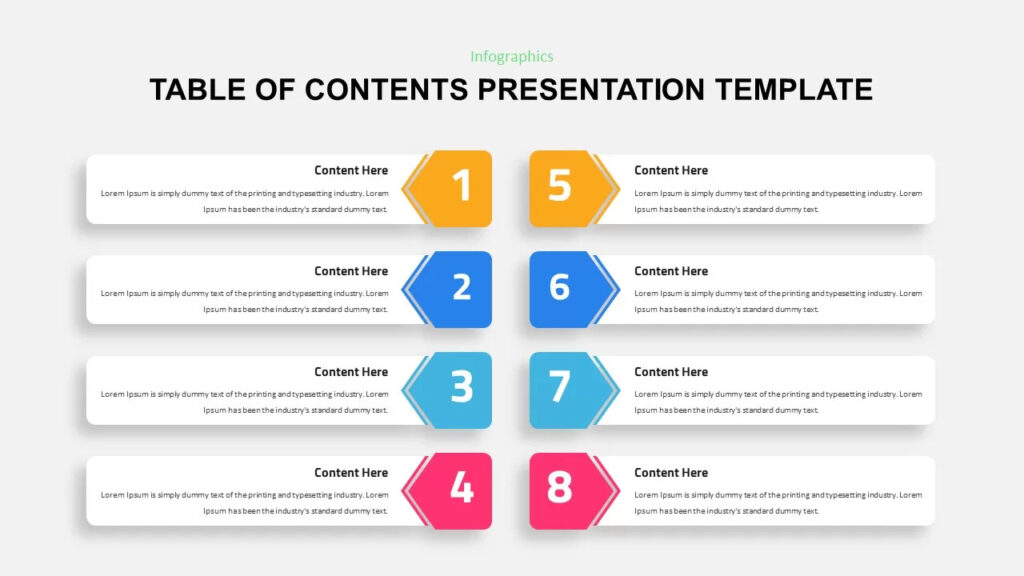
Purpose-built for presentations with exactly eight stages — product roadmaps, onboarding processes, strategic rollout plans. The eight-step table of contents template gives each phase equal visual weight in an intuitive horizontal flow.
7.Table of Content Slide Template — SlideKit
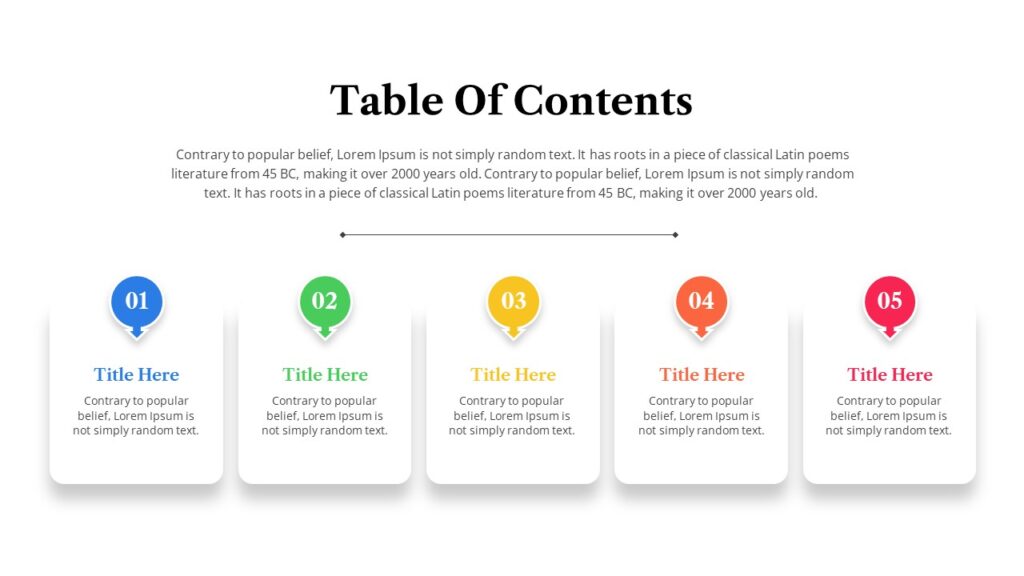
A colour-blocked approach with pastel accents that keeps things approachable and friendly. Best suited to internal team meetings or low-stakes educational presentations. View the table of content slide template from SlideKit for a quick, no-frills option.
8.Carnival Google Slides Template — SlideKit
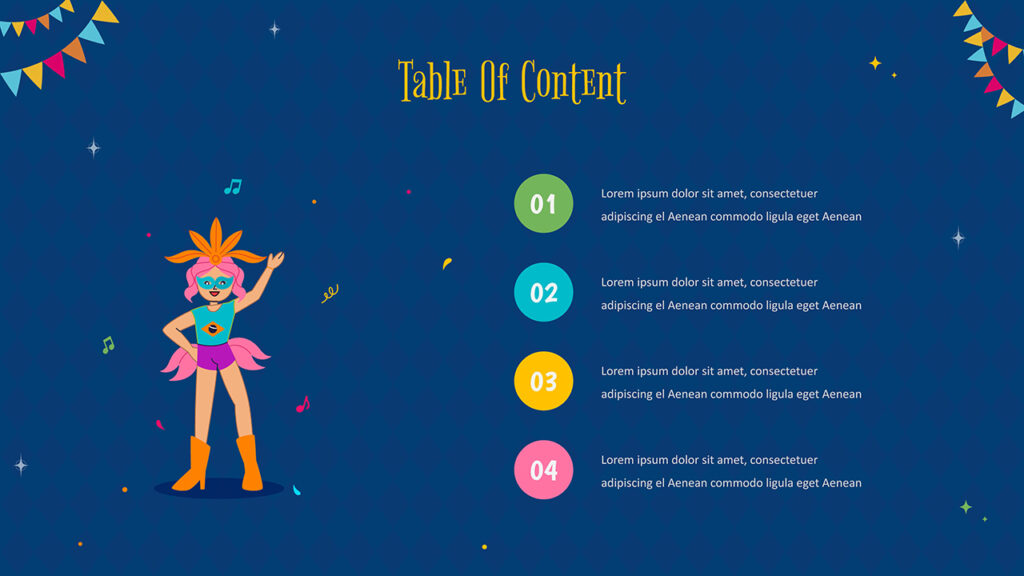
Not every presentation needs to be corporate. This free, vibrant template includes a playful agenda slide built for school projects, community events, and creative personal presentations. Download the free Carnival Google Slides template if you want something that stands out from the crowd in a non-professional context.
9.Chevron Table of Contents Presentation — SlideBazaar
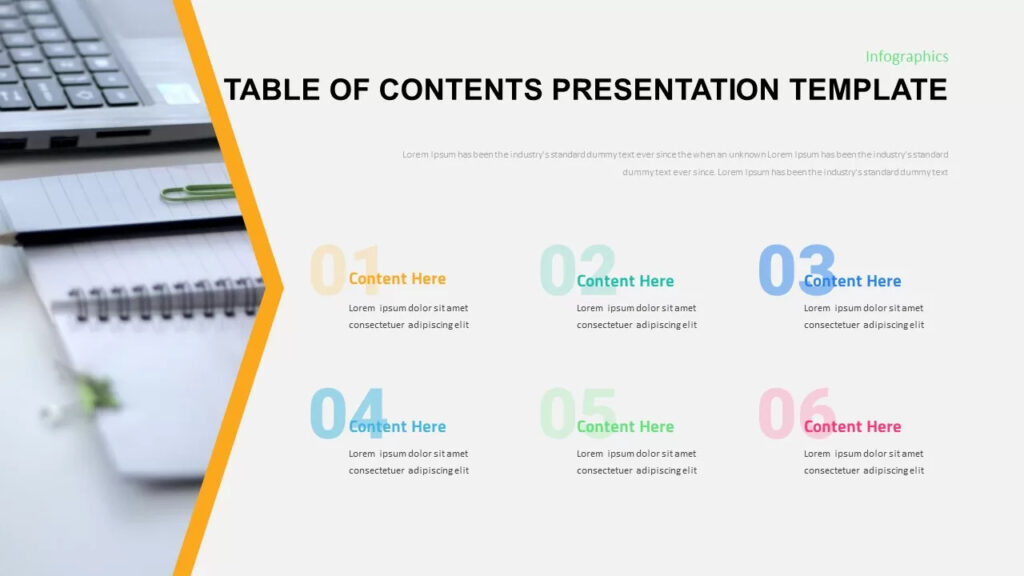
A clean and contemporary Table of Contents slide featuring a bold chevron accent and six pastel-colored numbered sections with space for headlines and brief descriptions. The Chevron Table of Contents template works well for corporate pitch decks, training modules, and structured agendas where sequential clarity and modern style are key.
10.Table of Contents Presentation Template — SlideBazaar
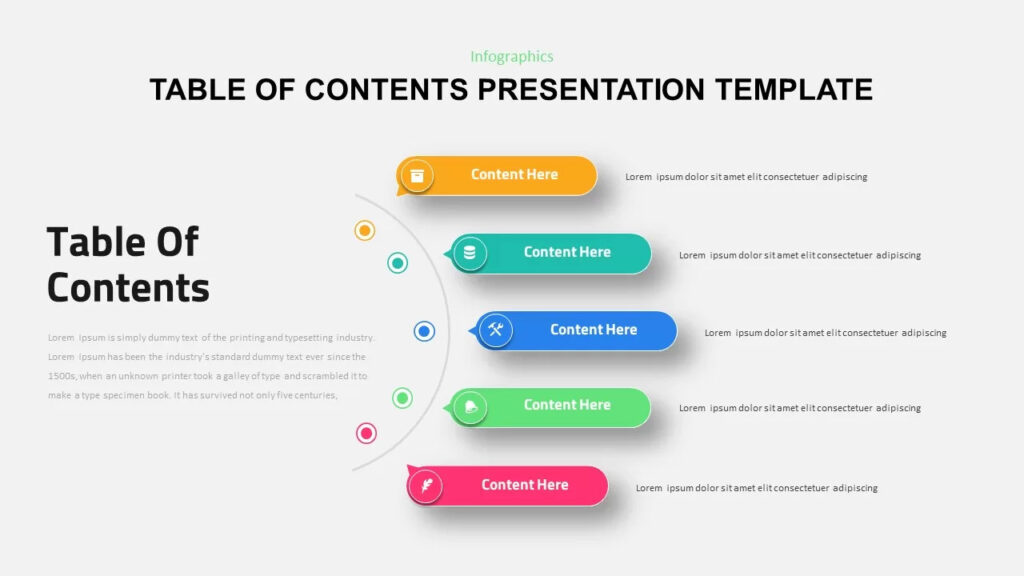
A multi-slide bundle offering several TOC style variations in one download — numbered tiles, icon rows, minimalist line styles, and horizontal strips. Useful if you regularly build presentations across different industries. Browse the full table of contents presentation template pack on SlideBazaar for variety and volume.
Find Your Template
For the highest design quality and the most customisable table of contents slides available in 2026, SlidesDepot’s templates consistently lead the pack. Their structured, modern, vintage, and portfolio-focused TOC designs cover almost every professional use case — and each template works seamlessly in both PowerPoint and Google Slides.
If you’re not sure where to begin, start with the Modern Table of Contents Layout on SlidesDepot. It’s versatile, visually strong, and easy to customise for nearly any industry or audience.
From there, explore the full range of SlidesDepot’s presentation templates you’ll find options for every slide in your deck, not just the agenda.


What Is a Timeline? A Guide with PowerPoint Presentation Examples
Whether you’re planning a product launch, teaching historical events, or mapping out your company’s growth trajectory, timelines are one of the most powerful visual tools at your disposal. They transform complex sequences of events into clear, digestible narratives that audiences can instantly understand. Understanding Timelines: More Than Just Dates on a Line A timeline is…

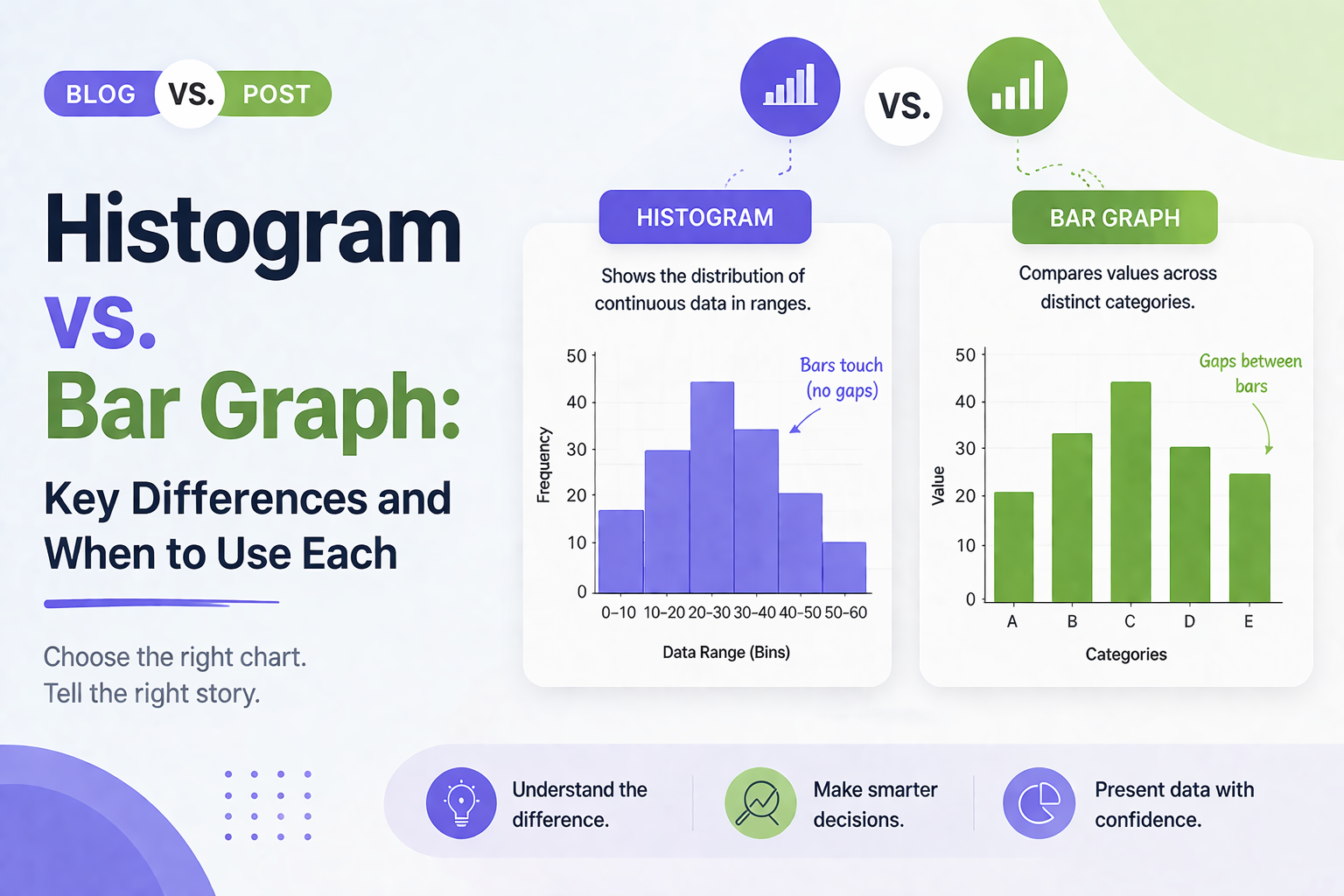
Histogram vs Bar Graph: Key Differences and When to Use Each
Histogram vs Bar Graph You have got data. You need a chart. You open PowerPoint or Google Slides and hover over the chart options. Then it hits you: should this be a histogram or a bar graph? They look almost identical, so it is easy to assume they are interchangeable. But they are not, and…
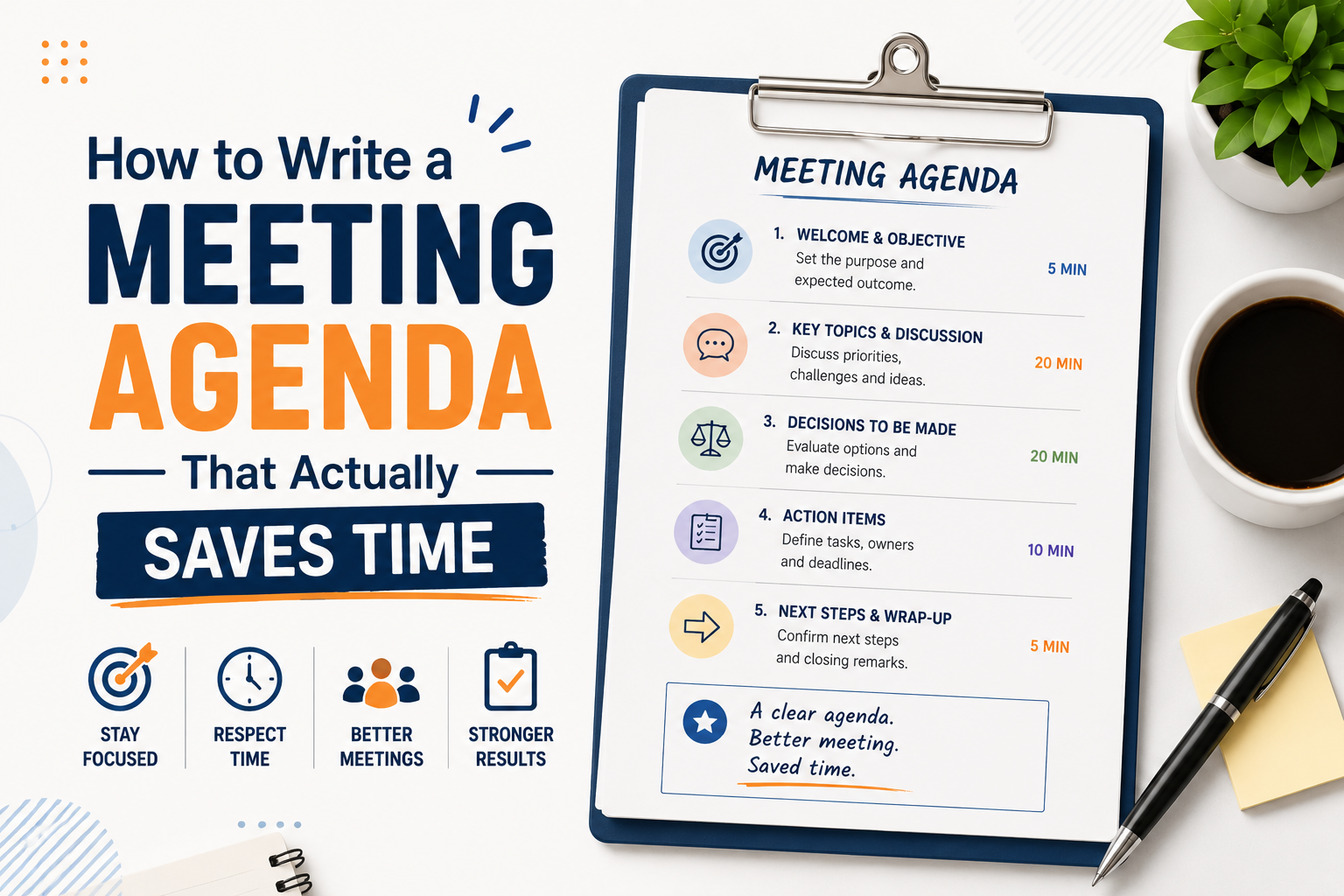
How to Write a Meeting Agenda That Actually Saves Time
Most meetings fail before they start. Not because of the wrong attendees or a bad time slot, but because there was no clear agenda, or the one that existed was too vague to be useful. Learning how to write a meeting agenda properly is one of the simplest things you can do to make your…