What Is a Product Roadmap? SlidesDepot’s Complete Visual Guide


Building a great product is never accidental. Behind every successful launch, every well-timed feature release, and every aligned team is a document that holds the strategy together. That document is a product roadmap and understanding how to build and present one is one of the most valuable skills a product professional can develop.
A product roadmap is more than a planning tool. It is the primary way product teams communicate direction to the people who need to act on it, fund it, or support it. When it is built well and presented clearly, it removes ambiguity and replaces it with shared purpose.
Presentation design is not a secondary concern here. The way a roadmap looks on a slide directly affects how seriously it is received. A cluttered, inconsistent visual undermines even the sharpest strategy. A clean, well-structured layout reinforces it.
What a Product Roadmap Actually Is
A product roadmap is a high-level strategic document that communicates a product’s vision, priorities, and planned direction over time. It is not a task list, a sprint backlog, or a detailed project schedule. It sits above all of those. Its job is to show where the product is heading and why that direction makes sense.
At its core, a roadmap answers three questions: what are we building toward, what work will move us in that direction, and roughly when will that work happen. Every element on the roadmap should connect back to those three questions. If something on your roadmap cannot answer all three, it probably does not belong there.
Product managers typically own the roadmap, but the best ones are built collaboratively. Engineering, design, sales, and leadership all have a stake in the product’s direction, and a roadmap that reflects only one team’s perspective will struggle to earn broad alignment.
Why Your Team Cannot Afford to Skip It
Without a roadmap, every team operates on its own assumptions about what matters most. Engineering builds what seems technically interesting. Sales promises features that do not exist yet. Leadership makes decisions based on incomplete information. The roadmap is the document that prevents all of that.
For investors and executives, a roadmap demonstrates that your team is thinking strategically, not just shipping reactively. It shows that each initiative connects to a measurable outcome and that the product has a coherent direction. That confidence directly affects funding decisions, headcount approvals, and strategic partnerships.
For internal teams, a roadmap is an operational anchor. Designers can plan ahead. Engineers can identify dependencies early. Customer success teams can set accurate expectations. The organizational value of that shared clarity compounds over time, and the cost of not having it compounds just as quickly.
Pairing a strong roadmap with a professionally designed presentation makes both of those benefits land harder. SlidesDepot offers product roadmap presentation templates that are fully editable in PowerPoint and Google Slides, built to present strategic direction in a format that is immediately readable and visually credible.
The Three Roadmap Formats That Actually Get Used
Timeline Roadmap
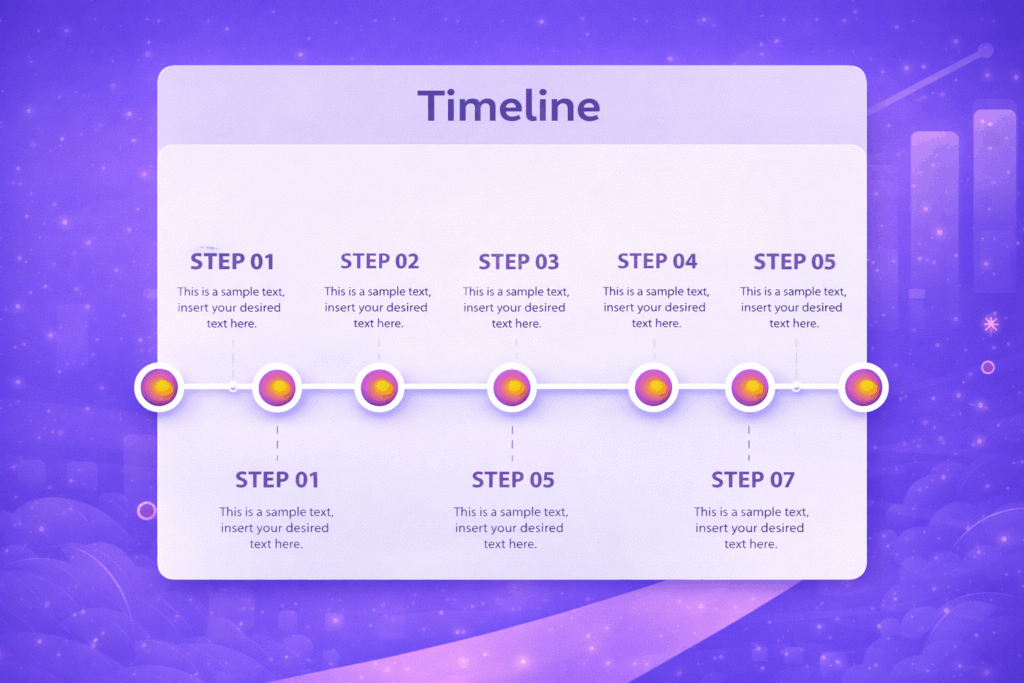
The timeline roadmap maps initiatives across a calendar view, usually divided by quarter or month. It is the most widely recognized format and works well when stakeholders need to understand sequencing and delivery expectations. Its weakness is rigidity. When timelines shift, and they will, a date-heavy roadmap requires constant maintenance to stay accurate and trustworthy.
Now-Next-Later Roadmap
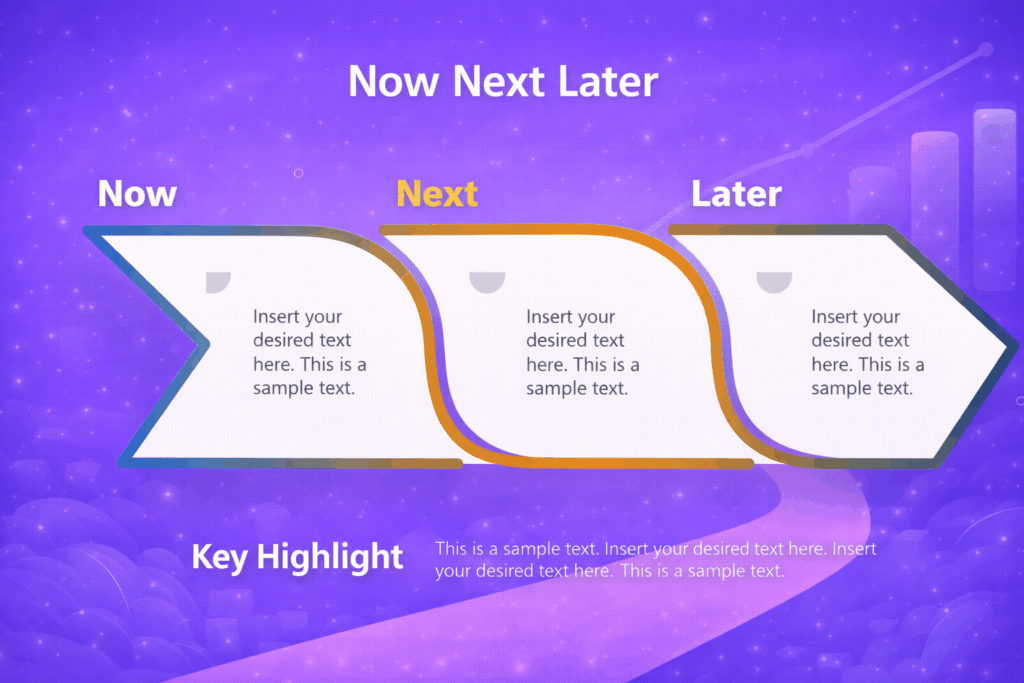
This format organizes work into three priority buckets rather than fixed dates. It tells your audience what the team is focused on currently, what is coming up next, and what is planned for later without committing to a specific schedule. It is especially effective for early-stage products or teams operating in high-uncertainty environments where locking into dates creates more problems than it solves.
Goal-Oriented Roadmap
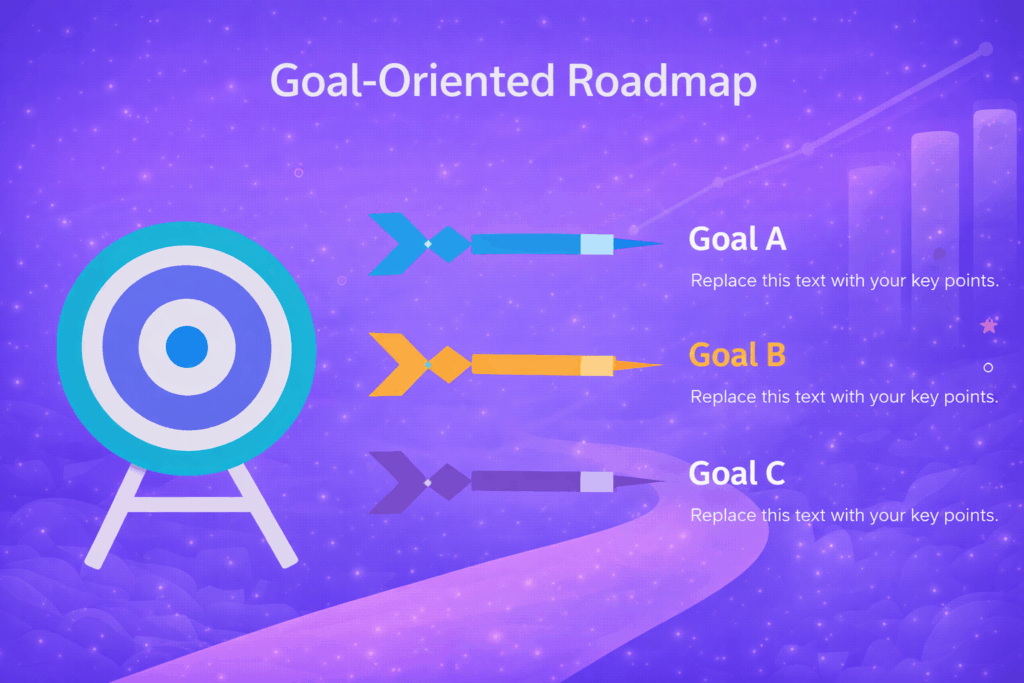
A goal-oriented roadmap leads with outcomes rather than features or timelines. Each section of the roadmap maps directly to a strategic business objective: increase activation, reduce churn, expand into enterprise. This format resonates strongly with executive audiences because it speaks their language. They care about results, not release dates.
Choosing the right format is a strategic decision in itself. A strategy presentation template from SlidesDepot gives you a ready-to-customize structure for any of these formats, with clean layouts and consistent color schemes that make the format choice visually obvious and easy to navigate.
What Every Strong Product Roadmap Includes
The content of a roadmap matters as much as the format. These are the elements that separate a roadmap that drives decisions from one that gets ignored after the meeting ends.
A product vision statement anchors the entire document. It is the one or two sentences that explain what the product is ultimately trying to achieve and for whom. Every initiative on the roadmap should be traceable back to this statement.
Strategic themes group related initiatives under broad areas of focus. Rather than listing individual features, themes like “improve onboarding” or “build enterprise integrations” give the roadmap a narrative arc that makes it easier to follow and harder to second-guess.
Initiatives and milestones represent the actual work. These should be specific enough to be actionable but broad enough to leave execution decisions to the teams doing the work. Avoid feature-level granularity at the roadmap stage.
Success metrics tie each initiative to a measurable outcome. When every item on your roadmap connects to a KPI, the document stops being a wish list and becomes a results-oriented plan. Using business presentation templates from SlidesDepot ensures each of these elements has dedicated visual space, with structured layouts that make the logic of your roadmap easy to follow from the first slide.
How to Present a Roadmap to Any Audience
The roadmap you build and the roadmap you present are not always the same document. Adapting your presentation to your audience is one of the most important skills in product communication.
When presenting to executives or investors, open with goals and business outcomes. Keep feature-level detail out of the first half of the presentation. Your audience wants to know that the strategy is sound before they care about what you are specifically building. Lead with impact and let the detail surface through questions.
When presenting to your development or design team, add sequencing context and flag known dependencies. Your internal audience needs enough information to plan their own work. A high-level view is not enough here. They need to understand what is coming and what will be expected of them.
When presenting to customers or partners, stay directional. Share themes and goals rather than specific features or release commitments. This protects your team from overpromising while still giving external audiences genuine confidence in the product’s trajectory.
SlidesDepot’s Google Slides templates and PowerPoint templates include layouts designed for all three of these scenarios. They are professionally designed, ready to customize, and built to reduce the time your team spends on formatting and increase the time spent on strategy.
Start With the Right Visual Foundation
Most teams underestimate how much time goes into making a roadmap presentation look credible. Formatting slides from scratch, maintaining visual consistency across sections, and designing layouts that work for both dense content and high-level summaries all take time that most product teams do not have.
That is the problem a well-designed template solves. SlidesDepot offers roadmap templates that are professionally designed, fully editable in both PowerPoint and Google Slides, and built with clean layouts and consistent color schemes that hold up in any presentation setting. You bring the strategy. The visual structure is already in place.
For teams preparing investor presentations or funding materials, pitch deck templates from SlidesDepot include dedicated roadmap slides as part of a complete narrative flow. These are built for high-stakes presentations where every slide needs to carry its weight and nothing can look like an afterthought.
Conclusion
A product roadmap is one of the most important documents a product team produces. It aligns people around a shared direction, communicates priorities to stakeholders with different needs, and connects the work your team does every day to the outcomes your business is working toward.
Getting the content right matters. Getting the presentation right matters just as much. When both are strong, your roadmap stops being a document and becomes a tool that drives real decisions and builds lasting trust.
Whether you are building your first roadmap or preparing one for a board-level presentation, starting with a professionally designed template puts you ahead of the work before you type a single word.
Explore the full SlidesDepot template collection


10 Best Table of Contents Slide Templates for PowerPoint in 2026
A strong table of contents slide does more than list your sections, it signals to your audience that your presentation is organised, intentional, and worth their attention. It sets the pace, reduces confusion, and gives every viewer a mental map before the first content slide even appears. Whether you are building an investor pitch deck, a…
What Is a Bar Graph Used For? 10 Bar Graph Examples Across Industries
Every business runs on data, but data alone does not persuade anyone. When you are presenting to stakeholders, pitching a strategy, or reporting on quarterly performance, your audience needs to understand your numbers quickly and confidently. That is exactly why knowing what is a bar graph is one of the most practical skills you can develop as…

What Is a 30-60-90 Day Plan and Why Is It Important?
Starting something new, whether it is a job, a project, or a personal goal, often comes with a simple question: where do I even begin? A 30-60-90 day plan is one of the easiest ways to answer that question. It breaks down the first three months into three clear stages, so you always know what…