What Is a Timeline? A Guide with PowerPoint Presentation Examples


Whether you’re planning a product launch, teaching historical events, or mapping out your company’s growth trajectory, timelines are one of the most powerful visual tools at your disposal. They transform complex sequences of events into clear, digestible narratives that audiences can instantly understand.
Understanding Timelines: More Than Just Dates on a Line
A timeline is a visual representation of events arranged in chronological order. Think of it as a roadmap through time, where each milestone, deadline, or significant moment has its designated place along a linear path. While the concept sounds simple, timelines serve a sophisticated purpose by helping us understand relationships between events, recognize patterns, and communicate complex temporal information in an immediately comprehensible way.
Why Timelines Matter in Professional Communication
In today’s fast-paced business environment, clarity is currency. Timelines deliver information with remarkable efficiency because they leverage our natural ability to process visual information faster than text. Consider the difference between reading paragraphs about a project’s milestones versus seeing those same milestones displayed on a well-designed timeline. The visual format allows your audience to grasp the entire scope instantly and identify critical deadlines without wading through dense text.
Types of Timelines for Different Purposes
Not all timelines are created equal. The format you choose should match the type of story you want to tell and how your audience will consume the information.
Horizontal Timelines – Best for Chronological Stories
Horizontal timelines flow from left to right, making them the most intuitive way to present events in sequence. They are ideal for history overviews, project roadmaps, company growth journeys, and any process with a clear beginning and end.
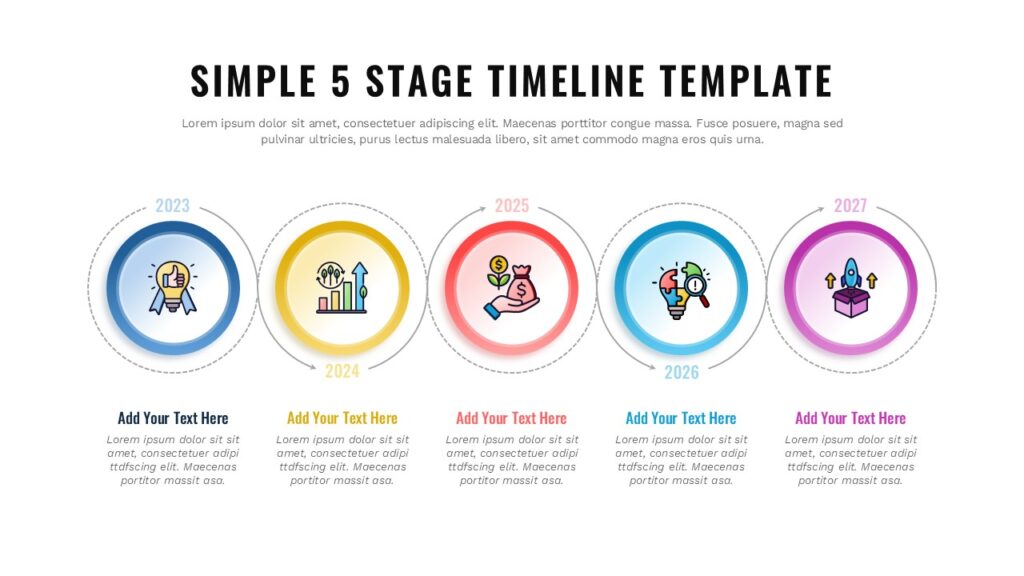
For example, a 5-stage horizontal timeline can neatly showcase key historical periods or major project phases on a single slide. The Five-Stage Timeline Roadmap from SlidesDepot is a great example of this format, offering a clean, structured layout that highlights each milestone clearly and professionally. For more horizontal timeline designs, you can explore the full collection on SlidesDepot.
Vertical Timelines – Ideal for Step-by-Step Milestones
Vertical timelines arrange events from top to bottom, guiding the viewer through each stage one at a time. This format works especially well for business growth stories, strategic plans, learning paths, and performance reviews where each milestone deserves individual attention.
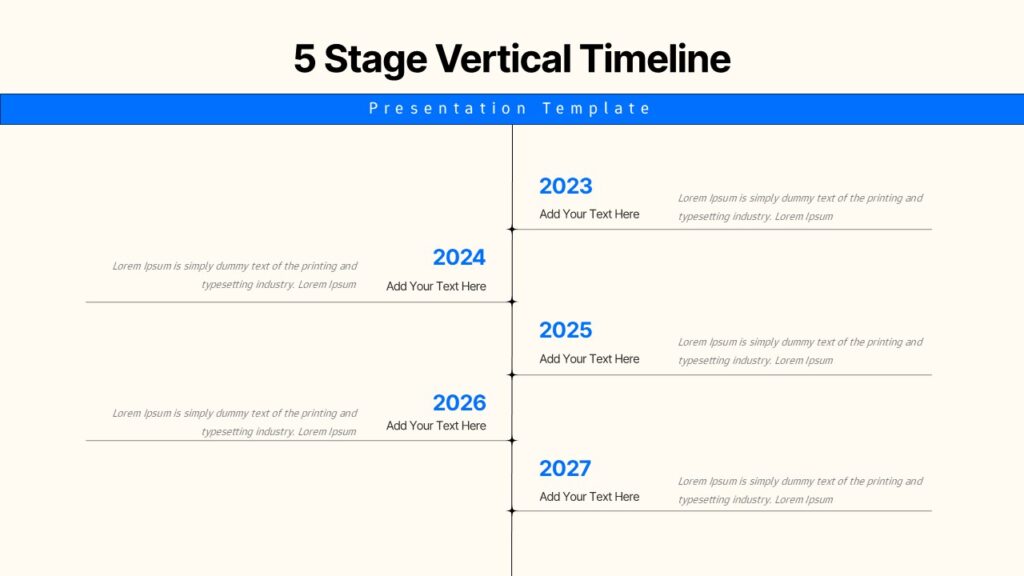
For example, a 5-stage vertical timeline can clearly highlight yearly achievements or the phases of a product launch in a clean, structured layout. The Vertical 5-Stage Roadmap template from SlidesDepot is a great example of this approach, showing how each step can be presented in a focused, easy-to-follow top-down flow. For more vertical timeline designs, you can explore the full vertical timeline collection on SlidesDepot.
Isometric Milestones – Ideal for Strategic Progress Visuals
Isometric milestone timelines use visually engaging 3D-style blocks to represent key stages or achievements along a timeline. This format adds depth and clarity, making it perfect for business growth stories, project roadmaps, product development phases, or strategic overviews where you want each milestone to stand out.
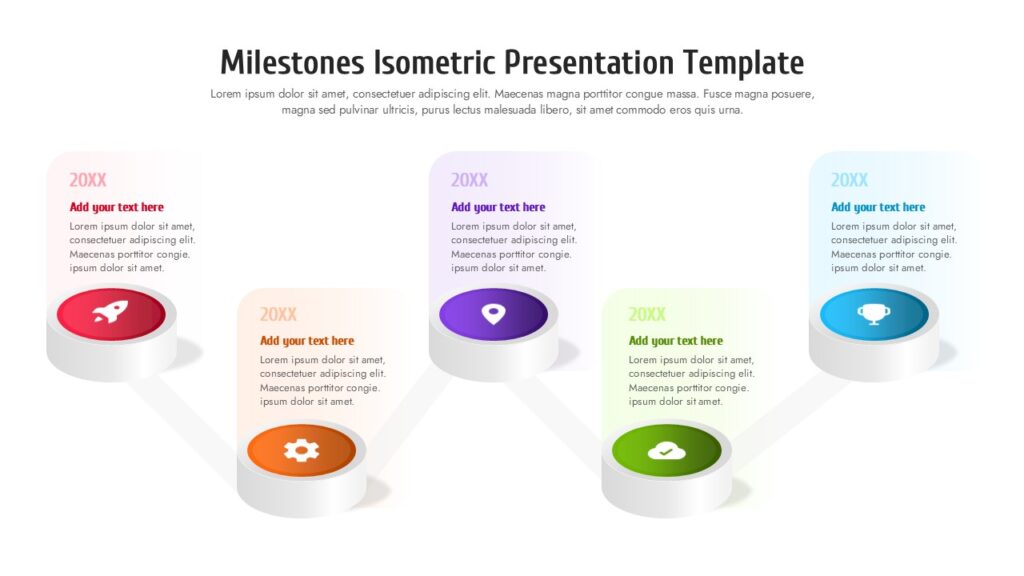
For example, a isometric timeline can showcase major project milestones or business achievements with eye-catching three-dimensional blocks. The Isometric Milestones Timeline Roadmap template from SlidesDepot is a great example of this approach, featuring colored isometric platforms with icons and labels to highlight each milestone clearly on a horizontal timeline. For more isometric timeline designs, you can explore the full isometric timeline collection on SlidesDepot.
History Timelines – Perfect for Storytelling Through Time
Vintage or history timelines are designed to give your chronological narrative a classic, narrative feel. These layouts are especially effective for history lessons, historical overviews, cultural timelines, or storytelling presentations where you want to evoke a sense of time and context.
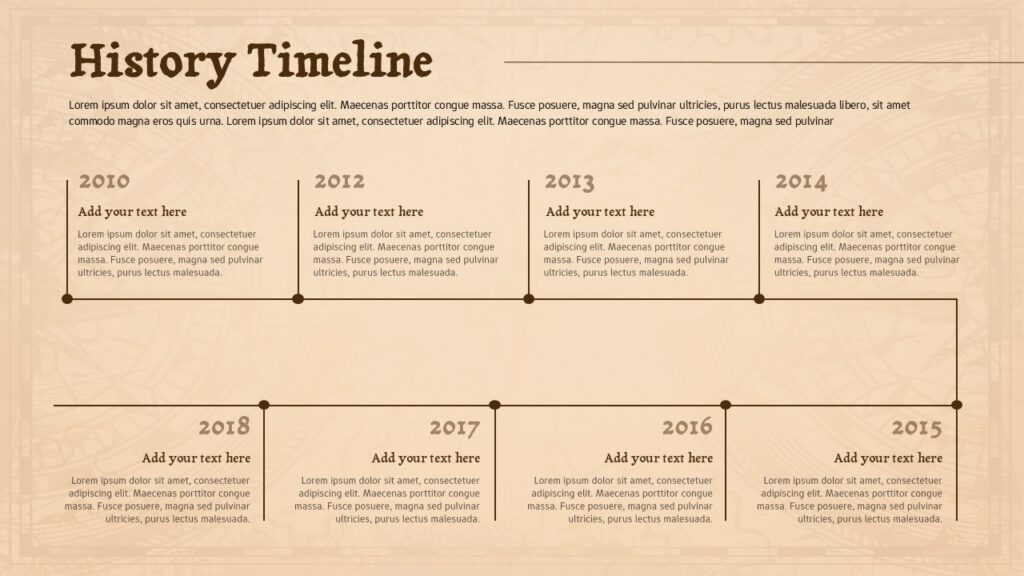
The Vintage History Timeline template from SlidesDepot uses period-inspired design elements to make historical events feel engaging and memorable. This style helps your audience connect with the sequence of events while adding visual charm that fits heritage presentations or timeline stories with a retrospective tone. To explore more history-focused timeline templates, check out the vintage timeline collection on SlidesDepot.
Linear Timelines – Great for Annual Planning
Linear timelines are ideal for presenting plans, goals, or milestones across a full year in a clear, month-by-month sequence. They help audiences quickly understand timelines, seasonal activities, and progress over time.
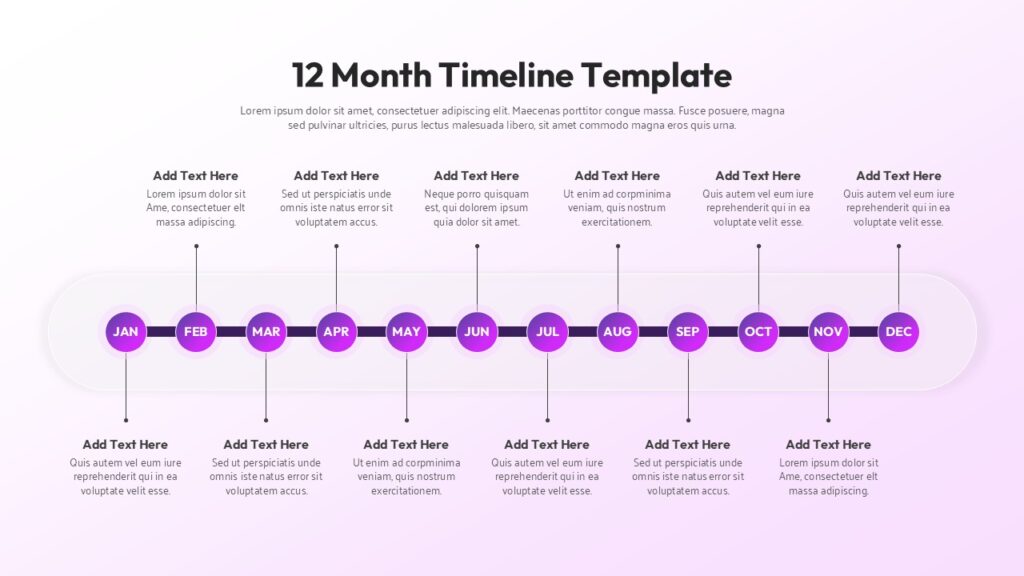
For example, the Twelve-Month Linear Timeline template from SlidesDepot is perfect for annual roadmaps, marketing calendars, and business planning, allowing you to visualize the entire year on a single, easy-to-follow slide.
Essential Elements Every Effective Timeline Needs
A great timeline isn’t just about placing dates on a line. Several key elements work together to create clarity and impact:
Clear time markers establish your scale, whether you’re working in hours, days, months, or years. These markers anchor your audience’s understanding and help them gauge the pace of events.
Milestone indicators highlight significant events or achievements, while descriptive labels provide context without overwhelming the visual.
Visual hierarchy guides the viewer’s eye to the most important elements first, and consistent styling maintains professionalism and reduces cognitive load.
Timeline Applications Across Industries
Project Management
Product development teams use timelines to coordinate launches and keep stakeholders aligned on delivery dates. A well-constructed project timeline becomes the single source of truth that prevents scope creep and maintains momentum.
Business Strategy
Companies visualize their growth trajectory, market expansion plans, and strategic initiatives through timelines. Investors particularly appreciate seeing how current activities connect to future goals, making timelines essential for pitch decks and presentations.
Marketing and Communications
Campaign timelines coordinate content releases, social media pushes, and event schedules, ensuring all team members understand how individual tactics contribute to overall strategy.
Creating Timelines in PowerPoint: From Concept to Completion
PowerPoint remains one of the most accessible and widely used tools for timeline creation, offering the right balance of flexibility and ease of use. While you could build a timeline from scratch using shapes and text boxes, starting with a well-designed template saves considerable time and ensures a professional result.
The key is to begin with clarity about your content before diving into design. Start by listing out your key events, milestones, or phases. Then decide on the time scale that makes the most sense—are you tracking activities across days, weeks, months, or years? This decision will guide your template choice and overall layout.
Once you’ve mapped out your content, it helps to choose a template format that feels like a natural extension of your plan. For multi-year strategies, templates that already break information into yearly or quarterly sections make the story easier to follow and less cluttered. This is where using a well-designed SlideDepot template can quietly make a difference it gives you a ready-made structure that fits your timeline, so you’re not squeezing too much detail into one slide. With the right layout in place, your strategy stays clear, balanced, and easy for your audience to absorb.
When you’ve selected your template, customization is straightforward. Replace placeholder text with your actual dates and event descriptions. Adjust colors to match your brand or to create visual meaning perhaps using one color for completed milestones and another for upcoming ones. Add relevant icons if they help convey information quickly. The beauty of working with templates is that the heavy lifting of layout, spacing, and visual hierarchy has already been handled, allowing you to focus on telling your story effectively.
Design Best Practices That Make Timelines Work
Color psychology matters: Use colors intentionally to convey meaning. Green often signals completion or go-ahead phases, while amber or red might indicate risk areas. Blue conveys stability and is excellent for established milestones.
White space is your friend: Overcrowded timelines confuse rather than clarify. If you have too many events for one slide, consider creating multiple timelines that focus on specific phases.
Icons and visual cues enhance understanding, especially for audiences who may not share your language or cultural context. A rocket icon for launch, a flag for milestones, or a clock for deadlines creates instant recognition.
Making Your Timeline Presentations Memorable
A timeline is only as effective as the story it tells. Before finalizing your design, ask yourself what narrative arc you’re creating. Does your timeline show steady progress, dramatic acceleration, or perhaps the contrast between planned and actual timelines?
Practice presenting your timeline with purpose. Don’t just read dates and events; explain why specific milestones matter and how they connect to broader goals. Your timeline is a visual aid that supports your narrative, not a replacement for it.
The Future Is Clear with the Right Timeline
Timelines bridge the gap between complex planning and clear communication. They transform abstract concepts into concrete visual narratives that stakeholders, team members, and audiences can rally around.
Whether you’re mapping a marketing campaign, illustrating industry evolution, or planning product releases, the right timeline presentation makes your message stick. With the right approach and professional templates, you can create impressive timelines that combine visual appeal with crystal-clear communication.


SlidesCarnival vs. SlidesDepot : Which Presentation Platform Is Right for You?
Discover Free PowerPoint Templates That Go Beyond SlidesCarnival SlidesCarnival is widely known for its free presentation designs for both PowerPoint and Google Slides. Many users search for SlidesCarnival PowerPoint templates or Google SlideCarnival themes because SlideCarnival offers simple, colorful, and easy-to-use layouts. These qualities make the brand especially popular among students, educators, and casual presenters who need quick, ready-made slides. As presentation needs become…

Presentation Techniques to Engage Your Audience
Creating engaging PowerPoint presentations is a challenge many professionals face. Often, presentations fail not because the ideas are weak, but because slides are cluttered, visually inconsistent, or difficult to follow. This is where strong presentation techniques make a real difference. By combining clear structure, thoughtful visual design, and audience-focused delivery, you can create engaging PowerPoint…