


Expense Tracker Template
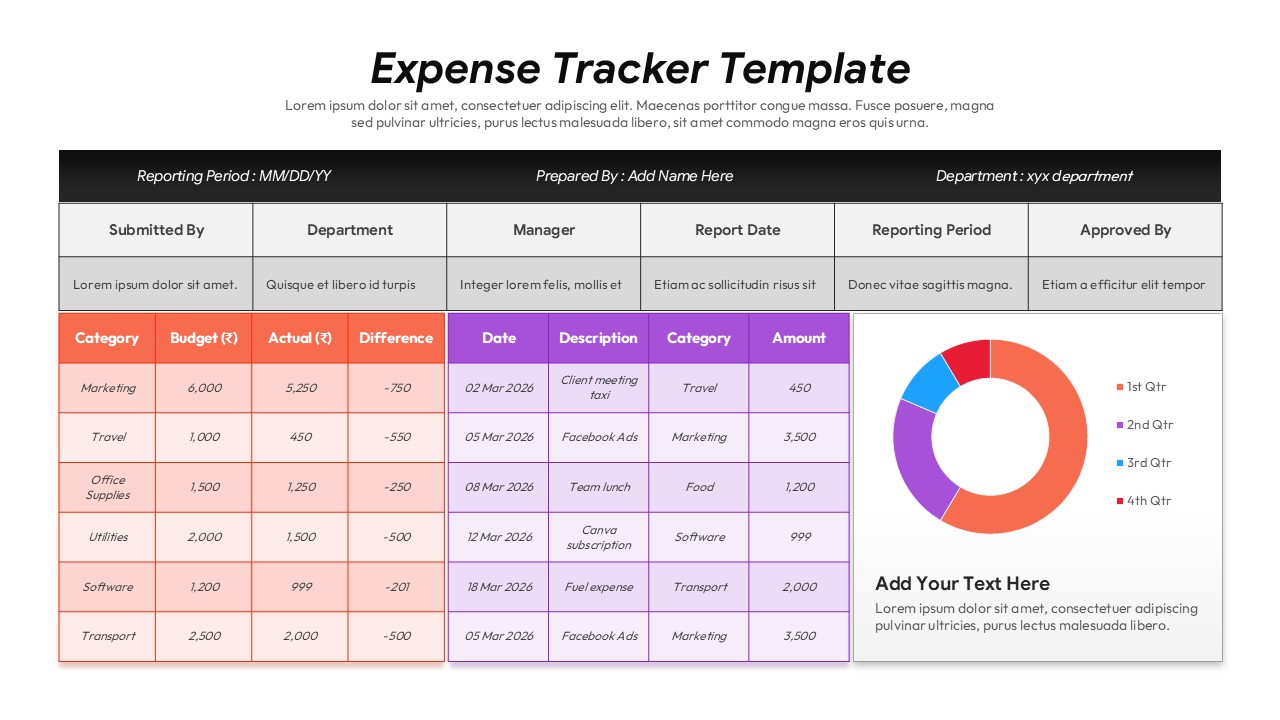
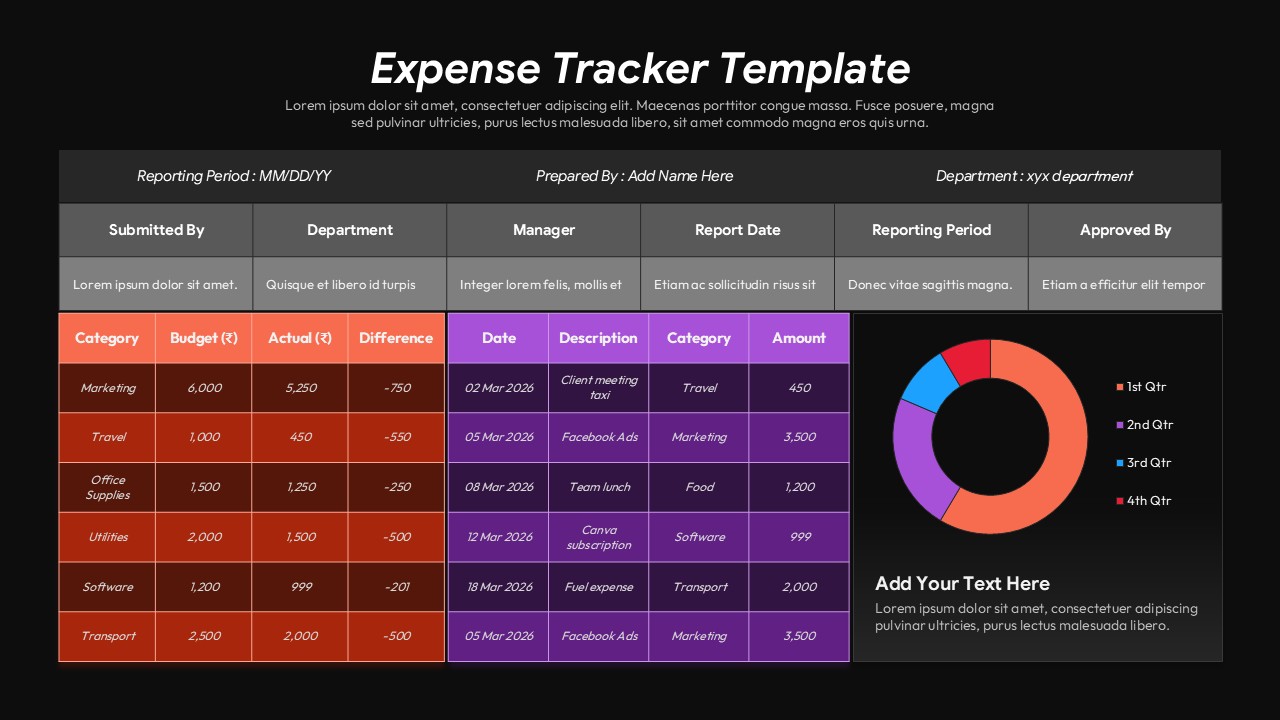
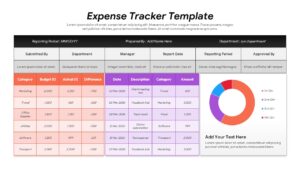
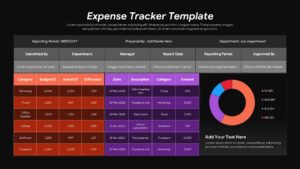
Simplify financial reporting and manage business spending with this Expense Tracker Template for PowerPoint and Google Slides. Designed for professionals, finance teams, managers, and business owners, this template provides a structured way to track expenses, compare budgets with actual spending, and organize financial data in a clear, professional format.
This Expense Tracker PowerPoint Template features budget comparison tables, transaction records, reporting details, and a quarterly expense chart. The budget table allows you to organize expense categories such as marketing, travel, office supplies, utilities, software, and transportation. Compare budgeted amounts with actual expenses and identify differences to monitor spending and support better financial decisions.
The transaction tracking section includes fields for dates, descriptions, categories, and amounts, making it easier to record business purchases, subscriptions, travel costs, and other expenses. The doughnut chart provides a visual overview of quarterly spending, helping you communicate expense distribution and financial trends during business reviews and reporting meetings.
Use this business expense tracker template for monthly expense reports, departmental budgets, project cost tracking, financial presentations, reimbursement summaries, and management meetings. The organized layout helps you present financial information effectively while making budget comparisons and expense analysis easier to understand.
Fully editable in PowerPoint and Google Slides, this expense tracking presentation template allows you to customize categories, amounts, reporting periods, tables, chart colors, and text to match your business requirements. Whether you are preparing a financial report or presenting a budget review, this template helps you communicate expense data with clarity and professionalism.
Login to download this file


Related Templates

RAG Status Dashboard Template
Google Slides Template


