




5 Point Circular Process Diagram Template for PowerPoint & Google Slides
Five Step Circular Infographic Presentation Template
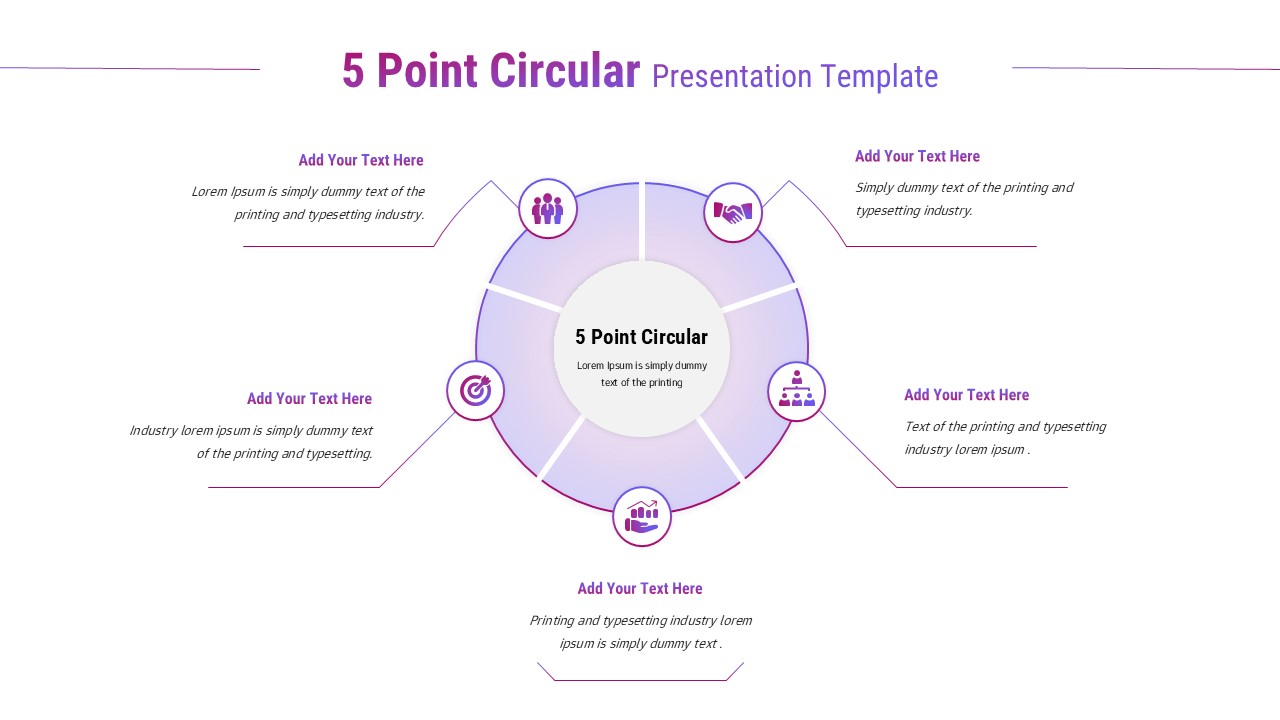
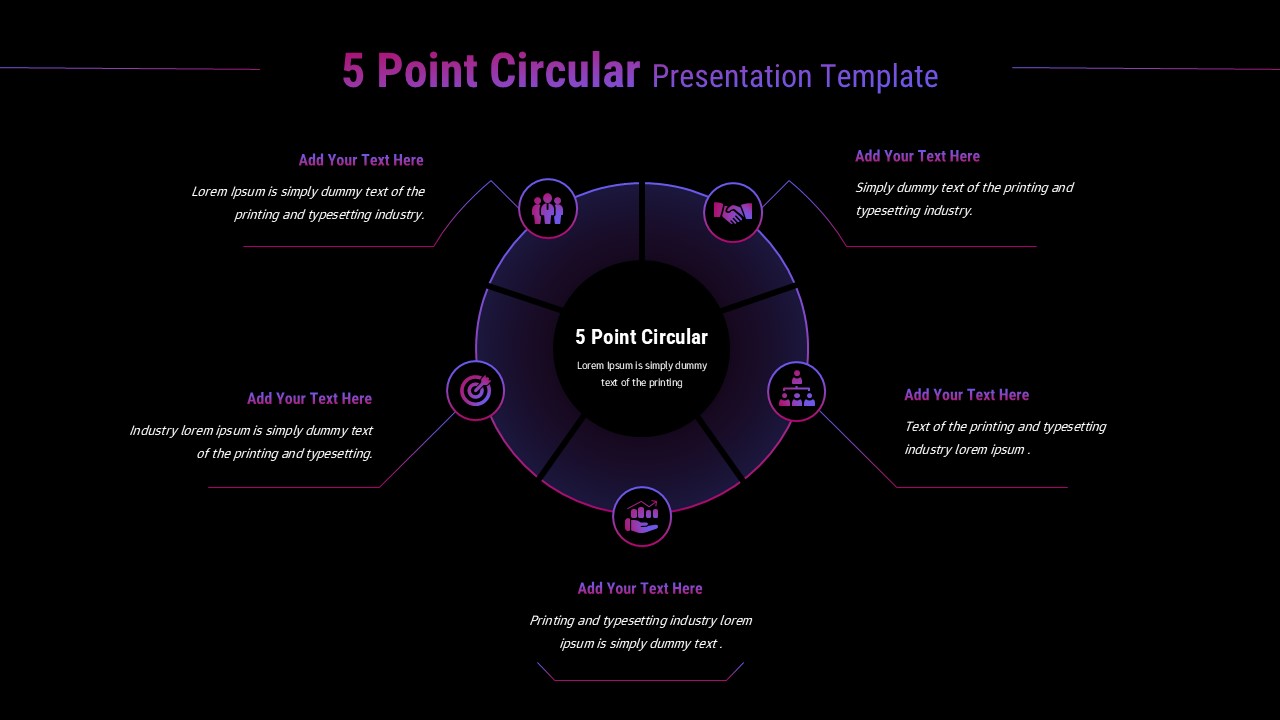
This 5 Point Circular slide is designed to present ideas, processes, or strategies in a visually balanced and engaging circular format. Featuring a central hub surrounded by five evenly spaced segments, the layout clearly illustrates how individual points connect to a core concept. The 5 Point Circular design is ideal for explaining workflows, cycles, frameworks, or strategic pillars in a way that feels intuitive and easy to follow.
The slide uses soft gradients, rounded segments, and simple line connectors to guide attention smoothly around the circle. Each outer point includes an icon placeholder and text area, allowing presenters to summarize key ideas without overwhelming the audience. This 5 Point Circular structure helps reinforce continuity, interdependence, and progression, making it especially effective for storytelling, business strategy, or educational explanations.
Fully editable in PowerPoint and Google Slides, this 5 Point Circular template allows users to update icons, text, and colors effortlessly. Whether you are outlining a process, breaking down objectives, or showcasing stages of growth, this slide delivers a modern, professional visual that enhances clarity and keeps audiences engaged.
Features of this template
• Five-part circular layout with a clear central focus
• Icon placeholders for quick visual recognition of each point
• Smooth connectors and balanced spacing for easy readability
• Fully editable text, icons, and colors in PowerPoint and Google Slides
Why use this template
• Clearly explains multi-step processes or frameworks in one slide
• Reinforces relationships and continuity between key points
• Enhances audience engagement with a clean, modern circular design
• Saves time while delivering a polished, presentation-ready visual
Who is it for
Business professionals, consultants, educators, marketers, and project managers. Also suitable for trainers, strategists, and students who need to present processes, models, objectives, or structured ideas clearly and visually.
Login to download this file


