




Horizontal Six-Stage Funnel Template for PowerPoint & Google Slides
Six-Stage Horizontal Funnel Flow Presentation Template
When you need to walk an audience through a process – a sales pipeline, a customer journey, a phased rollout – the way you present it matters as much as the content itself. This Horizontal Funnel Template with six stages gives you a visually compelling, immediately readable framework that turns your step-by-step thinking into something people actually follow and remember.
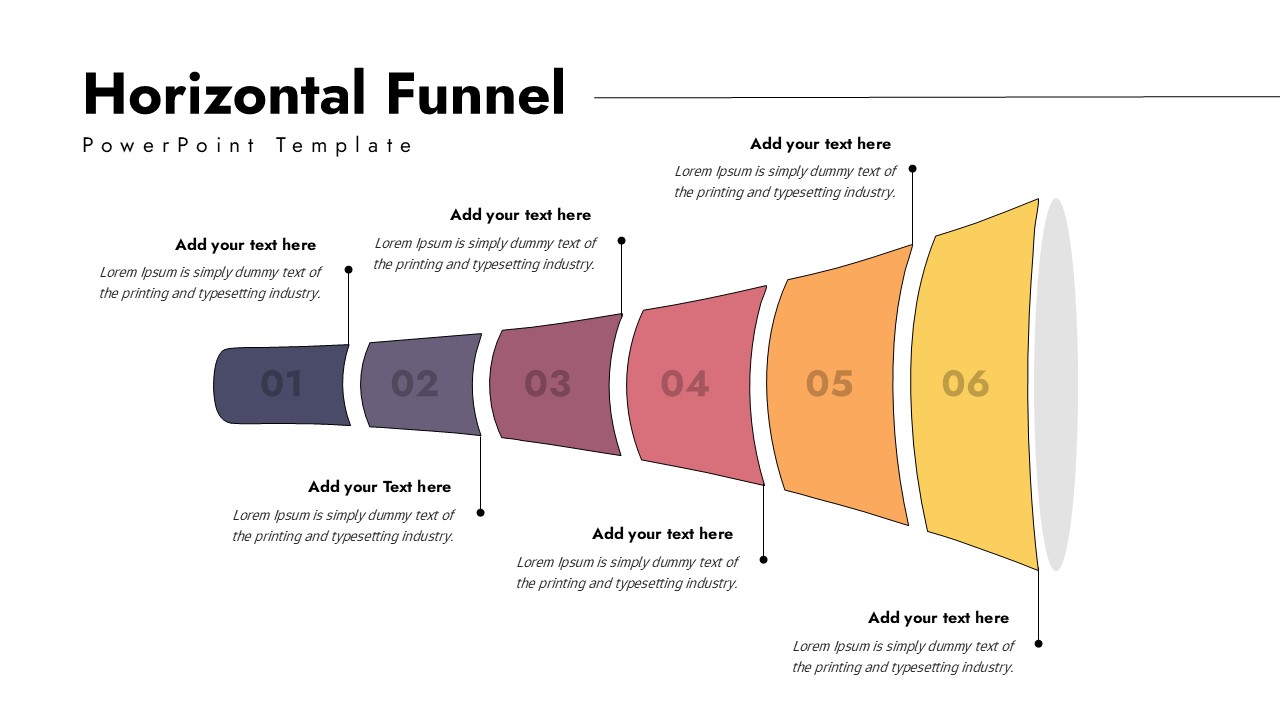
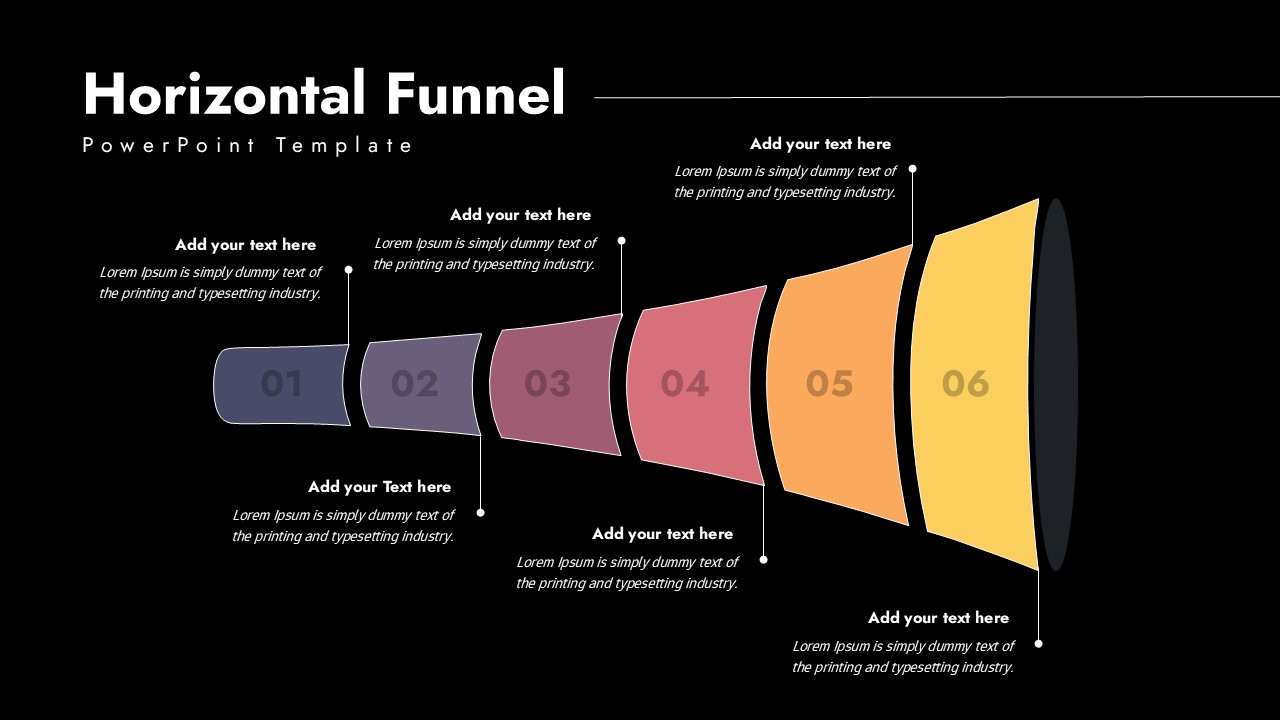
The template unfolds left to right across a horizontally expanding funnel, divided into six distinct, color-coded segments. The palette moves from deep, moody purples on the left through to warm oranges and yellows on the right — a natural visual cue that pulls your audience’s eye from input to outcome, from first touch to final conversion. Each stage is boldly numbered and built with dedicated text placeholders, so you can drop in your metrics, milestones, or key actions without wrestling with the layout.
Here is what makes the Horizontal Funnel work:
• Six individually colored funnel segments that keep every stage visually distinct and easy to track
• A horizontal expansion design that naturally communicates forward movement and progression
• Editable numbers, text fields, shapes, and colors so you can match your brand without rebuilding anything from scratch
• Clean annotation space above and below the funnel for context, data, or supporting notes
• A minimalist layout that works equally well in boardrooms, client decks, and training sessions
You do not need design skills to make this look polished. The hard work is already done – you just bring your content.
Sales teams use it to map qualification stages. Marketers use it to plot campaign pipelines. Consultants use it to lay out transformation phases. Project managers use it to show how work moves from kickoff to delivery. Whatever your process, this Horizontal Funnel template gives it shape and structure that your audience grasps instantly.
Put your pipeline on the slide — and let the visual do the heavy lifting.
Login to download this file


