




KPI Dashboard Template for PowerPoint & Google Slides
KPI Dashboard and Project Tracking Presentation Template
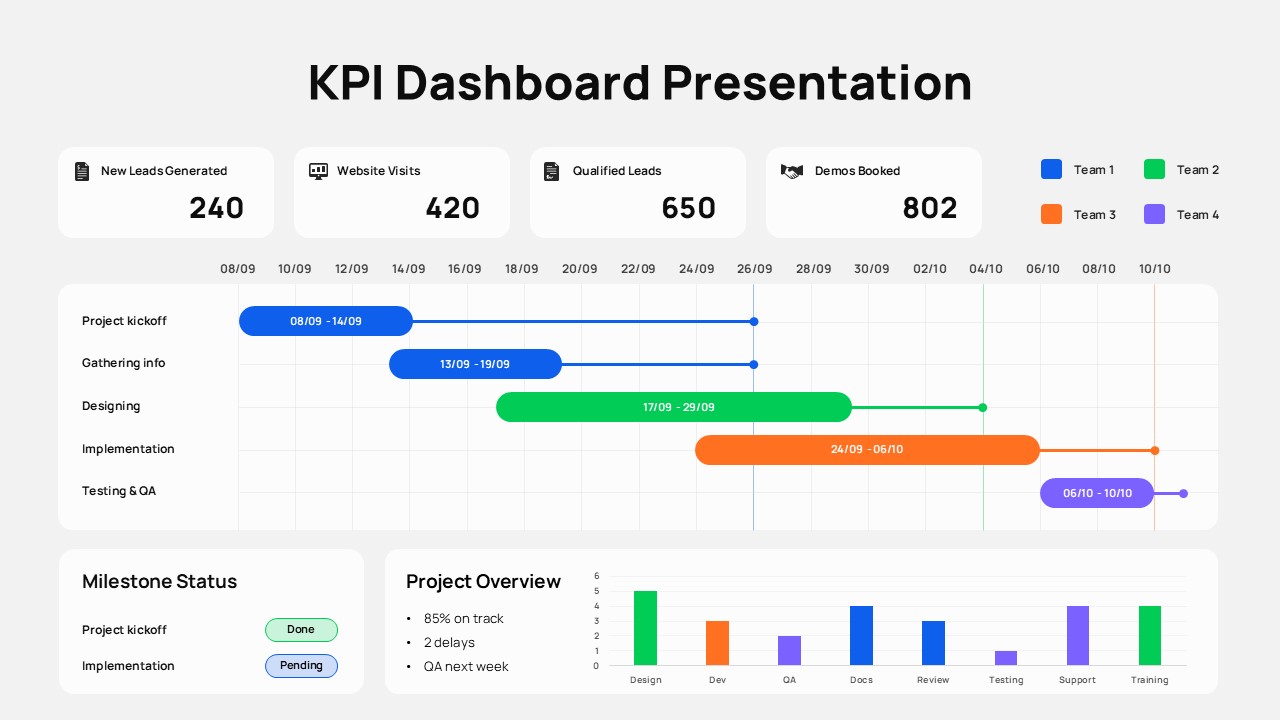
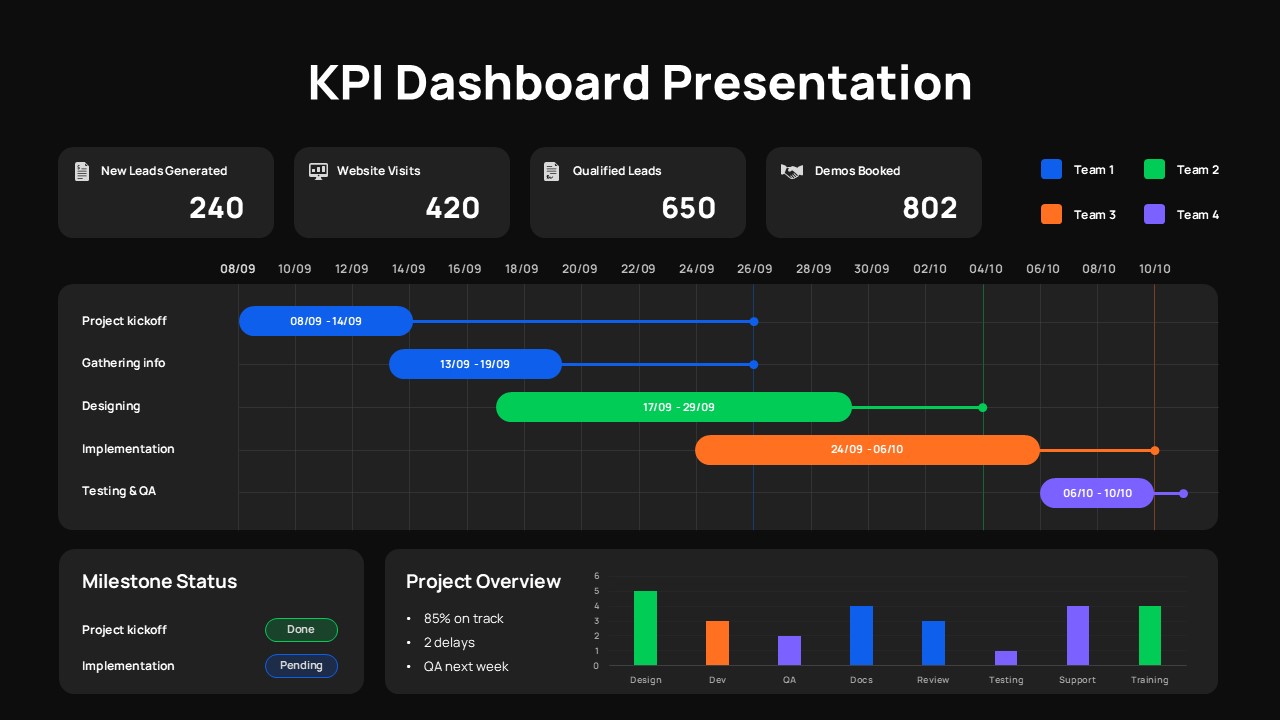
The top section of this KPI Dashboard has four cards – new leads, website visits, qualified leads, demos booked. Bold numbers, icons, enough whitespace that nothing fights for attention. Below that is a Gantt-style timeline for up to four teams (blue, green, orange, purple), broken into five stages: kick-off, information gathering, design, implementation, QA. It’s not a full project management tool – it’s a snapshot. The kind of thing you drop into a PowerPoint deck before a sprint review or an executive update and people can scan it in about ten seconds.
There’s also a milestone status panel (completed vs. pending), a project overview box with tracking percentages and delay flags, and a bar chart in the bottom right for team-by-team comparison. Everything’s on one slide, which is either the point or the constraint depending on how complex your project is.
What’s actually editable in this KPI Dashboard: KPI values, dates, team labels, bar chart data, colors. It works in PowerPoint. If your brand colors don’t match the defaults, swapping the palette takes maybe five minutes. The people this is actually built for are project managers and team leads who already know what’s happening and just need a clean way to show it – in a board meeting, a client update, a Friday standup that probably could’ve been an email.
It’ll handle the visual side. The story is still yours to tell.
Features of the KPI Dashboard template
• Four prominent KPI cards with icons and bold numerical values.
• Multi-team timeline with color-coded bars for clear task ownership.
• Milestone status panel and project overview summary for quick context.
• Editable bar chart for team performance comparison.
Why use this template
• Presents KPIs and timeline progress in one streamlined dashboard.
• Enhances clarity for stakeholders by consolidating key insights visually.
• Saves time by offering a ready-made, professional reporting layout.
• Ideal for recurring updates, sprint reviews, or progress presentations.
Login to download this file


