




Vendor Comparison Template PowerPoint & Google Slides Templates
Vendor Comparison Template
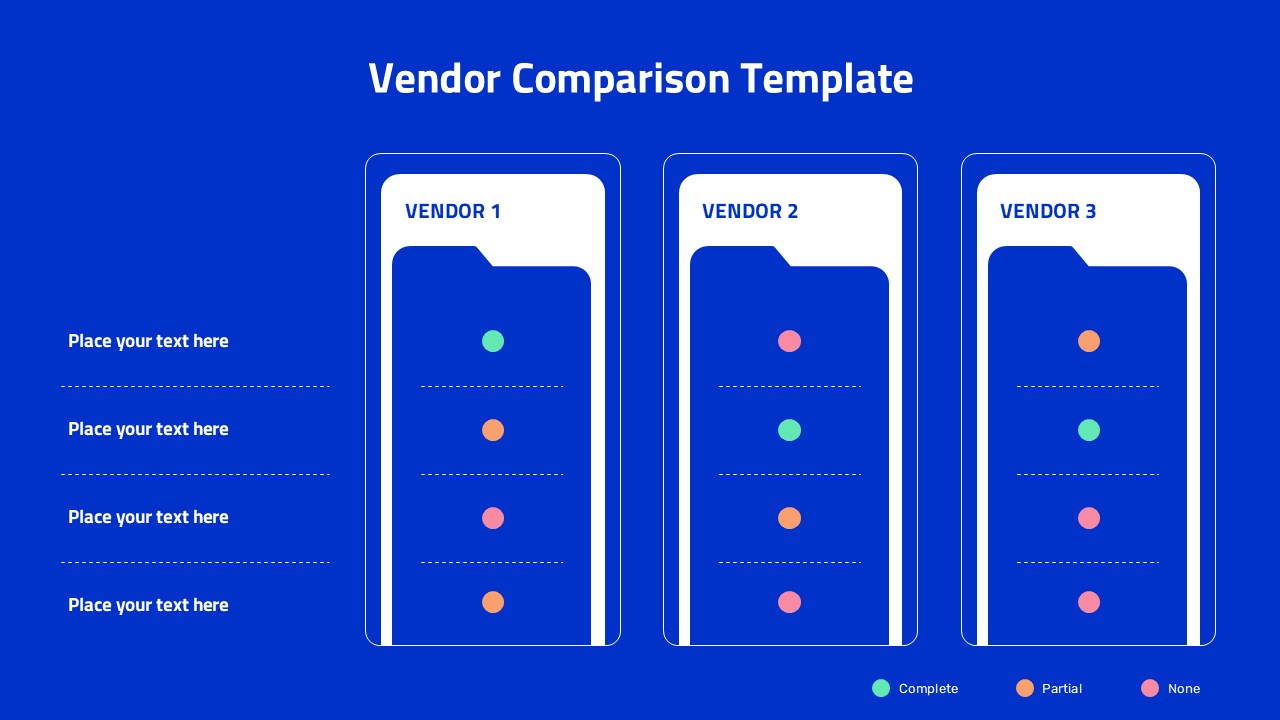
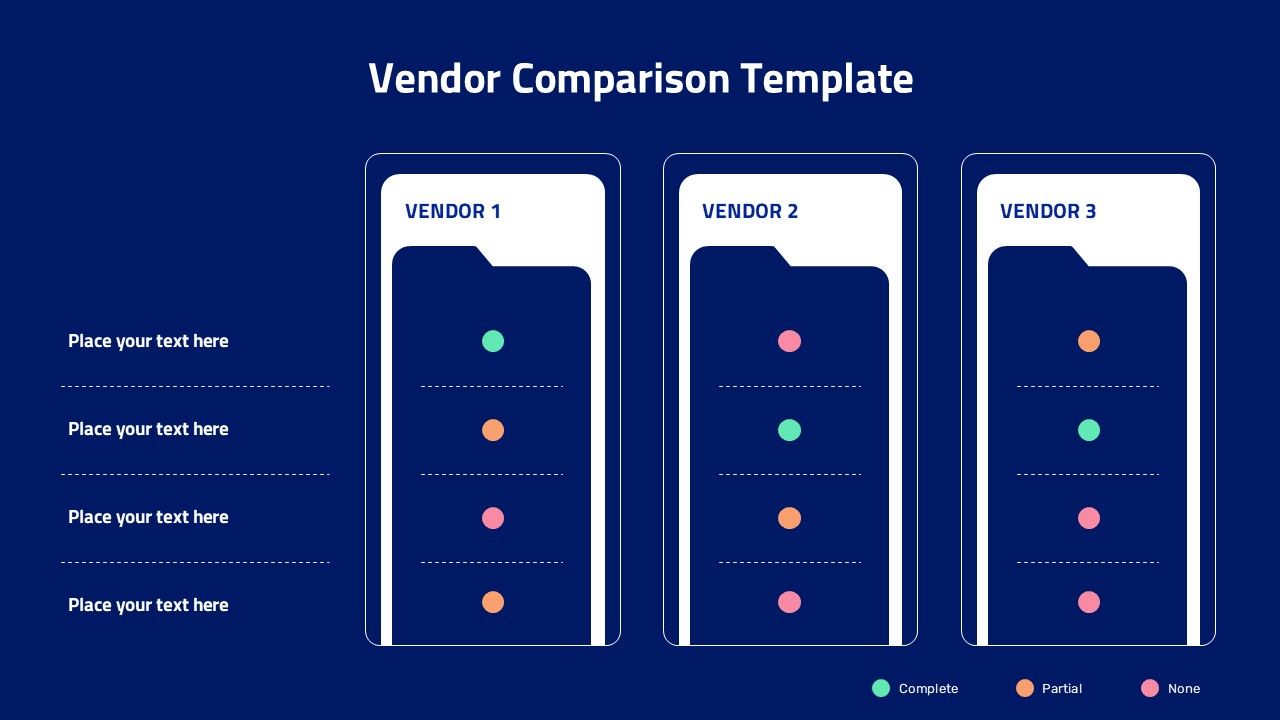
Which vendor actually meets your requirements? This Vendor Comparison Template answers that question with a clean, color coded layout instead of a dense spreadsheet. Three vendor cards sit side by side against a bold blue backdrop, each shaped like a folder tab and labeled Vendor 1, Vendor 2, and Vendor 3, ready to hold your own vendor names.
Down each card in the Vendor Comparison Template runs a set of status dots in three colors, green for Complete, orange for Partial, and pink for None, giving reviewers an instant visual read on how each option stacks up. On the left, four criteria rows with placeholder text let you list out the factors that matter most, such as cost, features, support quality, or implementation time. A small legend at the bottom keeps the color meanings clear for anyone seeing the slide for the first time.
Built for both PowerPoint and Google Slides, this template works well for software evaluations, RFP scoring, supplier reviews, and any decision that involves weighing several vendors against the same checklist. Every text field, dot color, and card label can be updated, and you can duplicate the vendor card layout if you need to compare more than three options.
- Software or SaaS vendor shortlisting presentations
- RFP evaluation summaries for procurement teams
- Supplier or contractor comparison decks
- Internal decision briefs before a final vendor pick
Login to download this file


Related Templates

Pros And Cons List Slides & PPT Templates
Comparison


