




Card Checklist PowerPoint & Google Slides Templates
Card Checklist Presentation Template
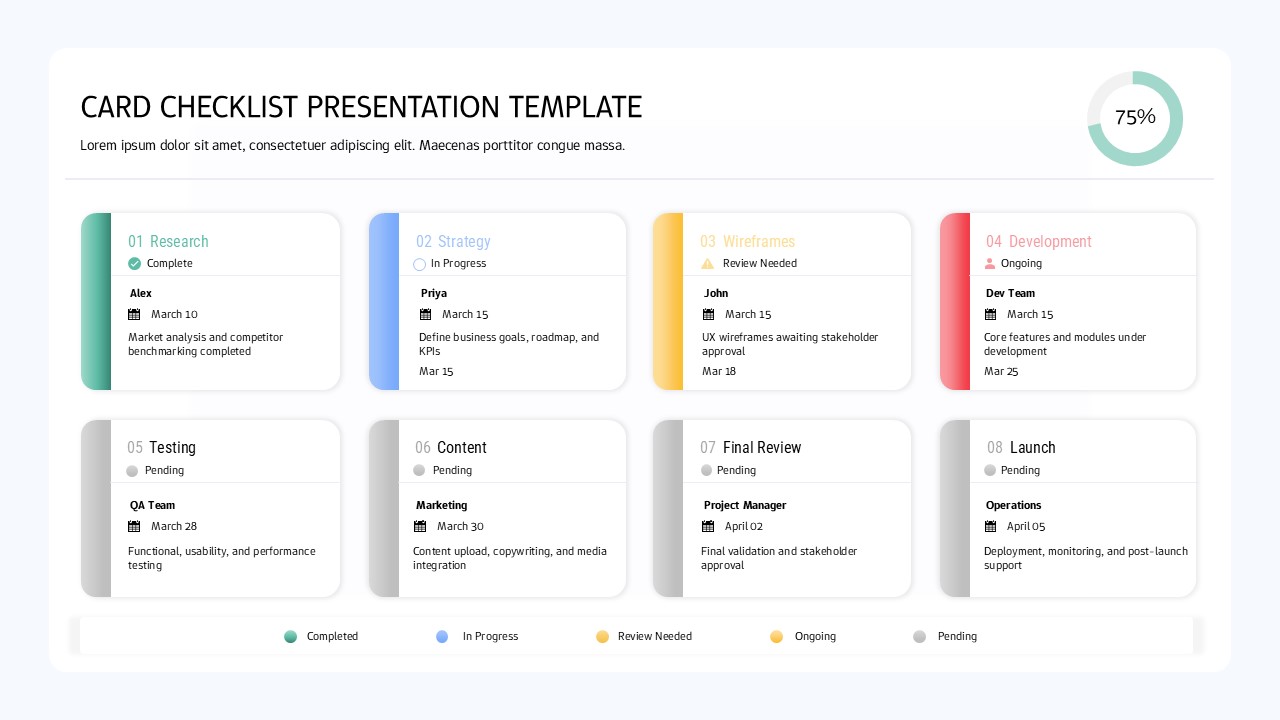
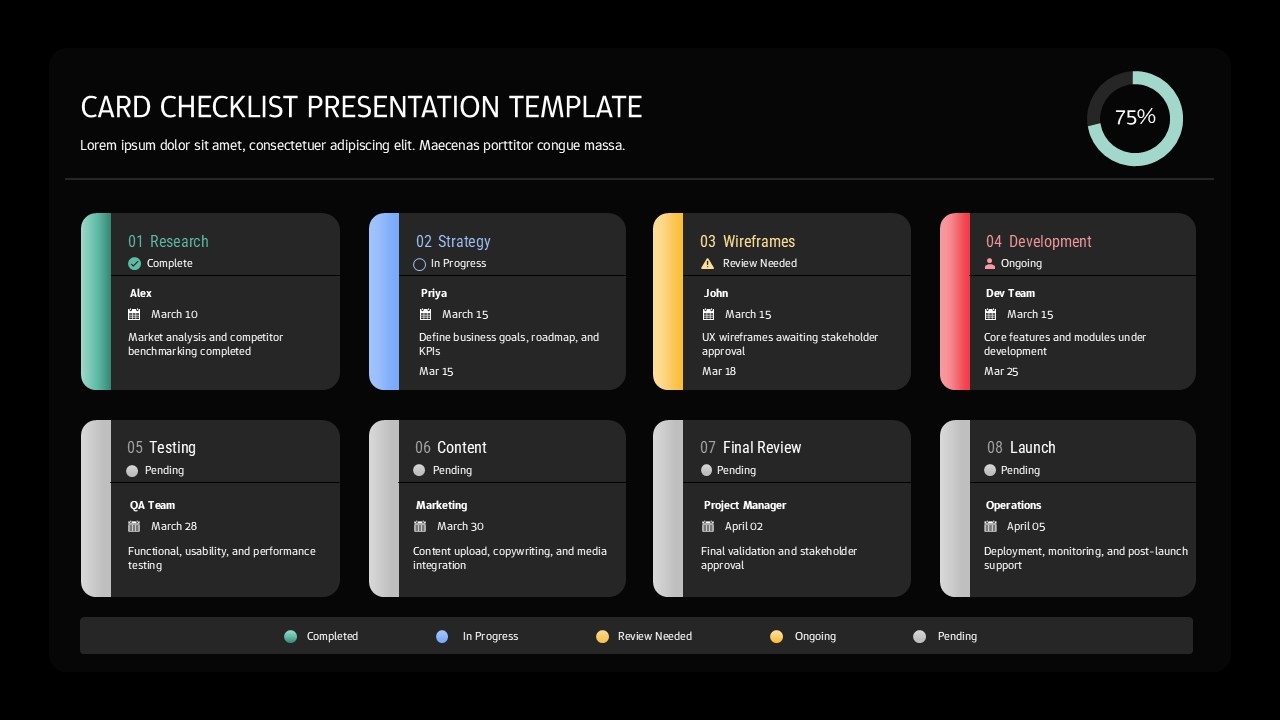
The Card Checklist Presentation Template for PowerPoint and Google Slides is a meticulously designed asset for professionals who prioritize clarity, efficiency, and modern aesthetics in their project reporting. Featuring a structured 2×4 grid, this template offers eight distinct task cards that allow for the simultaneous tracking of multiple work streams without overwhelming the viewer. Each individual card is built with a focus on functional design, incorporating colored left-border accents that provide an immediate visual cue for categorization, alongside dedicated fields for assignee information and specific due dates. To provide a high-level snapshot of project health, the layout includes a prominent circular progress indicator preset at 75% completion which serves as a central focal point to communicate overall momentum to stakeholders and team members alike.
Beyond its structural layout, the template excels in its adaptability, offering both light and dark theme variations to suit different presentation environments or corporate branding requirements. The sophisticated color-coded status system utilizing a palette of teal, blue, yellow, and gray allows users to designate various project phases such as “Planned,” “In Progress,” “Under Review,” or “Completed” with professional precision. This visual hierarchy is particularly beneficial for project managers, scrum masters, and team leaders operating within agile or Kanban frameworks, as it mimics the intuitive nature of a physical task board while maintaining the polish of a digital presentation.
Customization is at the heart of this template’s value proposition. Every element, from the progress percentages and assignee names to the specific hex codes of the status indicators, can be modified to align with unique project requirements or strict brand guidelines. This flexibility makes it an indispensable tool for recurring status meetings, sprint reviews, and executive updates where information needs to be refreshed quickly and accurately. By replacing dense spreadsheets and cluttered text slides with this clean, card-based system, presenters can significantly improve audience engagement and ensure that critical milestones and responsibilities are understood by diverse audiences, ranging from technical development teams to high-level clients and executives. Ultimately, this template saves valuable time by providing a pre-designed, professional structure that transforms raw project data into a compelling visual narrative.
Login to download this file


