




Ranking Chart PowerPoint & Google Slides Templates
Mastering the Leaderboard: How to Use Our Horizontal Ranking Chart
When it comes to presenting competitive data, the way you frame the results is just as important as the numbers themselves. A simple table can feel like a critique, but a well-designed Ranking Chart for PowerPoint and Google Slides feels like a celebration. Our latest leaderboard template is built to help you recognize excellence while maintaining a clean, professional aesthetic that fits perfectly into any executive deck.
A Design That Tells a Story
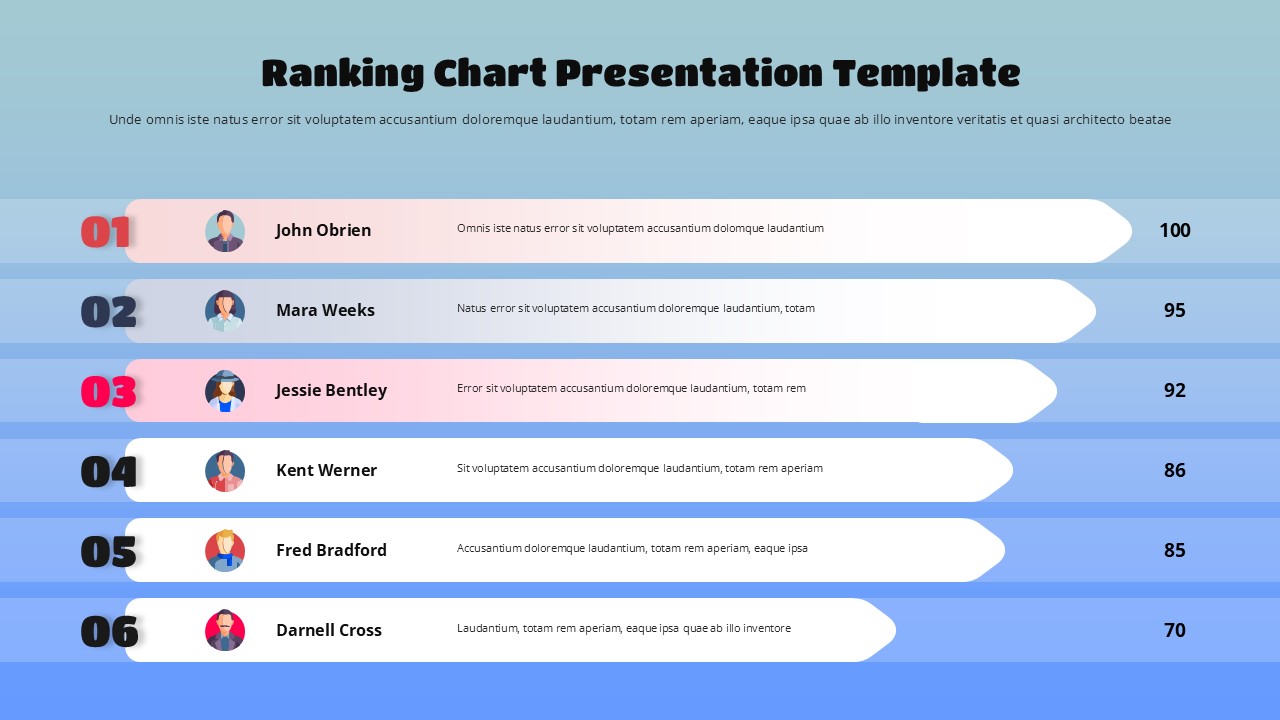
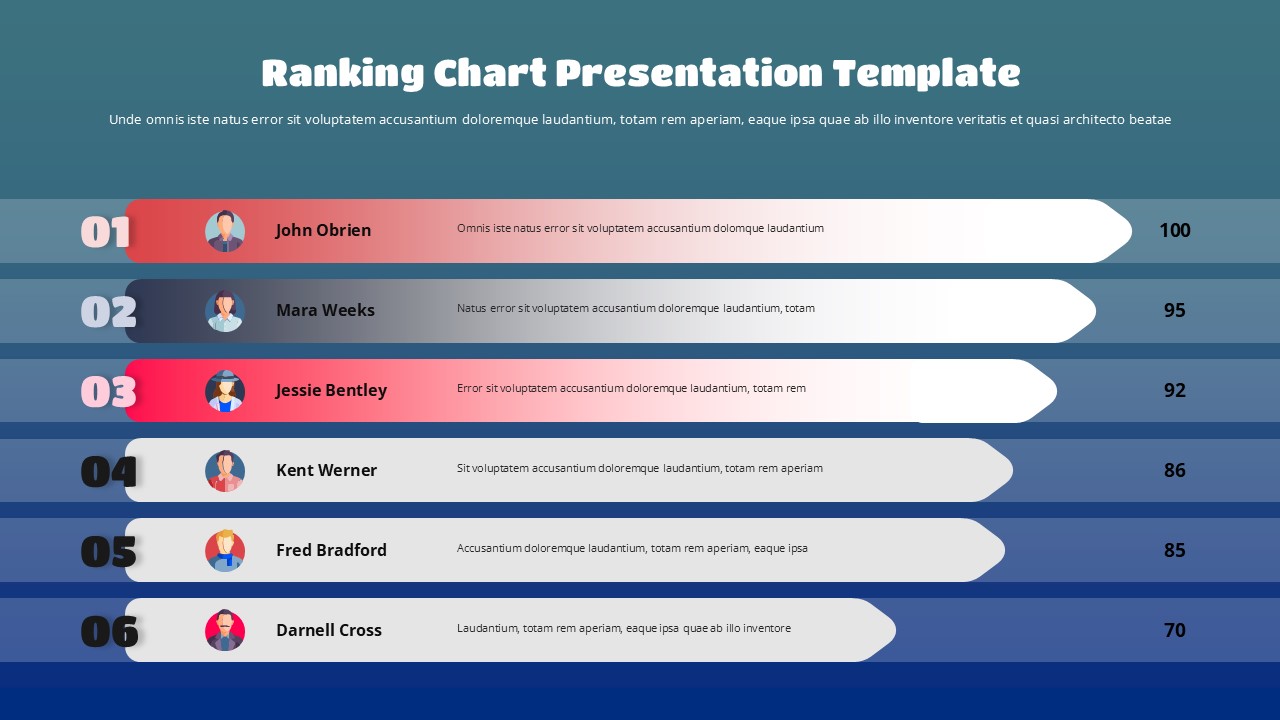
We’ve moved away from the vertical “list” format in favor of a horizontal arrow design. This creates a sense of progress and momentum, making it the ideal data visualization tool for showing how close your team members are to their goals. The template features:
Color-Coded Tiers: Top spots are highlighted in warm coral tones to signify success, while the rest of the entries use a deep navy for a balanced, high-contrast look.
Personalization Hubs: Integrated avatar placeholders allow you to add photos of your team, making the recognition feel personal and meaningful.
Dual-Environment Themes: Choose between a soft light blue gradient for morning meetings or a deep teal background for high-impact evening presentations.
Best Practices for Your Leaderboard
To get the most out of this editable performance slide, consider these three tips:
Be Specific with Descriptions: Don’t just list a name; use the sub-text field to mention a specific win, like “Closed 3 Enterprise Deals” or “100% Client Satisfaction.”
Keep Icons Consistent: If you aren’t using real photos, use a consistent set of professional icons for the avatars to maintain the sleek, modern feel.
Match Your Brand: Since every bar and arrow is a native vector shape, you can instantly change the coral and navy palette to match your corporate brand identity in just a few clicks.
Who is this Template For?
This isn’t just for sales teams. It’s a versatile asset for HR professionals performing annual reviews, project leads comparing department efficiency, and educators looking to gamify student achievements. By providing a structured, 16:9 widescreen layout, we ensure your rankings are the focal point of the room, driving engagement and clarity across every slide.
Login to download this file


