




Incident Report Summary Dashboard Template for PowerPoint & Google Slides
Incident Reporting and Action Tracking Presentation Template for PPT & Google Slides
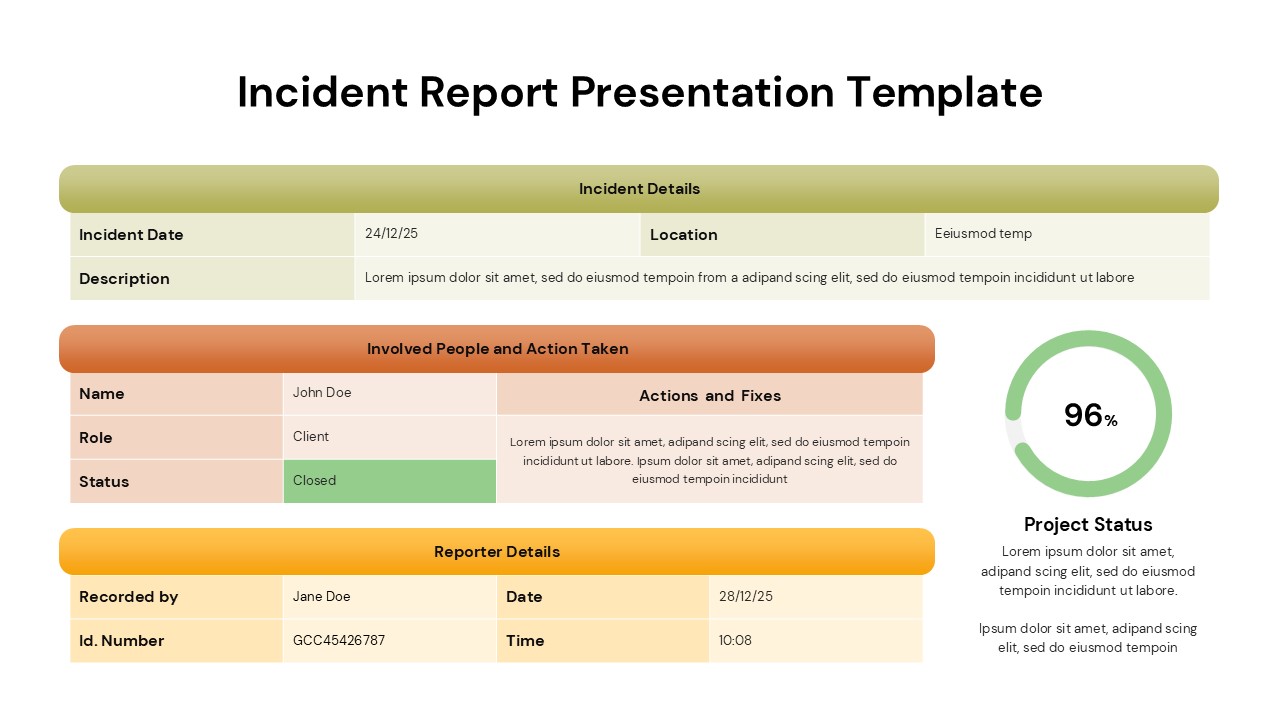
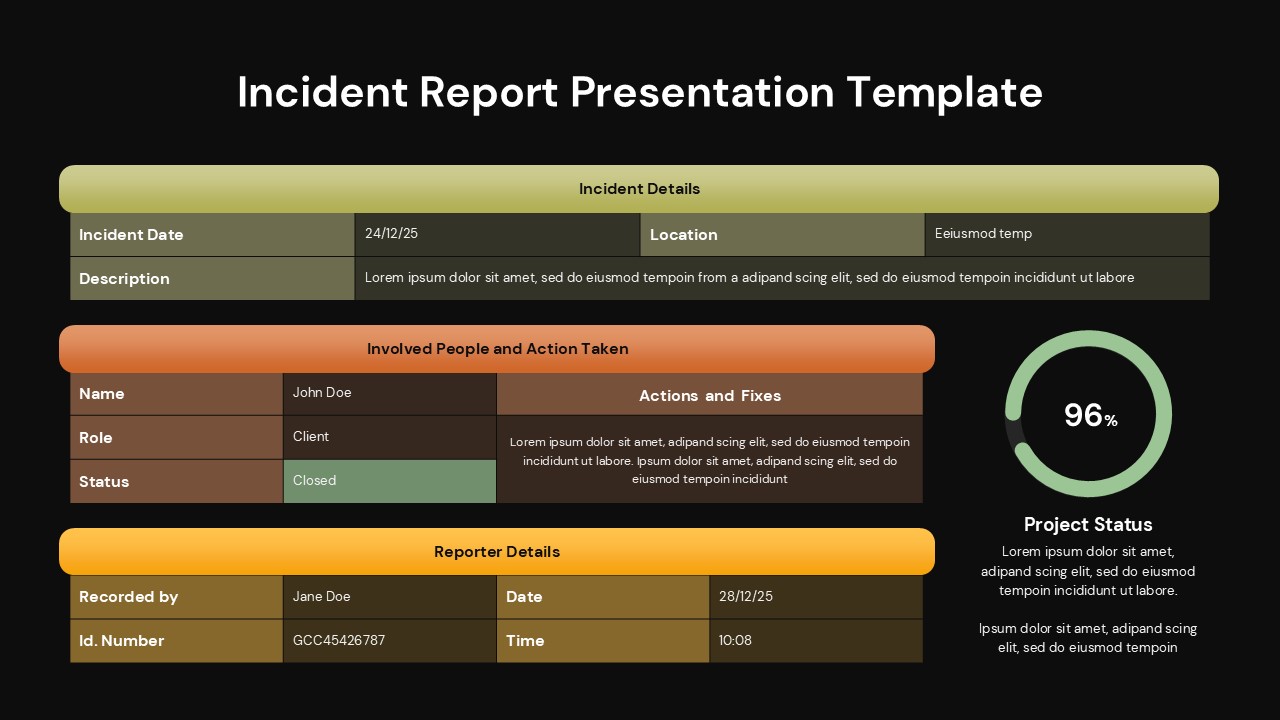
This incident report summary dashboard is designed to document, present, and review incidents in a structured and professional format. The slide organizes critical information into clearly labelled sections, including incident details, involved people, corrective actions, and reporter data. With its table-based layout, this template ensures that dates, locations, descriptions, and statuses are easy to read and consistently formatted, making it suitable for formal reporting and audits. A circular progress indicator on the right visually communicates overall project or resolution status, adding a quick performance snapshot to the report.
The incident report summary dashboard emphasizes clarity and accountability. Color-coded section headers separate information logically, helping audiences follow the incident lifecycle from occurrence to resolution. The design supports quick customization in PowerPoint and Google Slides, allowing teams to update fields, adjust colors, or modify text without disrupting alignment. This makes it practical for recurring use across different departments or reporting periods while maintaining a consistent visual standard.
Ideal for internal documentation and presentations, this incident report summary dashboard supports transparent communication with stakeholders. Whether used for safety incidents, operational issues, or compliance documentation, the layout helps teams track actions taken, confirm closure status, and maintain accurate records. Its clean, professional appearance ensures that sensitive information is presented clearly and responsibly.
Features of this Incident Report Dashboard template
• Structured tables for incident details, actions taken, and reporter information.
• Dedicated section for involved people, roles, and incident status.
• Circular progress indicator to visualize resolution or project status.
• Fully editable text, colors, and shapes in PowerPoint and Google Slides.
Why use this Incident Report Dashboard template
• Standardizes incident reporting across teams and departments.
• Improves clarity and accountability with organized data sections.
• Saves time with a ready-to-use, compliance-friendly layout.
• Enhances presentations with both textual and visual status indicators.
Who is it for
This template is ideal for HR teams, safety officers, compliance managers, project managers, and operations teams who need to document and present incident reports. It is also suitable for corporate environments, healthcare facilities, educational institutions, and organizations requiring structured incident tracking.
Login to download this file


