




Morning Meeting PowerPoint & Google Slides Templates
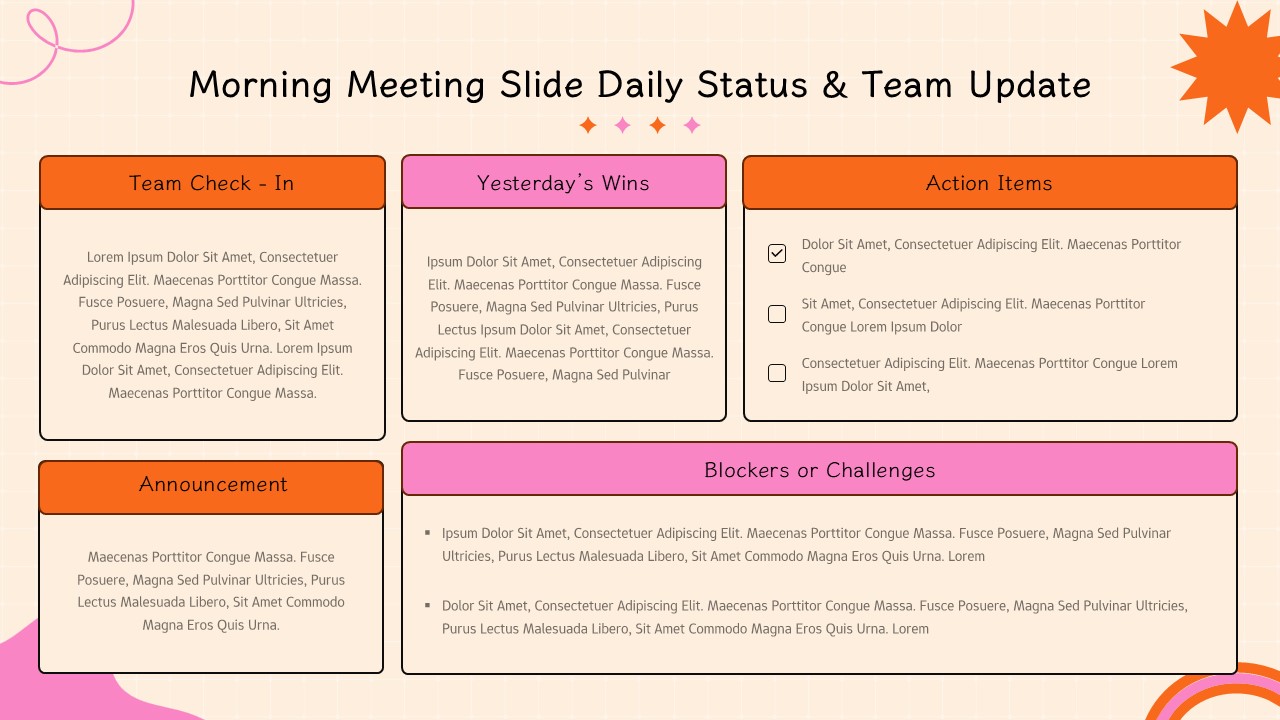
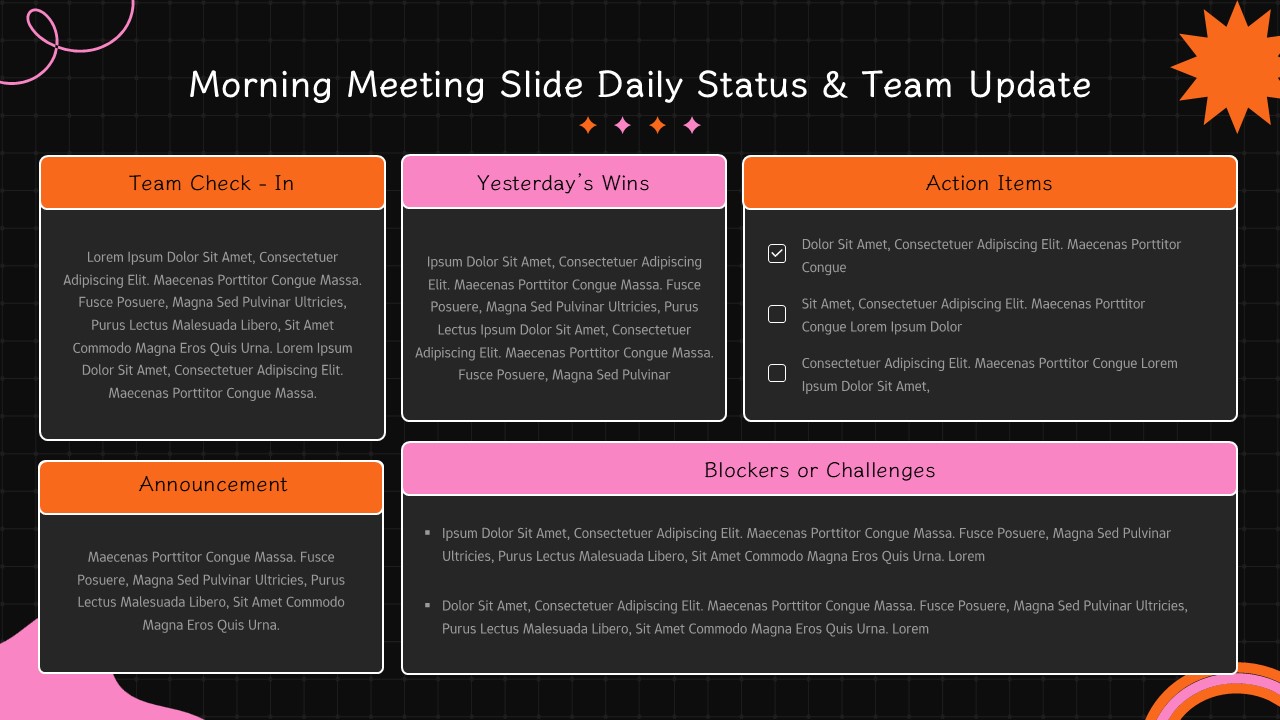
Morning Meeting Template
Let’s be honest: most meeting notes end up buried in a cluttered inbox, never to be opened again. This Meeting Minutes Template for PowerPoint and Google Slides is designed to change that. It’s a clean, professional dashboard that turns those long, rambling discussions into a clear, visual game plan that your team will actually follow.
Instead of a messy wall of text, you get a high-contrast layout that is built specifically for the “skimmers” the busy stakeholders who need to know exactly what was decided and who is responsible for the next steps without digging through pages of notes.
How it keeps your team organized
We’ve structured this Meeting Minutes Template to follow the natural flow of a productive business conversation:
The “At-a-Glance” Header: No more hunting for the date, the location, or the attendee list. All the administrative details are tucked neatly into a streamlined bar at the top of the slide.
The Big Highlights: Right below the header, we’ve placed three high-visibility cards for Key Decisions, Next Steps, and details for the Next Meeting. If someone only has ten seconds to look at the slide, they’ll still walk away with the most important information.
The Action Table: This is where the real work happens. It breaks down every single agenda item with a specific summary, a clear decision, and—most importantly—an assigned owner and a due date. It’s the ultimate tool for keeping everyone accountable and making sure tasks don’t just disappear.
Designed to be used, not just looked at
You don’t need to be a graphic designer to make this look polished. Every part of this Meeting Minutes Template is a “native vector,” meaning you can click and change anything. If the navy and cream doesn’t fit your corporate vibe, you can swap the colors and fonts in seconds.
Whether you’re a project manager trying to keep a sprint on track or an executive assistant summarizing a board review, this template makes you look prepared and organized. It works perfectly in both Google Slides and PowerPoint, so you can share a live link or send over a finished file. It is quite simply the easiest way to make sure your meetings actually lead to results.
Login to download this file


