




OKR Dashboard Performance Overview Template for PowerPoint & Google Slides
OKR Objectives and Key Results Dashboard Presentation Template
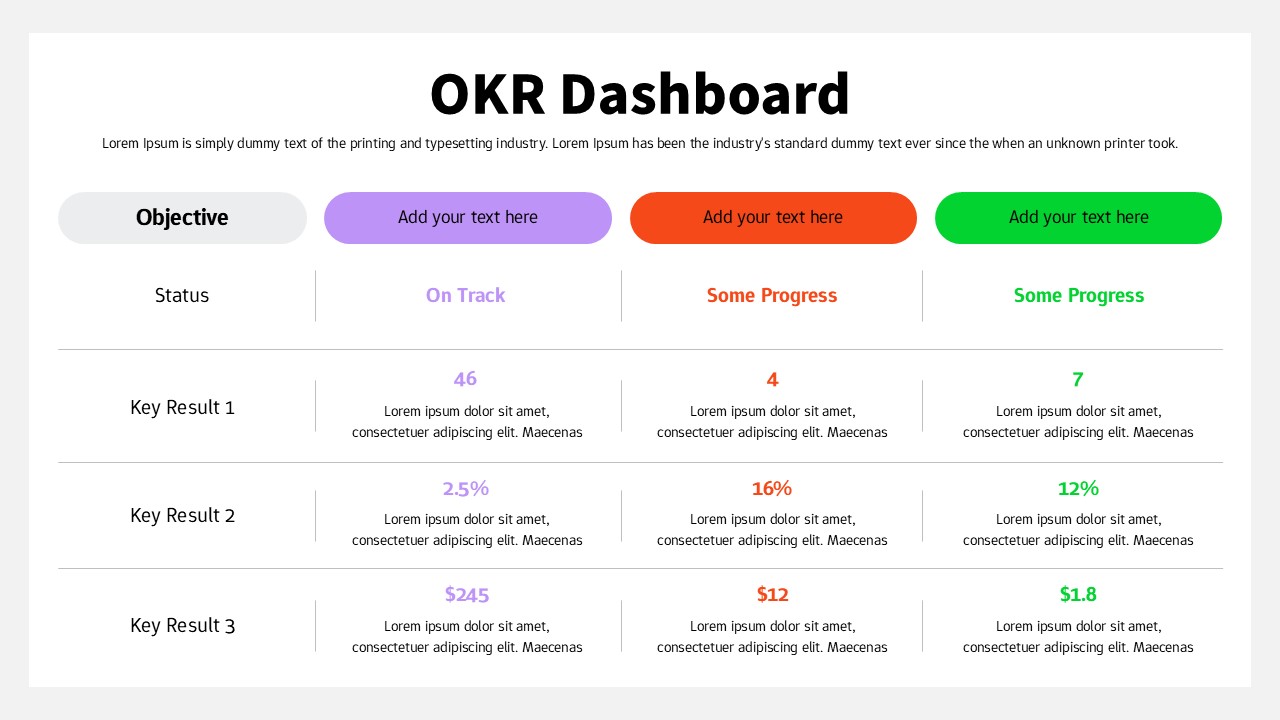
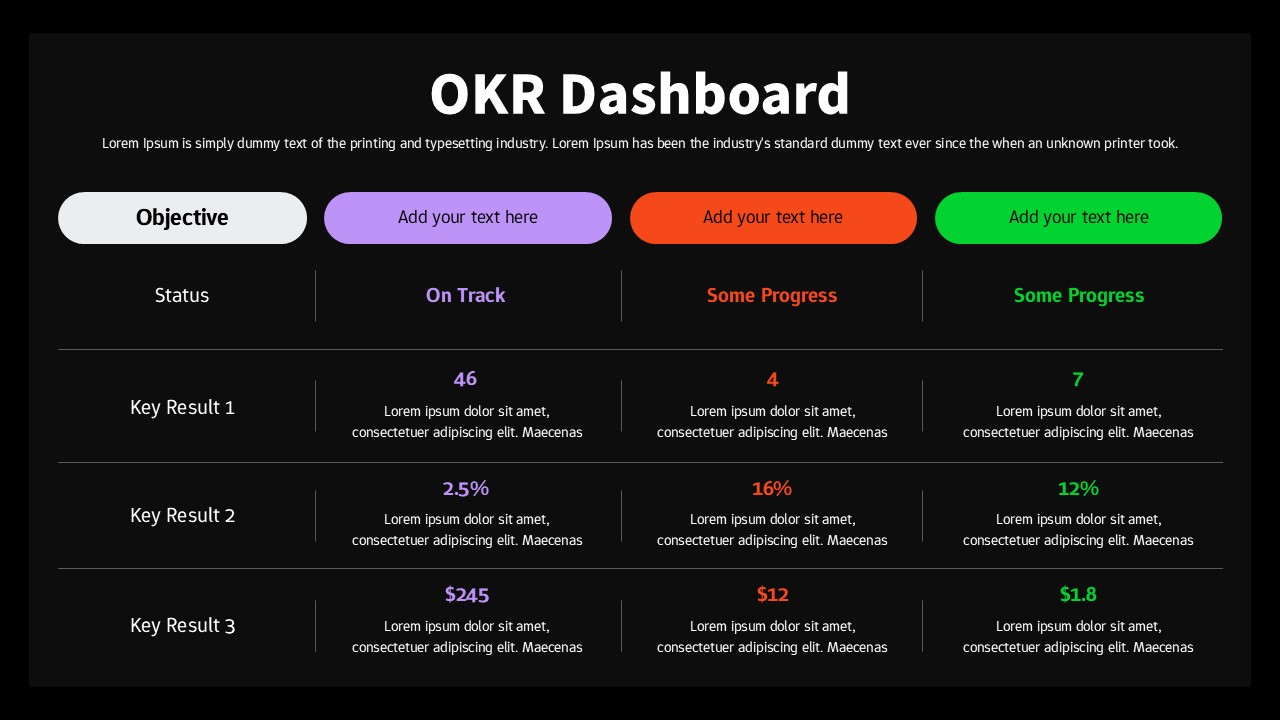
This OKR dashboard presentation template is designed to help teams track objectives and key results in a clear, structured, and visually consistent layout. The slide organizes multiple objectives across columns, each paired with real-time status indicators and measurable key results. By presenting progress at a glance, the presentation template supports alignment, accountability, and data-driven performance reviews across teams or departments.
The layout clearly separates objectives, status labels, and key results, making it easy to compare progress levels such as “On Track” or “Some Progress.” Color-coded objective headers improve visual scanning, while numeric values and percentage indicators emphasize measurable outcomes. This OKR dashboard presentation template is ideal for summarizing performance during weekly check-ins, quarterly reviews, or leadership updates without overwhelming audiences with unnecessary detail.
Fully editable in PowerPoint and Google Slides, the OKR dashboard presentation template allows users to update objectives, adjust metrics, and customize colors to match internal frameworks or branding. Whether used by startups, product teams, or enterprise organizations, this dashboard transforms tracking into a clean, professional visual that drives focus and execution.
Features of this OKR Dashboard template
• Structured dashboard layout with objectives, status, and key results.
• Color-coded objective headers for quick progress recognition.
• Clear numeric and percentage-based performance indicators.
• Fully editable text, colors, and layout in PowerPoint and Google Slides.
Why use this OKR Dashboard template
• Provides a clear snapshot of OKR progress in a single slide.
• Improves alignment and transparency across teams and stakeholders.
• Saves time compared to building custom OKR dashboards manually.
• Suitable for recurring reviews, planning sessions, and leadership updates.
Who is it for
Product managers, team leads, executives, HR teams, startup founders, and operations managers tracking objectives and key results. Also useful for agile teams, performance reviews, and quarterly business planning.
Login to download this file


