
Audience Analysis PowerPoint Presentation Templates
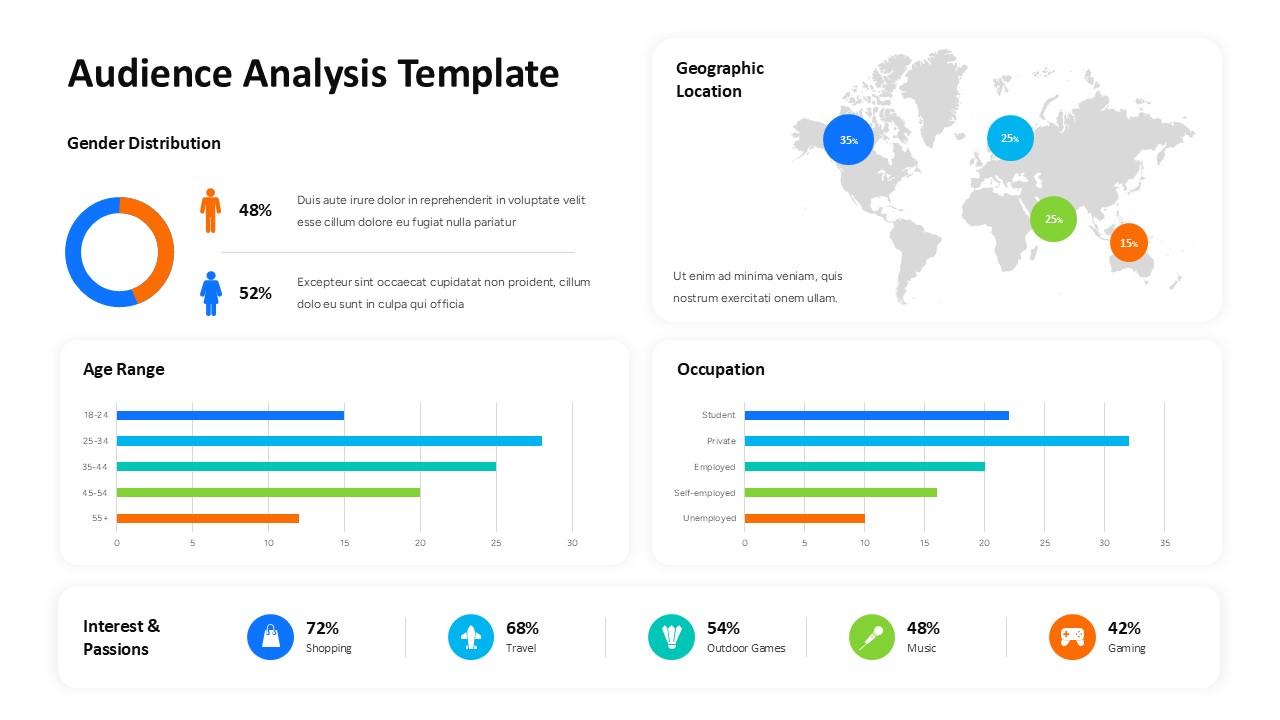
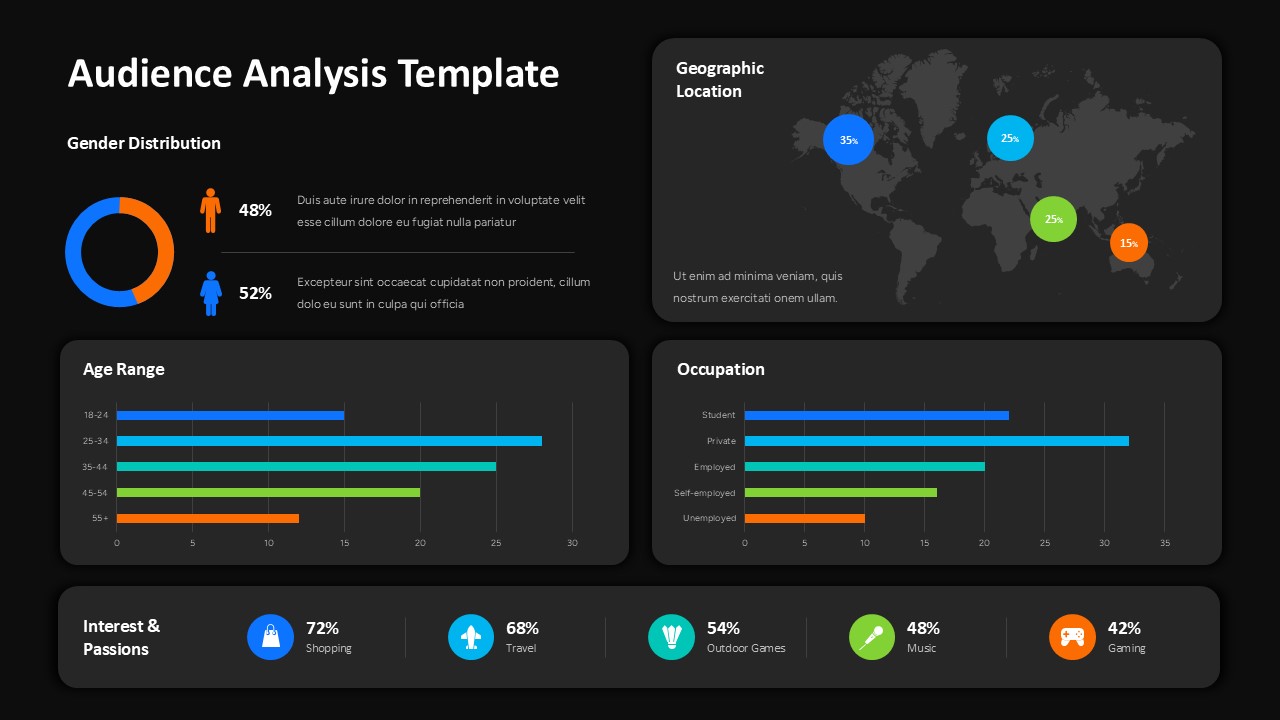
Discover who your customers are and what matters to them with our Audience Analysis Template. This presentation layout combines demographic data, geographic distribution, occupational profiles, and personal interests in one visual dashboard. With color-coded charts, percentage indicators, and a world map, it helps marketers, researchers, and business professionals communicate audience insights and identify patterns in their target market.
- Break Down Demographic Data: Illustrate age groups and gender distribution using charts that make audience characteristics easier to understand.
- Map Your Audience Reach: Display geographic data with a world map and percentage markers to highlight the regions represented in your audience.
- Compare Audience Profiles: Use occupation-based charts to summarize professional categories and explore the composition of your target market.
- Identify Customer Preferences: Present interests and hobbies with visual icons and percentage figures to highlight popular audience segments.
The Audience Analysis PowerPoint Template features a dashboard-style design with dedicated sections for demographic comparisons, location data, occupational breakdowns, and customer interests. Its horizontal bar charts, circular graphic, and color-coded indicators create a clear visual hierarchy, while the light and dark versions offer flexibility for different presentation styles. Customize the labels, chart values, colors, and supporting text to reflect your research findings.
Use this Audience Analysis Template to present market research, build customer profiles, support marketing campaign planning, or share audience insights with stakeholders. Download the template from SlidesDepot and turn audience data into a focused, professional presentation.
Login to download this file


Related Templates

Expense Tracker Template
Business
Revenue Graph Templates
Charts
RAG Status Dashboard Template
Google Slides Template
SEO Audit Report Templates
Report


