Beyond the Slides
Master PowerPoint, Google Slides, and presentation strategy with expert articles, tutorials, and creative inspiration.
What Is the Main Purpose of Developing a Business Pitch? A Complete Guide for Founders
The Role of a Business Pitch in Winning Opportunities Many founders, professionals, and teams struggle with the same challenge: they have a strong idea, but their business pitch does not communicate it clearly. The slides feel disconnected. The story lacks focus. The audience walks away unsure about the value or the next step. Understanding what…

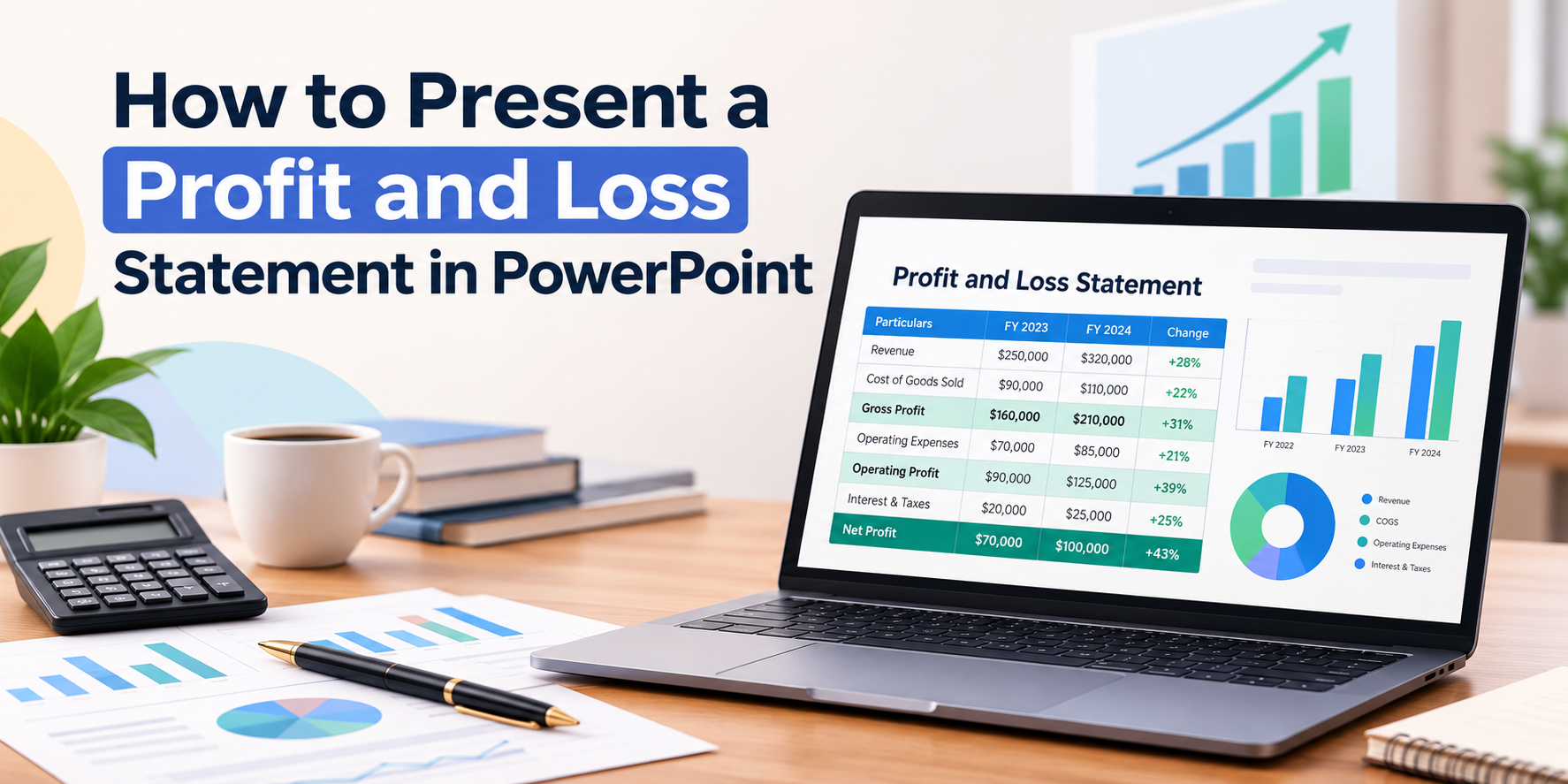
How to Present a Profit and Loss Statement in PowerPoint (With Edit Templates)
Most people don’t struggle with the numbers in a profit and loss statement. They struggle with showing them. A slide full of rows and decimals loses the room in seconds, while a clean, visual slide keeps everyone following along. This guide shows how to present a profit and loss statement in PowerPoint, which layouts work…

5 Digital Marketing PPT Templates by SlidesDepot
Digital marketing moves fast, and so do the meetings that come with it. Strategy reviews, client pitches, quarterly reports, and campaign kickoffs all need visuals that explain complex plans quickly. The problem is that building those visuals from scratch takes hours. Digital marketing PPT templates solve this by giving you professionally designed layouts that you…

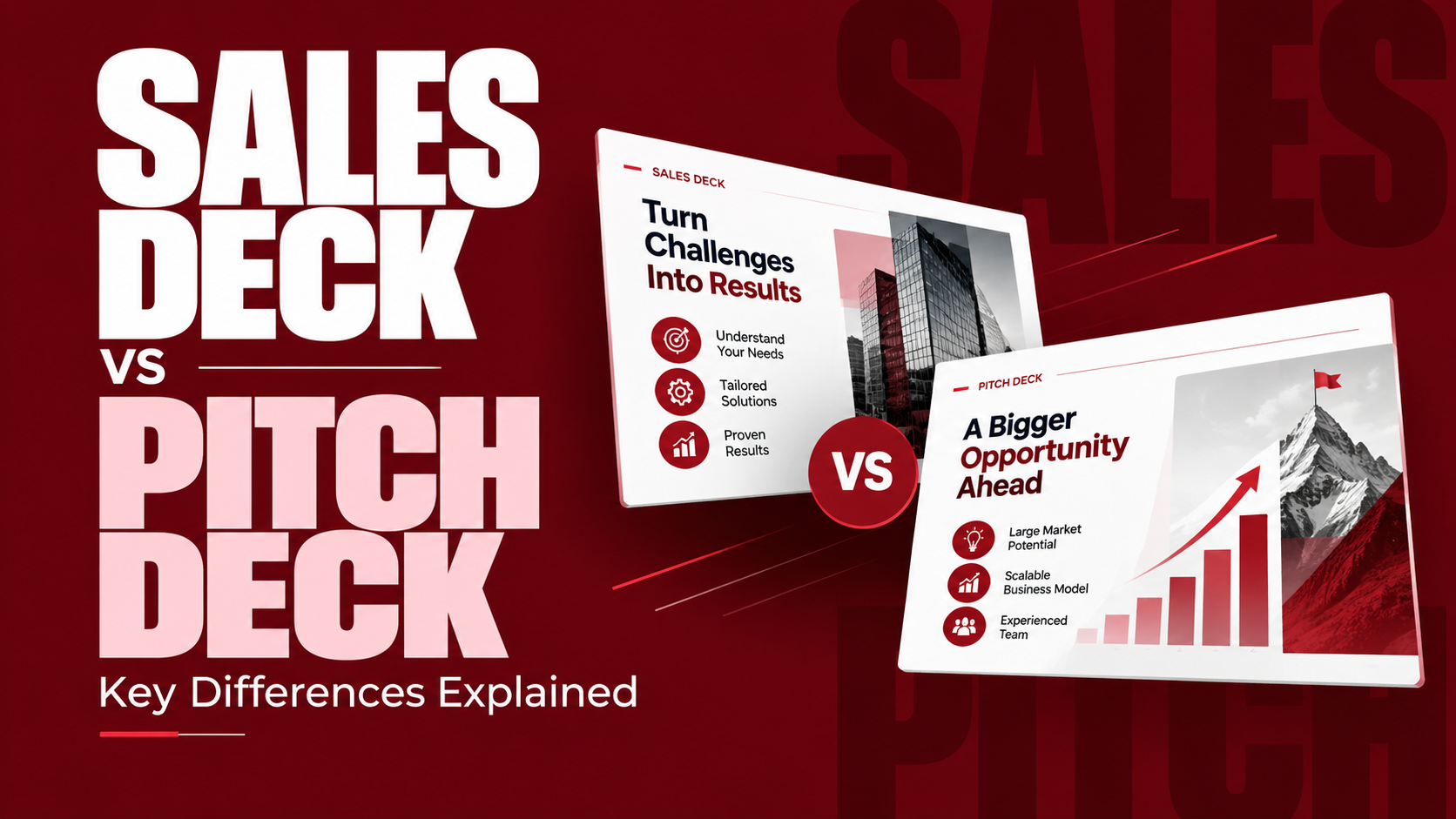
Sales Deck vs Pitch Deck: What’s the Difference? A SlidesDepot Guide
Many people use “sales deck” and “pitch deck” interchangeably. Both are slide presentations, both try to persuade, and both usually end with a request. But when you compare a sales deck vs pitch deck side by side, they serve different audiences, answer different questions, and lead to very different outcomes. Using the wrong one can…
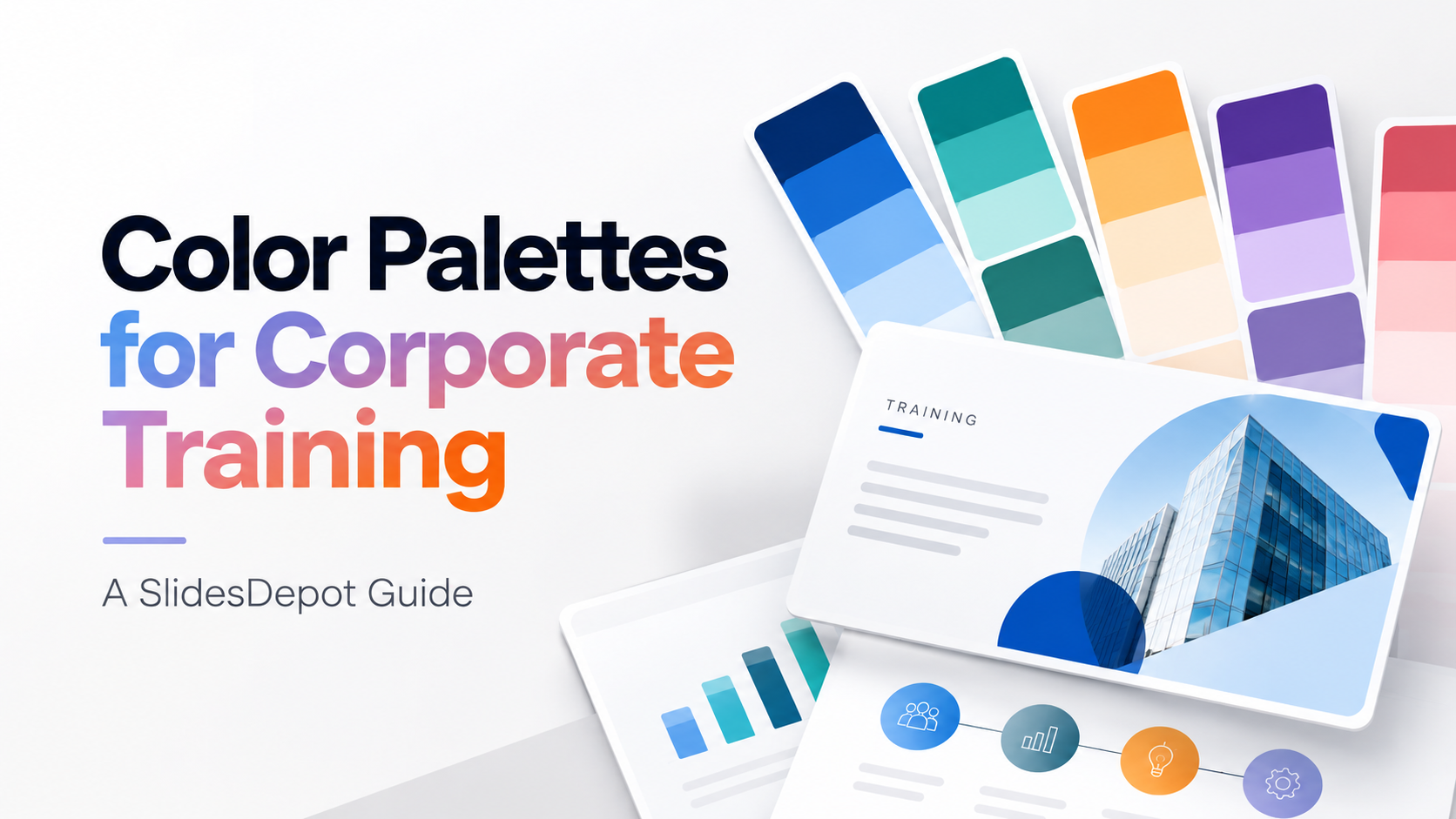
Best Color Palettes for Corporate Training Slide Decks: A SlidesDepot Guide
Every industry trains differently, and its slides should look different too. A bank’s compliance refresher and a retail chain’s product launch training should not share the same colors. That is why choosing the best color palettes for corporate training slide decks starts with your industry, your audience, and your delivery format. At Slides Depot, we…
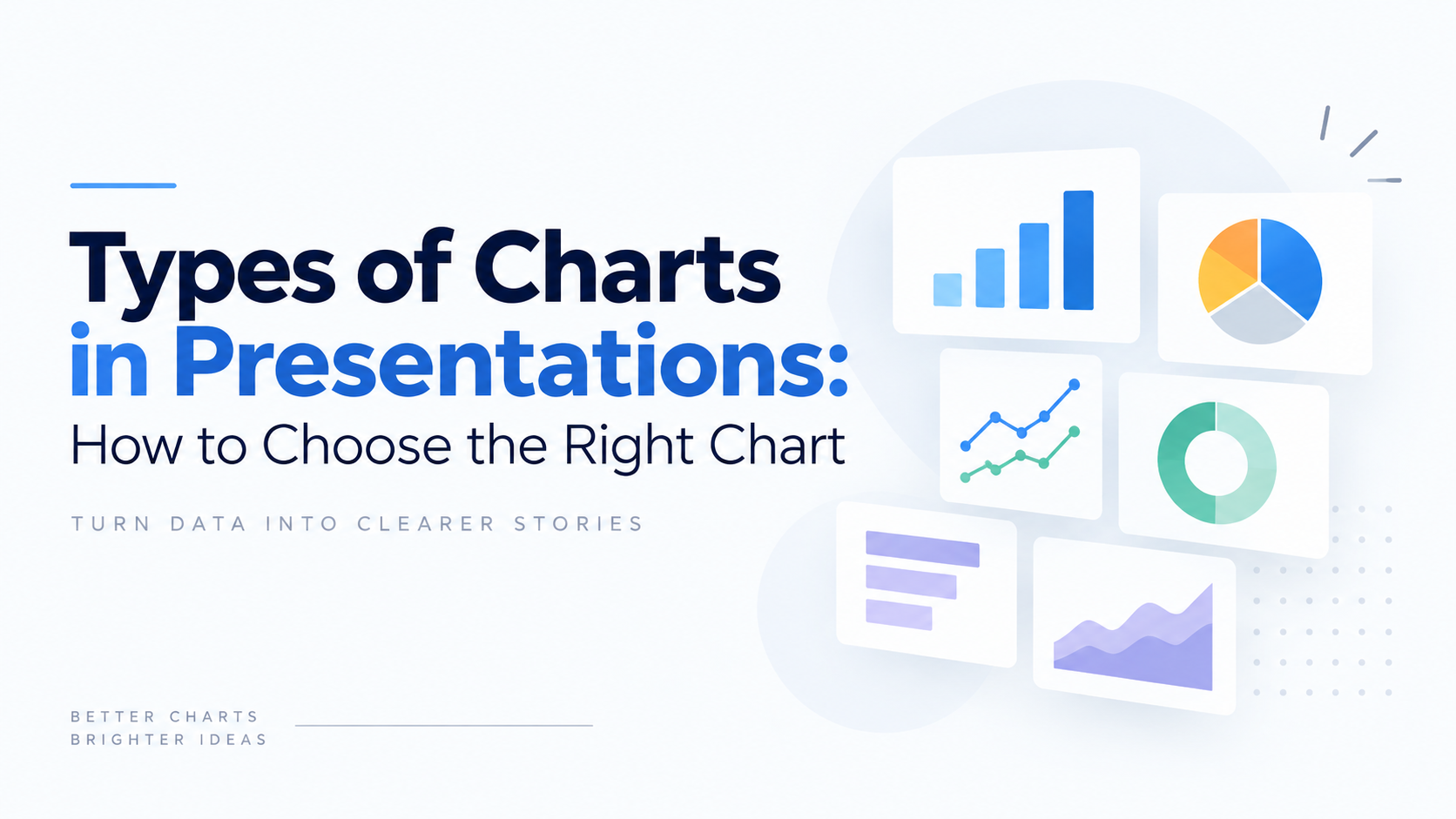
Types of Charts in Presentations: How to Choose the Right Chart
Picking the right chart type for presentations is one of those decisions that quietly determines whether a slide gets understood in five seconds or gets skipped entirely. At SlidesDepot, we build and study presentation templates every day, and the pattern is always the same: decks fail not because the data is weak, but because the…
Google Classroom Guide: Using PowerPoint and Google Slides for Learning
Google Classroom has become one of the most widely used tools for running a classroom online, and presentations are at the centre of most of what happens inside it. This SlidesDepot guide covers what Google Classroom actually is, how it works day to day, and how PowerPoint and Google Slides each behave once a presentation…

PowerPoint Transitions: How to Add and Customize Slide Transitions
Slide transitions are the visual effects that play when you move from one slide to the next during a presentation. Used well, they add polish and help guide your audience’s attention. Used carelessly, they turn a professional deck into a distraction. This guide walks through exactly how to add, customize, and manage transitions in PowerPoint,…
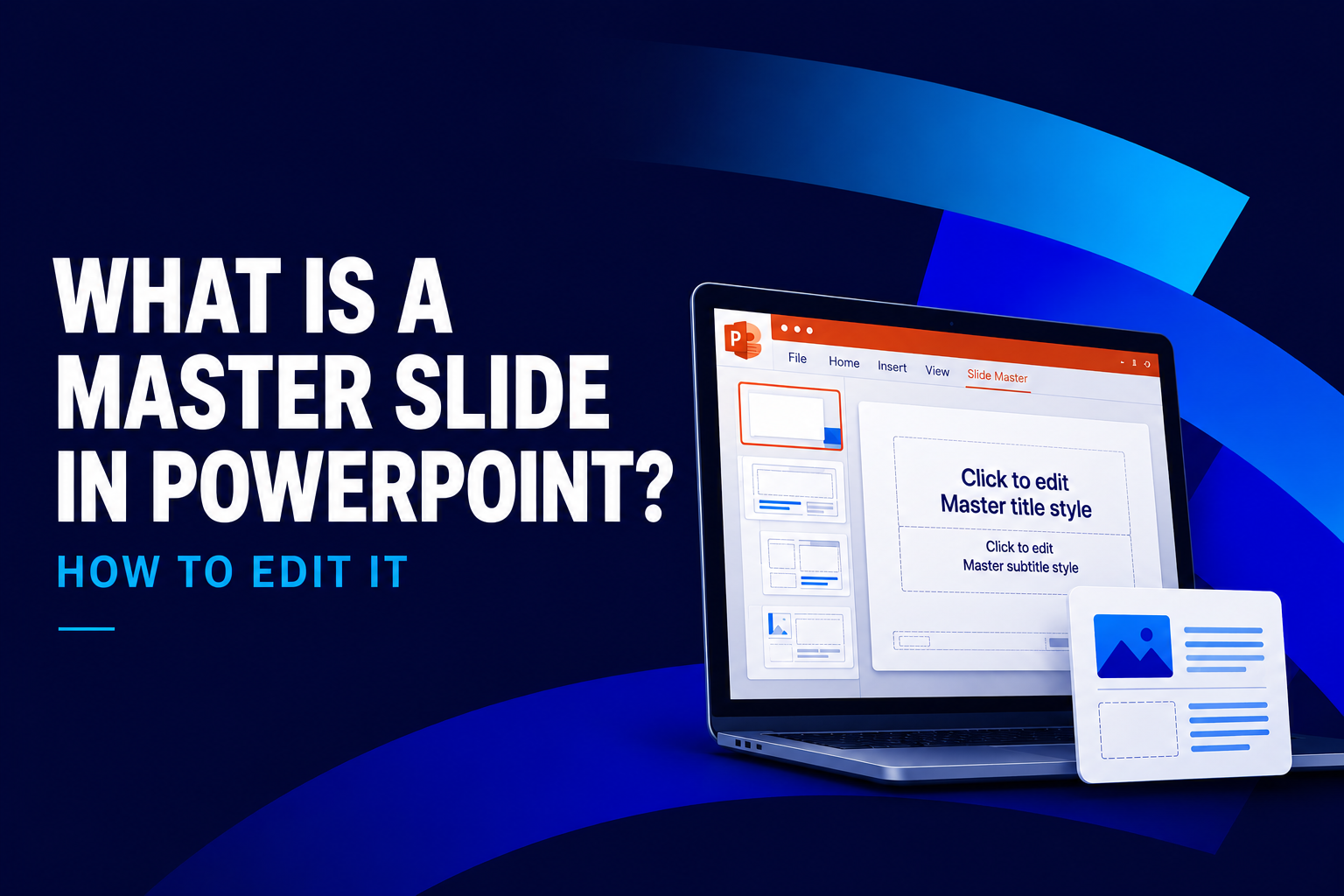
What Is a Master Slide in PowerPoint? How to Edit It
If you have ever opened a PowerPoint file and wondered why every slide shares the same fonts, colors, and logo placement, the answer is the master slide. At SlidesDepot, we get asked about this feature almost every week, because it is one of the most misunderstood tools in PowerPoint, yet one of the most powerful….
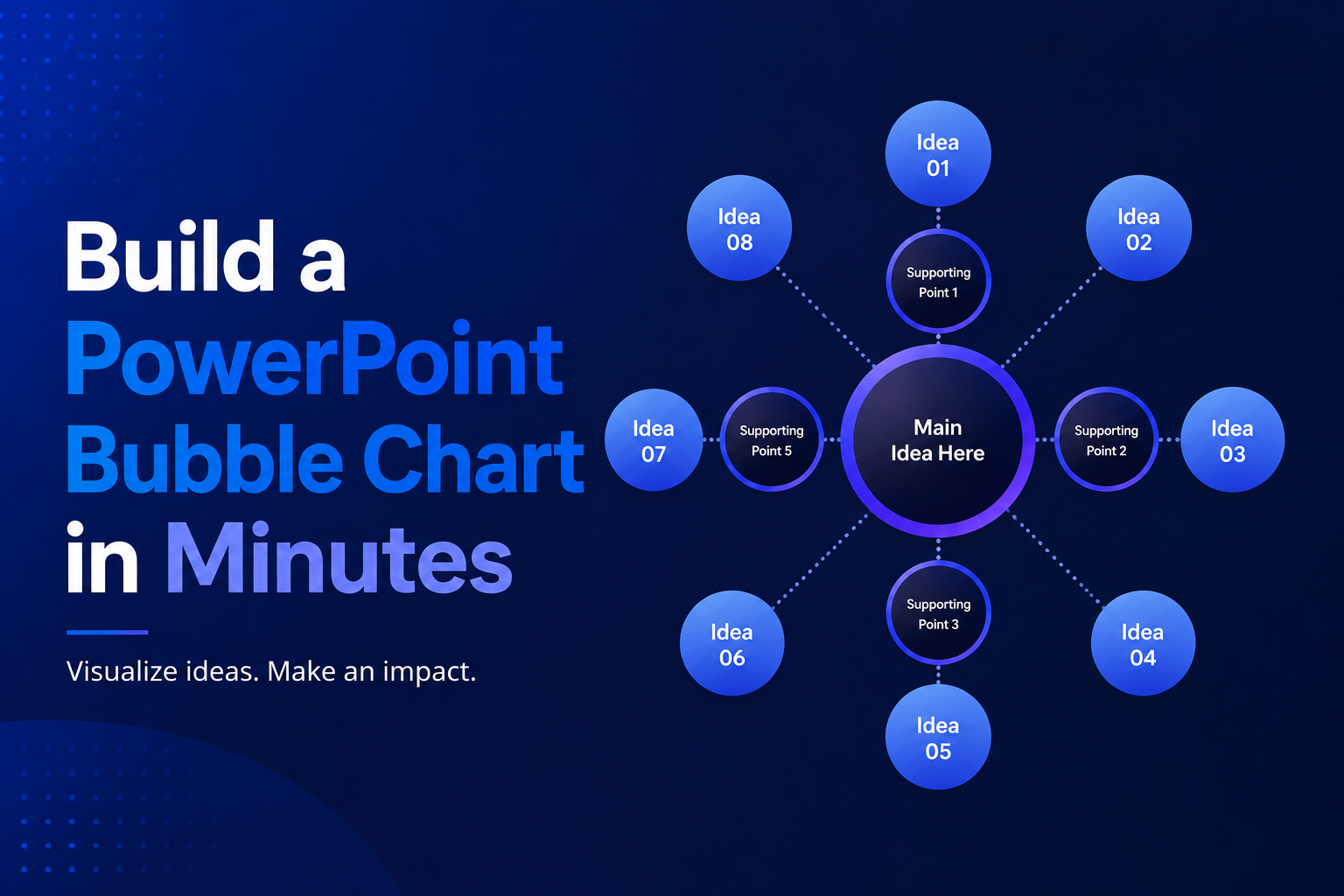
Build a PowerPoint Bubble Chart in Minutes
A bubble chart in PowerPoint is one of the most effective ways to show three variables in a single visual without cluttering your slide. At SlidesDepot, we build a lot of data driven templates, and bubble charts consistently come up as a request from users who need to compare performance, market position, or scale across…