How to Make a Winning Business Presentation
A strong business presentation can open doors. It can close a deal, secure funding, align a team, or shift how stakeholders think about your work. A weak one, no matter how good the underlying idea is, often gets forgotten before the meeting room door closes. Making a compelling business presentation isn’t about being a design expert or…

Google Slides vs PowerPoint Templates: Which Platform Is Right for You in 2026?
Picking the right presentation platform is one of those decisions that shapes how you work every single day. Google Slides and PowerPoint have both evolved significantly, and in 2026 they sit closer to each other in capability than ever before. Yet they still serve different workflows, different team structures, and different priorities. This guide covers…
10 Effective Presentation Skills Every Professional Should Master
In today’s competitive professional landscape, knowing how to give a good presentation is no longer optional. Whether you are pitching to investors, leading a team meeting, or delivering a conference talk, your ability to communicate with clarity and confidence can define how others perceive your expertise and credibility. The good news is that effective presentation…
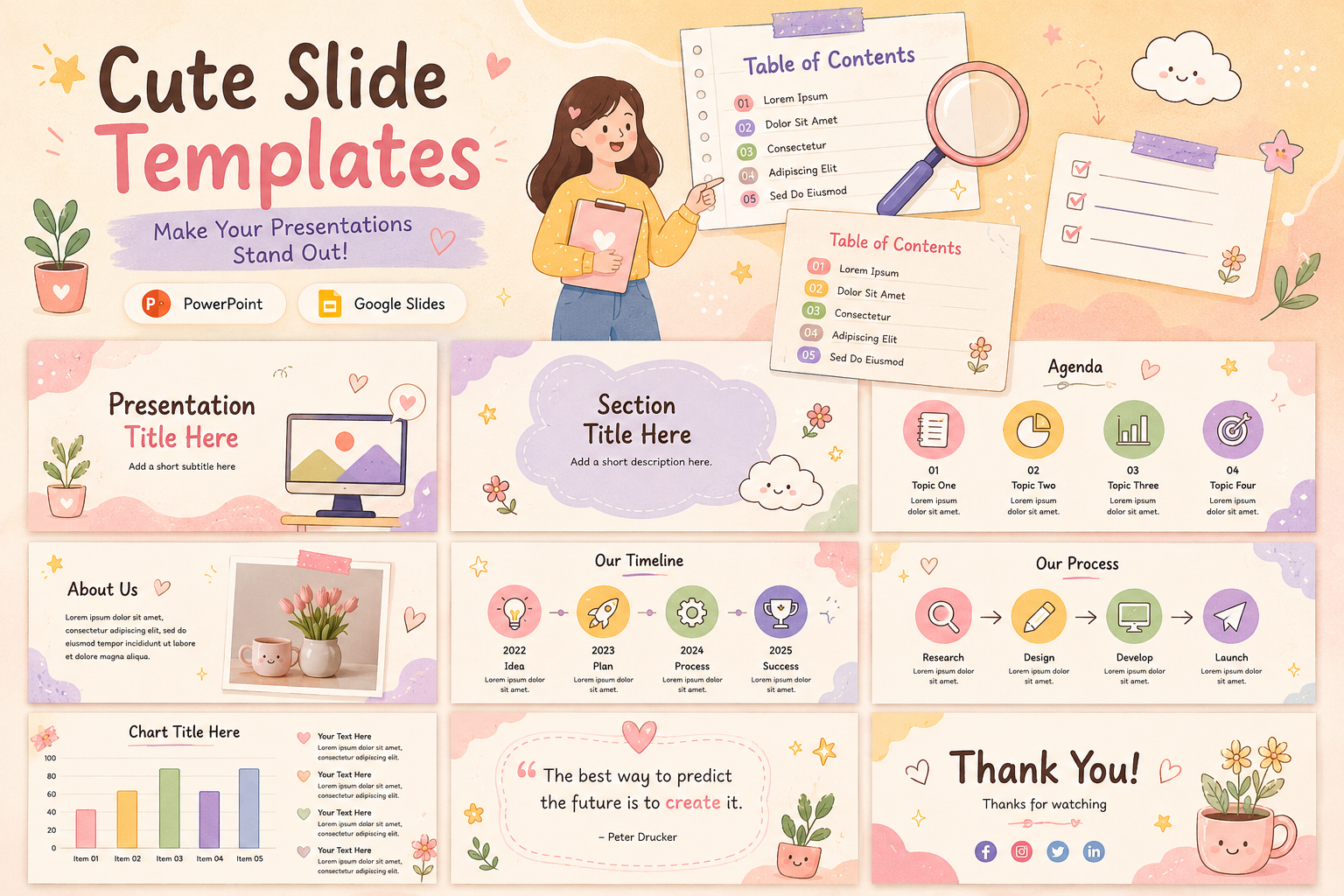
Cute Background for Presentation: Trendy Templates You’ll Absolutely Love
Choosing a cute PPT background sounds simple until you are actually doing it. There are hundreds of options, and most of them look fine in isolation but fall apart the moment you add text, charts, or images on top. This guide is for anyone who wants to understand how presentation backgrounds actually work, what makes certain styles more…
5 Free and Premium SlidesGo Alternatives You Should Try in 2026
SlidesGo is one of the most widely used presentation template platforms available today. It is free, easy to navigate, and covers an impressive range of topics and styles. Whether you need a business deck, an education presentation, or something creative, there is a good chance SlidesGo has something close to what you are looking for. …

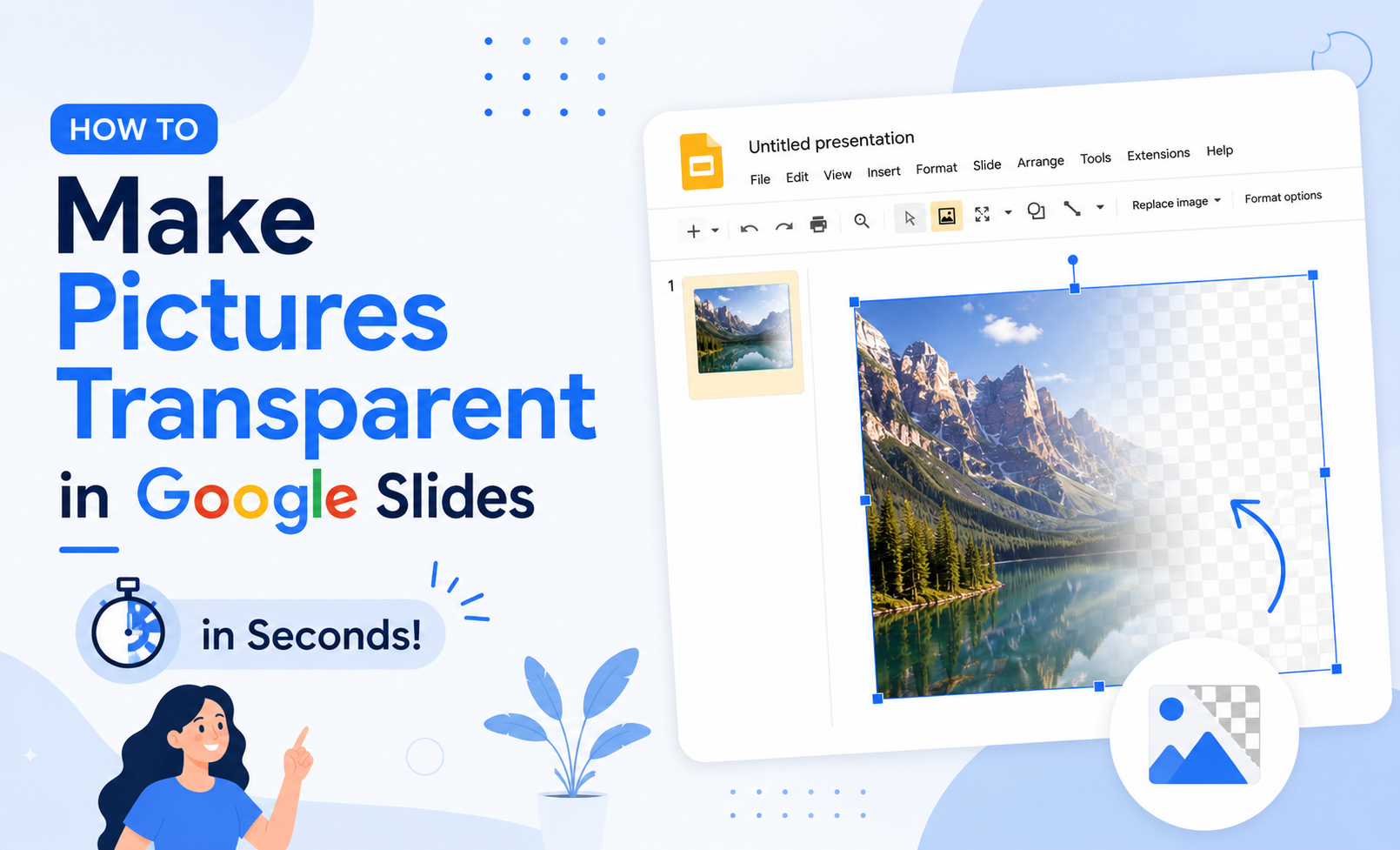
How to Make Pictures Transparent in Google Slides in Seconds
Knowing how to make an image transparent in Google Slides is one of those small skills that quietly upgrades every presentation you build. You don’t need Photoshop. You don’t need a third-party tool. The control is built right into Google Slides and it just takes a moment to find it. This guide walks you through…
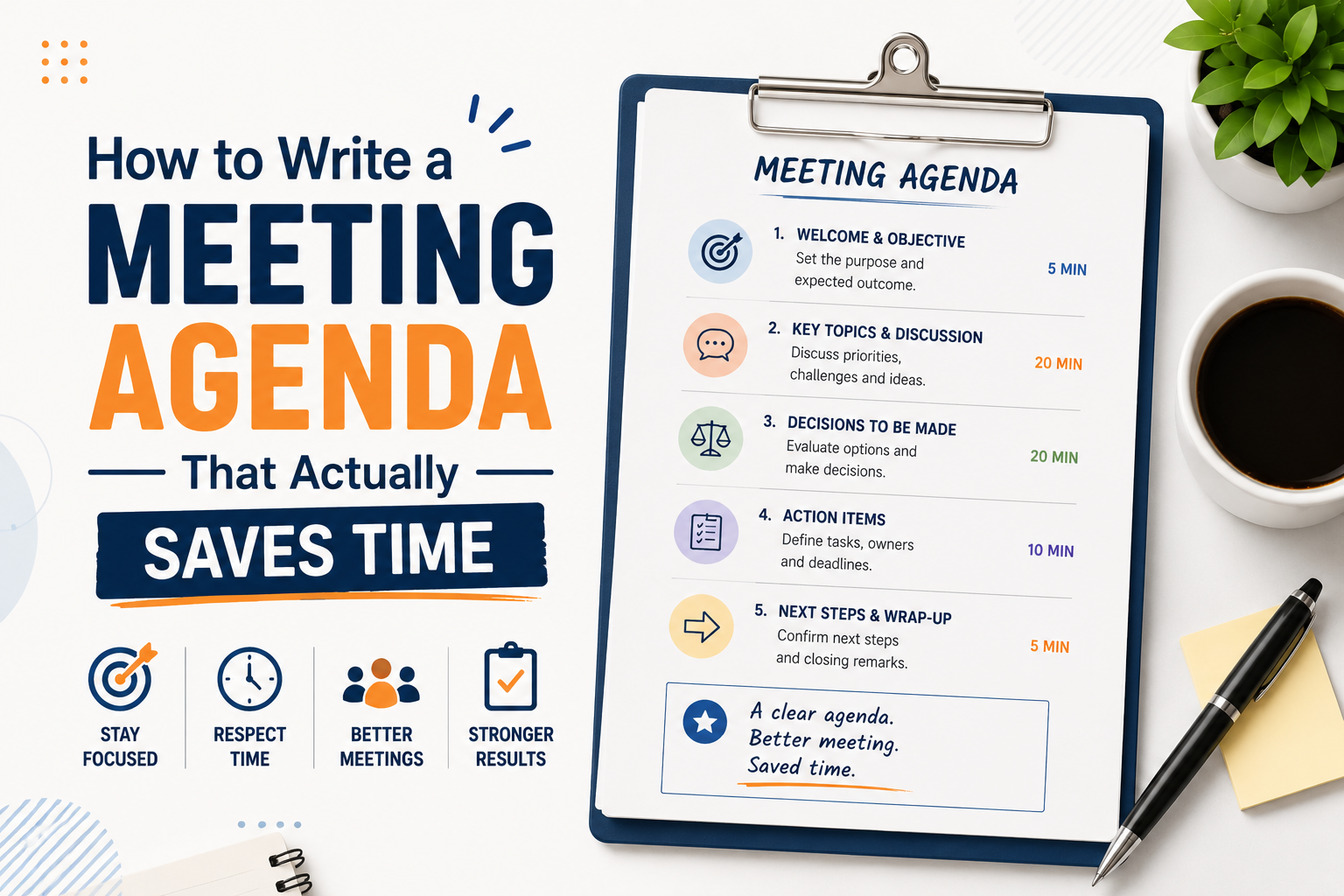
How to Write a Meeting Agenda That Actually Saves Time
Most meetings fail before they start. Not because of the wrong attendees or a bad time slot, but because there was no clear agenda, or the one that existed was too vague to be useful. Learning how to write a meeting agenda properly is one of the simplest things you can do to make your…
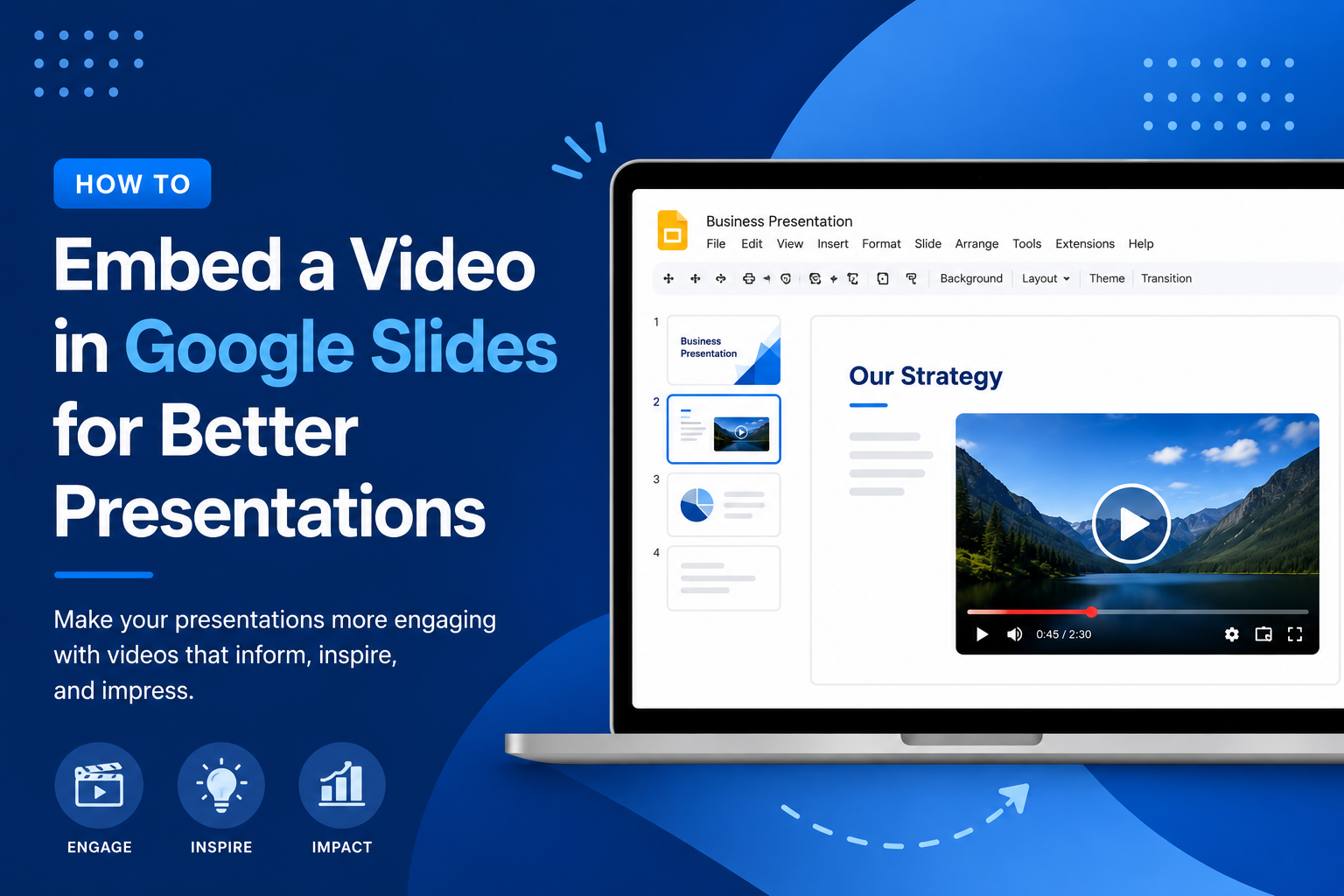
How to Embed a Video in Google Slides for Better Presentations
Video has a way of doing what bullet points simply cannot. It holds attention, adds context, and gives your audience something to lean into rather than tune out. If you have been building presentations that rely entirely on static slides, adding a video can change the entire feel of the room. This guide walks you…
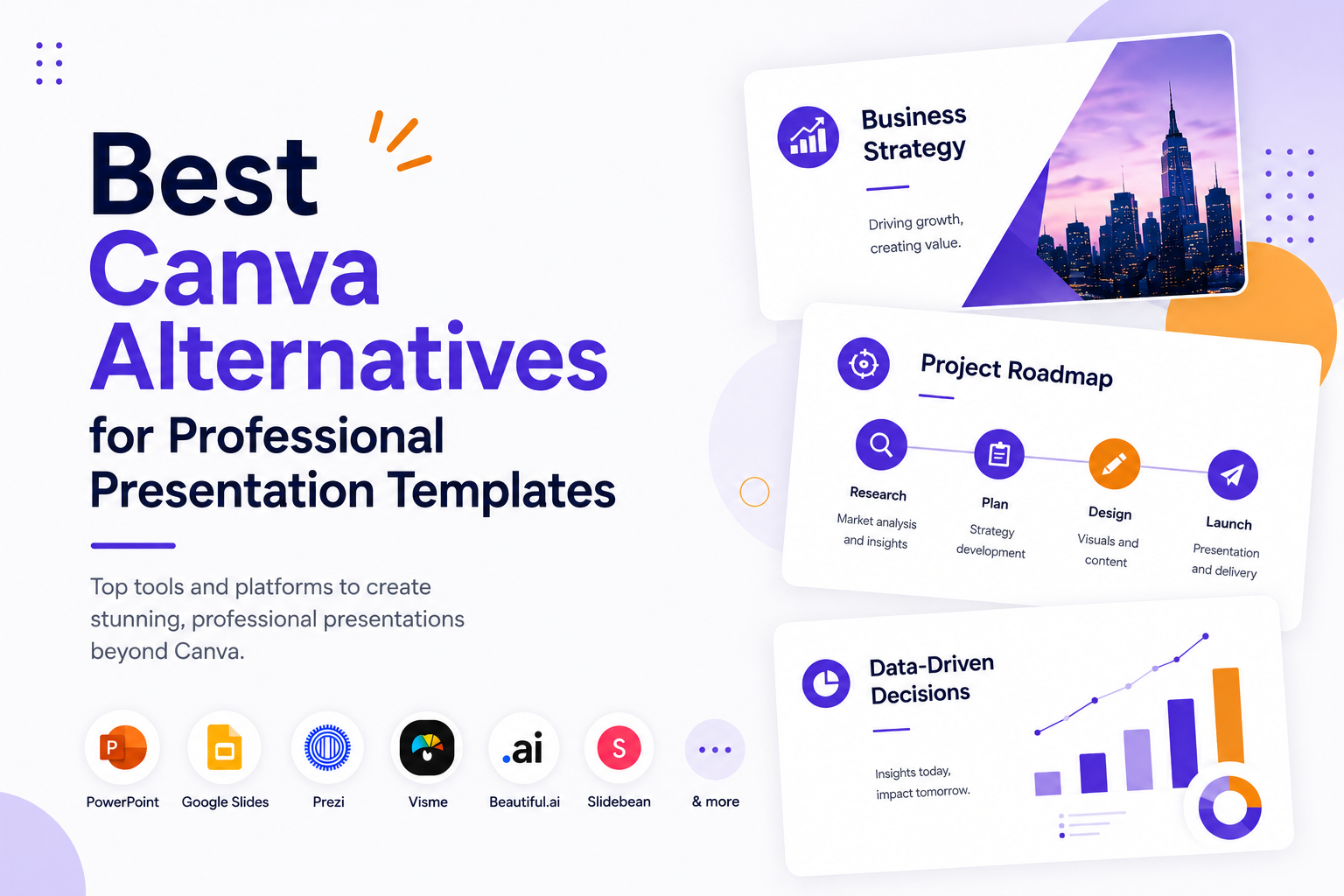
Best Canva Alternatives for Professional Presentation Templates
Canva is everywhere. It is the go-to design tool for millions of people, and for good reason. It is accessible, fast, and covers an enormous range of use cases. But when it comes to professional presentations, it starts to show its limits. The templates can feel generic, exporting to PowerPoint is notoriously messy, and the…